

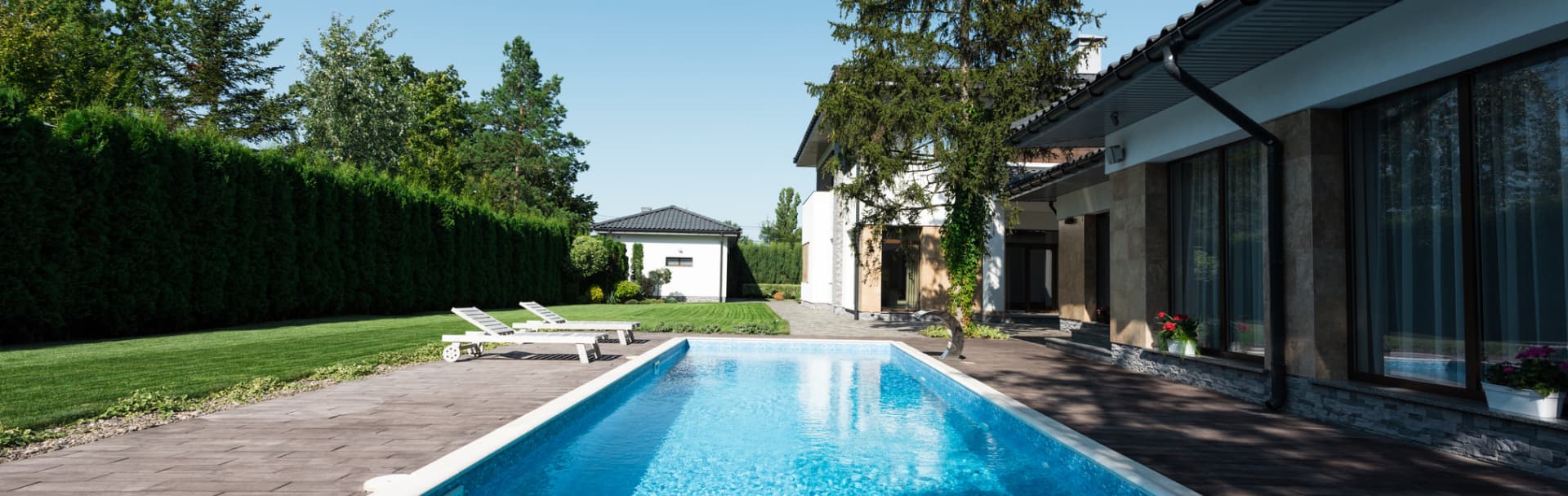
Security & Surveillance installation in Westchester County, NY

Security cameras and access control

Security Camera & Access Control Installation in Westchester County

Cameras placed to show what matters, alerts that are worth reading and remote viewing that stays simple. Doors that lock and log the way you want. For homes and businesses across Westchester County.

Tell us about the space. We reply during business hours, Mon–Fri, 9am–5pm ET.

  • 20+ years in the field
  • Cameras aimed for faces, not just motion
  • Remote viewing without open ports
  • Westchester and nearby Greenwich, CT

The coverage plan

Where each camera goes, and what it sees

A good plan starts with the job each camera has to do. Pick one to see its field of view, what it captures and how alerts are kept useful.

View
Wide plus tight
Detail
Close identification
Alerts
People and vehicles
Pick a camera job to see its field of view

The driveway and gate

One wide view shows who arrived and where they went. A second, tighter view is framed for the moment a vehicle or visitor is close. Together they cover the driveway without watching the neighbor's yard.

  • A wide view and a tight view on the same approach
  • Privacy zones keep neighboring property out of the frame
  • Alerts set for people and vehicles, not trees and passing cars

Where to start

Which sounds most like you?

Pick the closest match. It fills in the request form so you do not have to start from a blank page.

  • Cover my home: driveway, doors and yard

    • Driveway, front door and back yard
    • A doorbell and possibly a smart lock
    • Alerts that do not go off all day

    We walk the property, plan where each camera goes, and set up alerts and remote viewing.

    Plan my home cameras
  • Secure my office, shop or warehouse

    • Entry doors, lobby, parking or loading area
    • Controlled access for staff
    • A clear record when something happens

    We plan cameras and door access together so entries line up with video and each person has their own credential.

    Plan my business security
  • Fix or expand a system I already have

    • Cameras with poor night footage or blind spots
    • Constant false alerts
    • Remote viewing that is unreliable

    We review what you have, tell you what is worth keeping, and fix or add only what helps.

    Review my system
years in the field
20+years in the field
towns across Westchester and nearby Greenwich, CT
16towns across Westchester and nearby Greenwich, CT
core services, one point of contact
6core services, one point of contact

Wired or wireless

Wired or Wi-Fi cameras, and what affects the price

Both have a place. Here is the short version, and what usually drives the cost of a job.

Wired (PoE) compared with Wi-Fi or battery
FeatureWired (PoE)Wi-Fi or battery
Power and signalOne network cable carries both, so there are no batteries or outlets to find.Wi-Fi for the signal, plus a battery or outlet for power.
ReliabilitySteady, because it does not depend on Wi-Fi range or charging.Depends on signal strength, and batteries need attention.
InstallationMore work up front to run cable, with a tidy, permanent result.Quick to mount, with less cabling to run.
Best forThe main perimeter, entrances and any business.Rentals, hard-to-reach spots and light-duty extras.

Bottom line: Many homes end up with a wired core and a few wireless extras. We tell you which is which.

Doorbell: PoE vs Wi-Fi

What affects the cost

Every property is different, so we quote after seeing it. These are the main factors.

  1. Number of cameras

    More cameras mean more cable, more mounts and more setup.

  2. Cable routes and access

    Attic, basement, brick, stucco and conduit all change the effort.

  3. Storage and retention

    How many days of video you want to keep decides the recorder and drives.

  4. Doors and hardware

    Readers, strikes, locks and the age of the door itself.

How much storage do you need?

What we do

Cameras, storage, access and light

Four parts of one job. Most projects start with the cameras and add doors or lighting later.

The right camera for each view

A wide camera for the overview and a tighter one where detail matters, mounted where they can see and stay safe.

  • Lens and resolution chosen for the distance and the scene
  • Mounting height and angle set for faces, not just motion
  • Privacy zones for neighboring property and windows
  • Cable run and power planned to be neat and weather-safe
Home camera system design

Choosing a system

UniFi Protect or a Reolink system?

We install both, and recommend whichever fits the property, the budget and how much you want to manage.

UniFi Protect

A good fit when you want one clean system

  • Cameras, doorbells and access control in one app
  • Local recording with smart detection for people and vehicles
  • Scales neatly from a few cameras to a whole site
  • Higher cost, with a polished result

Reolink

A good fit when you want great value

  • Wired PoE cameras at a lower price per camera
  • Local recording on a hub or NVR, with an app for remote viewing
  • Good options for floodlight and doorbell models
  • Fewer extras, so we keep the setup simple

Not sure? We will recommend one after looking at the property. NVR, NAS or cloud: where footage lives

How it works

From a walk-through to a system you can use

A simple, predictable process for homes and businesses.

  1. Step 1

    Walk the property

    We look at entrances, vehicle paths, lighting and anywhere you are worried about, and ask what you want to be able to see.

  2. Step 2

    Plan coverage and cabling

    A written plan with camera locations, cable routes, storage and door hardware, so you see it before work begins.

  3. Step 3

    Install and aim

    Cameras mounted, cabled neatly and aimed on site, with focus, framing and night view checked at each location.

  4. Step 4

    Tune alerts and hand off

    Zones, privacy masks and alerts set up, a walkthrough for everyone who will use it, and a short guide to exporting clips.

  • Alerts and zones tuned
  • A walkthrough for your team or family
  • A short guide to exporting clips

Typical projects

What the work usually looks like

Three common scopes, described in general terms.

  • Home perimeter

    Cameras on the driveway and doors, with a doorbell and alerts that are not noisy.

    • Wide and close views of the driveway
    • Doorbell and back-door coverage
    • Remote viewing set up on the family's phones
  • Small business entry

    Controlled entry with a camera that lines up with door events.

    • A reader and door hardware on the main entry
    • Individual credentials for each person
    • Cameras for the lobby, back door and parking
  • Upgrade of an older system

    A review of what is already there, and fixes where they help most.

    • Blind spots and night footage reviewed
    • Noisy alerts quieted with zones
    • Storage and remote access sorted out

FAQ

Common questions about security cameras and access control

Short answers before you get in touch. If yours is not here, ask us.

Can I watch my cameras from my phone?

Yes. We set up remote viewing so family members or staff can check cameras from their phones, without opening ports on your network. We show everyone how to use it before we leave.

Can you keep cameras from filming my neighbor's property?

Yes. We frame cameras for your property and use privacy zones to block out neighboring yards and windows. It keeps things considerate, and it keeps footage useful.

Camera positioning guide

What resolution do I need?

More is not always better. Distance, lighting and lens matter as much as megapixels. We match each camera to its job, so a wide overview and a close entry view are not the same camera.

2MP vs 4MP vs 8MP

How much footage will it keep?

That depends on the number of cameras, resolution and the storage you choose. We size the recorder for the number of days you want, and tell you what the storage can hold.

Storage sizing guide

Can cameras and door access work together?

Yes. Door events can line up with nearby video, so finding who came in at a specific time takes a few seconds rather than scrubbing through hours of footage.

Access control for small business

Can you work with cameras I already have?

Often. We look at what you have, tell you what is worth keeping and what is not, and recommend the simplest path. Sometimes a few well-placed new cameras are enough.

Do you install doorbells and smart locks?

Yes. We set them up so they work with your cameras and your phone, and make sure the door still works for guests and family without an app.

Doorbells and smart locks

How do I get a clip out when I need one?

At handoff we show you how to pick a time range and save a clip with its timestamp. For anything important, we recommend saving it promptly rather than waiting.

Where we work

Security camera installation across Westchester County, NY

Based in Valhalla. We take on projects in these towns and nearby Greenwich, CT. See the full service area.

  • White Plains
  • Scarsdale
  • Yonkers
  • New Rochelle
  • Mount Kisco
  • Rye
  • Harrison
  • Mamaroneck
  • Tarrytown
  • Mount Vernon
  • Ossining
  • Peekskill
  • Port Chester
  • Bedford
  • Chappaqua
  • Greenwich, CT

Request a site visit

Tell us about your space and what is not working.

Share the room, the building, or the problem that keeps coming back. We will review it and reply with the right next step, whether that is a quick answer, a call, or a site visit.

  • Prefer to talk? Call (914) 315-4280
  • Mon–Fri, 9am–5pm ET. We reply during business hours.
  • Based in Valhalla, serving Westchester County, NY and nearby Greenwich, CT.
Preferred way to reach you

We use your details only to reply to this request. Prefer to talk? Call (914) 315-4280.