

- Quick summary
- How much storage does UniFi Protect need
- What formula should you use for UniFi Protect storage
- How do you measure UniFi Protect scene bitrates
- Which recorder fits your UniFi Protect deployment
- How should you configure RAID for retention and recovery
- How do you reduce UniFi Protect storage use without losing useful evidence
- How much does lowering FPS change storage use
- What is different about G6 AI cameras AI Port and AI Key
- When should you use SSDs for UniFi Protect
- What hardware do we recommend for UniFi Protect storage
- What power backup and maintenance does a UNVR need
- What retention policy fits common UniFi Protect use cases
- How should you scale multi-site UniFi Protect deployments
- FAQs
- Final sizing checklist
Quick summary
UniFi Protect storage should be sized from measured system bitrate, target retention days, and the usable capacity left after RAID overhead. For most 2026 deployments, that means starting with 16 TB or larger surveillance drives, keeping continuous recording only on critical identification views, and choosing between a 4-bay UNVR, 7-bay UNVR Pro, or ENVR based on camera count and retention policy.
The standard UNVR is still a strong fit for homes and small businesses, but the moment you want longer retention, denser 4K coverage, or practical RAID 6, the UNVR Pro is usually the cleaner answer. For very large estates, campuses, or multi-building deployments, scale with ENVR and Vantage Point rather than planning around stacked UNVRs.
- UniFi Protect installation services
- NVR vs NAS vs cloud storage for security cameras
- UniFi Cloud Gateway buying guide
How much storage does UniFi Protect need
Most UniFi Protect systems need between 12 TB and 80 TB of usable storage to retain 30 to 60 days of footage, depending on camera count, scene complexity, recording mode, and RAID choice.
| Deployment | Recording strategy | Retention target | Practical usable storage |
|---|---|---|---|
| 6-8 cameras | Detection Only on coverage views, continuous on entry IDs | 30 days | ~12-16 TB |
| 10-16 cameras | Mixed continuous + Smart Detection | 30 days | ~20-32 TB |
| 16-24 cameras | Heavier exterior load, some 24/7 identification views | 45 days | ~36-60 TB |
| 24+ cameras or dense 4K mix | Long retention or multi-tenant/commercial policy | 60+ days | ~60-80 TB+ |
If your estimate lands above roughly 50 to 60 TB usable, do not force the design into a standard 4-bay UNVR. That is the point where UNVR Pro or ENVR planning becomes more realistic.
What formula should you use for UniFi Protect storage
The fastest way to size UniFi Protect storage is to calculate total system bitrate first, then convert that bitrate into days of retained footage.
Required Storage (TB) = (Total System Bitrate in Mbps x 86,400 x Target Days) / 8 / 1,000,000Use the formula in decimal terabytes for planning, then add headroom and RAID overhead before you buy drives.
86,400= seconds per day/ 8converts bits to bytes/ 1,000,000converts megabytes to decimal terabytes for practical purchasing math
Example: a 12-camera system averaging 36 Mbps total across the day needs about 11.7 TB raw for 30 days. Add 20 to 30 percent headroom for seasonal spikes and firmware changes, then account for RAID overhead, and the design usually lands closer to a 16-20 TB usable target.
If the final number feels high, lower bitrate before lowering retention. In practice, frame rate, resolution, continuous recording, and night-scene noise move the result far more than sales-sheet camera specs.
How do you measure UniFi Protect scene bitrates
Measure scene bitrates by sampling real day and night traffic from representative cameras in the Protect dashboard instead of guessing from resolution alone.
Use a simple sampling worksheet:
- Pick one busy entry, one dark driveway or parking area, one quiet interior, and one high-value identification view.
- Record average and peak bitrate for each camera role over at least 24 hours.
- Sample both
AlwaysandDetection Onlymodes if you are deciding between them. - Group similar cameras together so you size by role instead of calculating each camera from scratch.
- Add 20 to 30 percent headroom for seasonal foliage, headlights, weather, firmware changes, and future camera additions.
If the system is not installed yet, use conservative night-scene samples from a similar deployment. Night scenes with IR noise, reflections, and vehicle headlights usually consume more storage than daytime brochure examples suggest.
Which recorder fits your UniFi Protect deployment
Choose the recorder by camera count, retention target, and RAID strategy, not just by the cheapest box that will adopt the cameras today.
| Recorder | Drive bays | Official guide limit | Best fit | Planning note |
|---|---|---|---|---|
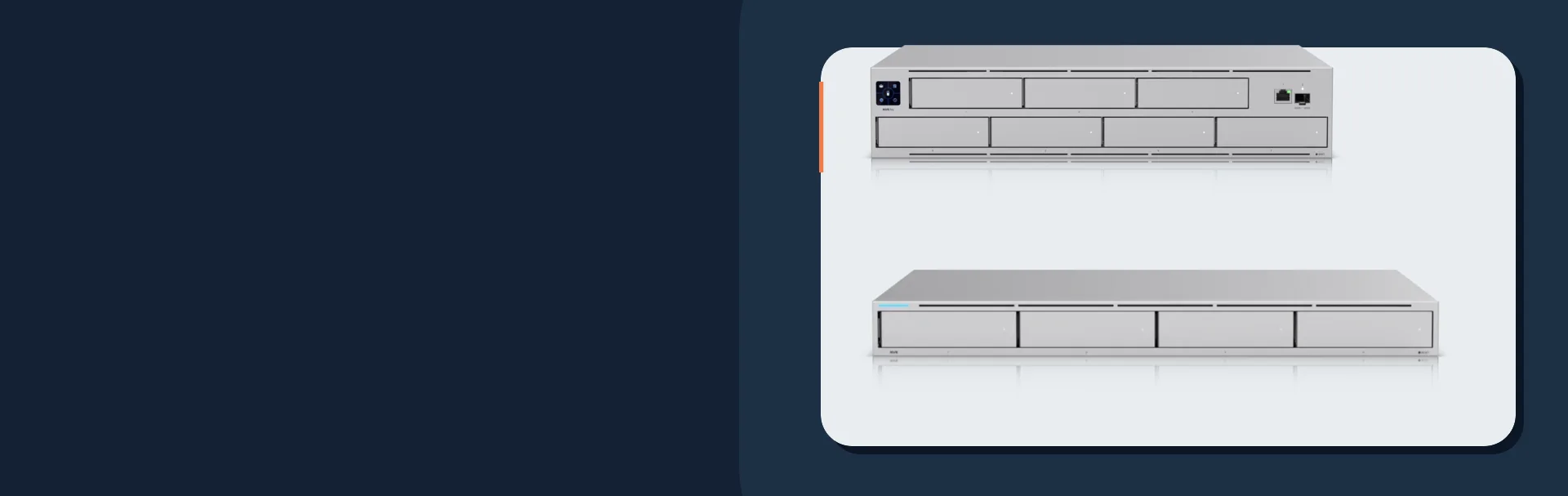
| UNVR | 4 bays | 60 HD / 30 2K / 18 4K | Homes and SMB sites | Great default when RAID 5 and 30-45 day retention are the goal |
| UNVR Pro | 7 bays | 70 HD / 35 2K / 24 4K | Larger homes, estates, and denser SMB installs | Much better fit when RAID 6 or longer retention matters |
| ENVR | 16 bays | 210 HD / 140 2K / 70 4K | Enterprise and multi-building deployments | Use when camera count, retention, or fault tolerance outgrows UNVR-class hardware |
The standard UNVR is still the right answer for many 8- to 16-camera systems. The UNVR Pro becomes the better design when any of these are true:
- You want RAID 6 without gutting usable capacity.
- You are targeting 45 to 90 days on a mixed 2K and 4K system.
- Your site is already close to the standard UNVR's practical 4K density.
- You expect growth and do not want to forklift the recorder again in a year.
Do not treat UNVR stacking as the default growth path. Ubiquiti now explicitly discourages stacking and points larger deployments toward ENVR and Vantage Point instead. Vantage Point can manage up to five NVRs from one interface, which is the cleaner scaling model for serious deployments.
If the project is still deciding between local UniFi storage, a NAS, or an off-site layer, use the broader NVR vs NAS vs cloud storage comparison before finalizing the recorder class.
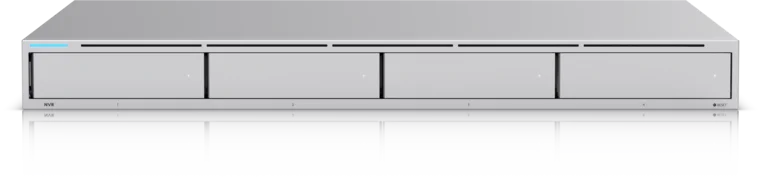
Four 2.5/3.5-inch drive bays for a UniFi Protect recorder
- 4 drive bays
- 10G SFP+ uplink
- UniFi Protect
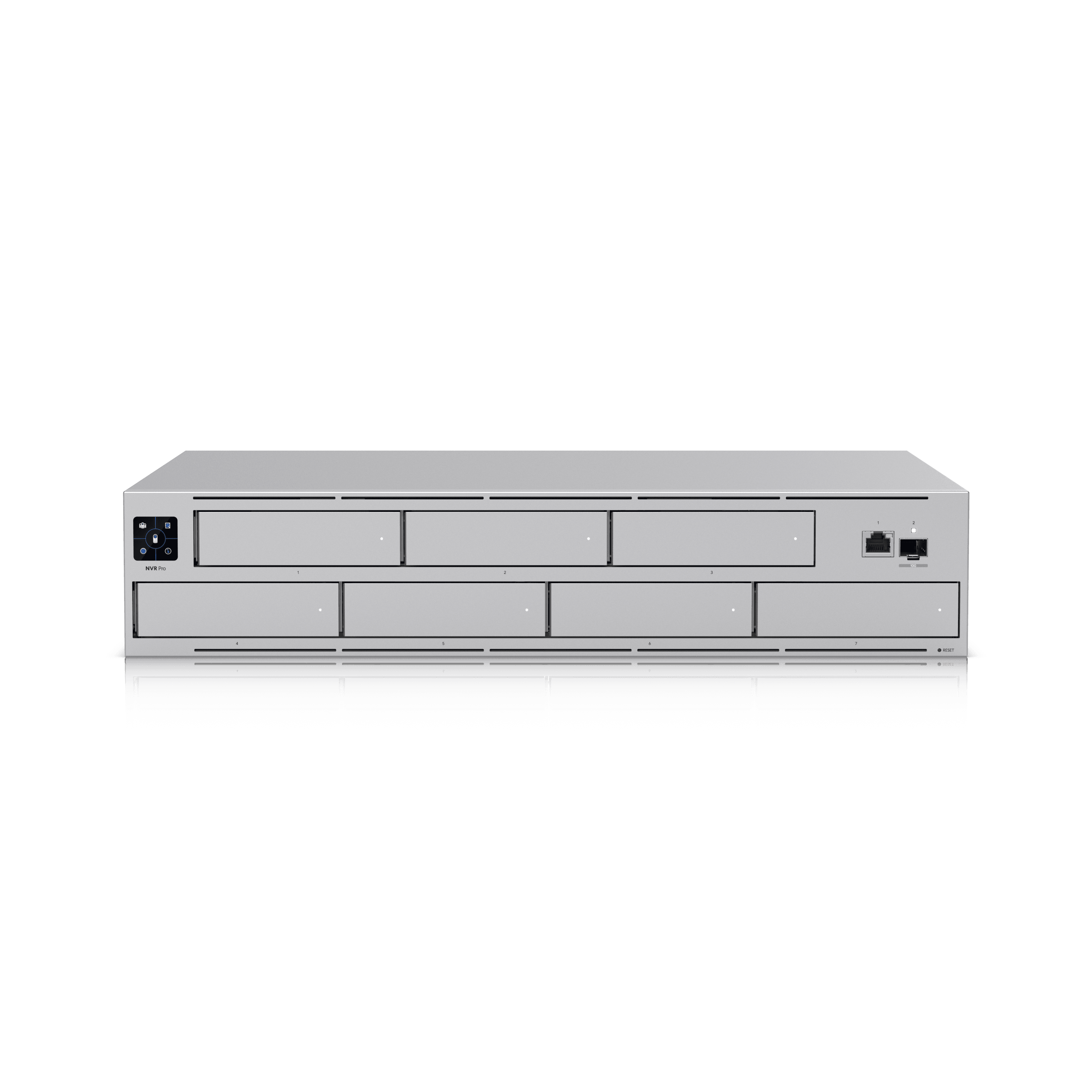
Seven 2.5/3.5-inch drive bays for higher-density Protect deployments
Key details
- Official guide limit of up to 70 HD, 35 2K, or 24 4K cameras
- Better fit when RAID 6 and longer retention windows matter
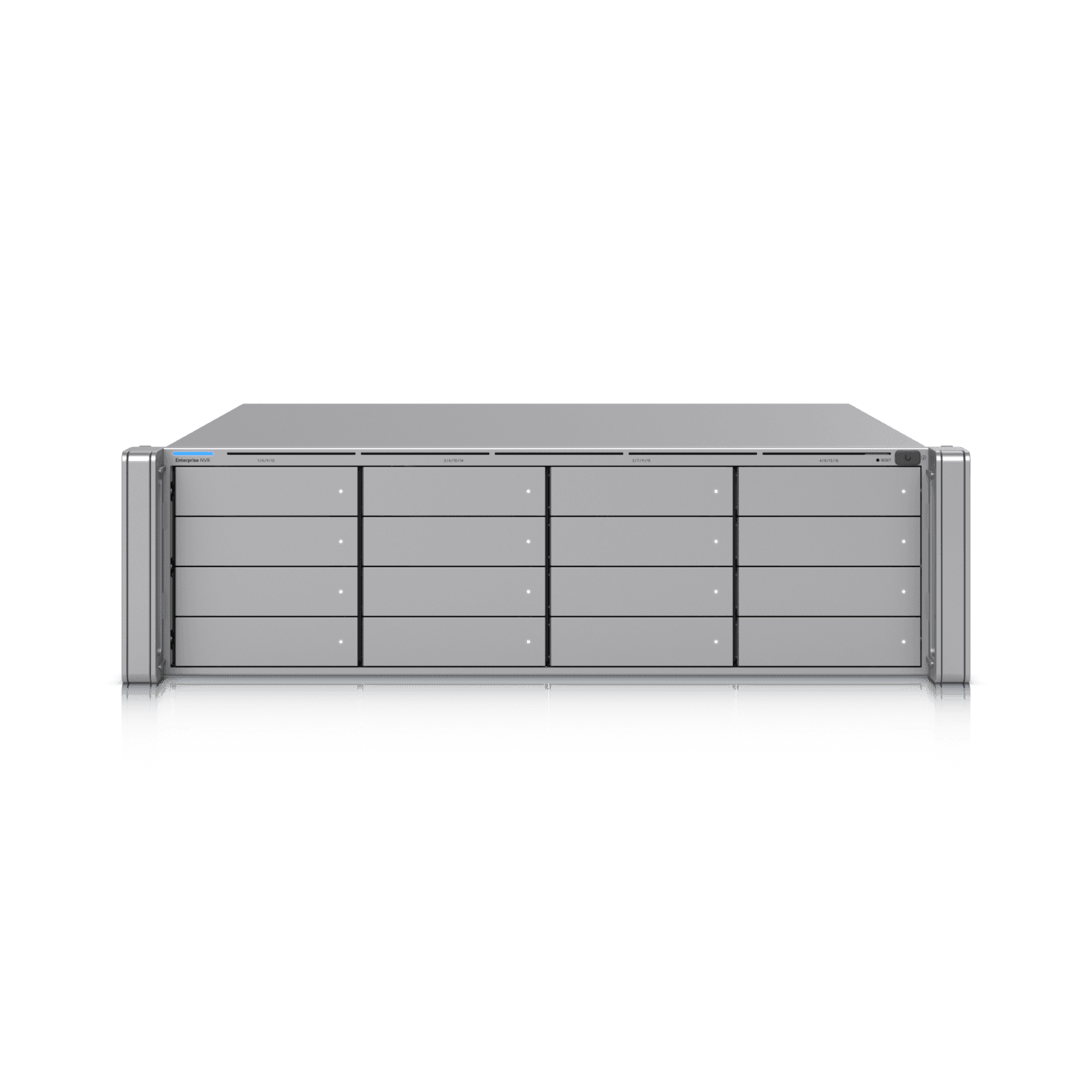
Ubiquiti
Ubiquiti Enterprise NVR (ENVR)
Sixteen 2.5/3.5-inch drive bays with hot-swap PSUs for large Protect environments
Key details
- Official guide limit of up to 210 HD, 140 2K, or 70 4K cameras
- Enterprise choice when camera count and retention outgrow UNVR-class hardware
How should you configure RAID for retention and recovery
The right RAID mode is the one that preserves the retention you need while still giving you an acceptable rebuild and failure posture.
For most UniFi Protect jobs:
RAID 5 / Basic Protectionis the default on a standard UNVR when retention per dollar matters most and you want protection against one drive failure.RAID 6 / Advanced Protectionis the better answer when uptime and rebuild risk matter more, because rebuilding a failed 16 TB or 24 TB drive in RAID 5 can take days and heavily stress the surviving drives. On a 4-bay array it also leaves only half the raw capacity usable, which is why RAID 6 usually pairs better with UNVR Pro or ENVR.RAID 10 / Better Performanceis a niche choice for teams that care more about rebuild speed and mirror-based resilience than total retained days.
Keep all drives the same size and speed, install the full set before initial setup, and avoid mixing old worn drives with new ones inside the same array. If you know the client wants dual-drive fault tolerance, design around that from day one instead of pretending a 4-bay recorder will stretch forever.
How do you reduce UniFi Protect storage use without losing useful evidence
Reduce storage by changing recording strategy first, then codec, frame rate, and resolution, while keeping at least one critical identification view continuous.
The best pattern in 2026 is simple:
- Keep
Alwaysrecording on the views that must never miss context, such as front entries, cash wrap, vestibules, gates, and loading docks. - Use
Detection Onlyon coverage cameras where Smart Detections can reliably capture people, vehicles, and animals. - Tighten motion zones and privacy masks so trees, shadows, and public areas do not waste storage.
- Use
Enhanced Retentionwhen recent footage must stay high quality but older footage can step down in quality to extend overall retention.
Where supported, compare newer compression and enhanced encoding options against older profiles instead of assuming every camera should run the highest possible quality all day. H.265-class efficiency helps, but real scene bitrate still matters more than codec marketing.
How much does lowering FPS change storage use
Dropping a coverage camera from 30 FPS to 15 FPS often cuts its storage footprint by roughly one-third, but you should verify the actual savings with a bitrate sample in Protect.
Use frame rate by role:
30 FPS: fast motion, gates, loading docks, or scenes where you truly need smoother motion review20 FPS: strong middle ground for mixed exterior activity15 FPS: typical coverage-camera setting when the goal is sequence and context rather than perfect motion fluidity
Do not blindly cut frame rate on identification views. A driveway overview can often live at 15 FPS, while a plate shot or fast transaction zone may justify more.
What is different about G6 AI cameras AI Port and AI Key
Retention in UniFi Protect now depends heavily on event quality, so AI capability matters because it determines how safely you can move cameras to event-based recording.
The current practical split is:
G4 and G5 camerasalready support motion and core person or vehicle detections on many models.G6 and AI Series camerasbring broader native AI features and better event quality for storage-saving event workflows.AI Portextends face and license plate recognition to more cameras.AI Keyexpands higher-end search, summary, and recognition workflows across larger deployments.
That means event-only retention is much stronger than it was a few years ago, but it is still not a universal replacement for continuous recording. Keep at least one continuous identification view anywhere the client would be angry if a pre-event sequence were missing.
When should you use SSDs for UniFi Protect
Use SSDs for small, quiet, or space-constrained Protect deployments, not as a casual substitute for high-capacity HDD arrays in write-heavy UNVR jobs.
Ubiquiti's current storage guidance is clear: for Protect workloads, SSDs should have DRAM cache and at least 0.3 DWPD endurance. That is the threshold where many generic consumer SSDs fall apart as long-term surveillance media.
SSD guidance in practice:
Good fit: CloudKey+ SSD and smaller quiet systems where low noise and compact storage matter more than total retained days.Acceptable fit: specialty small-site installs that need SSD shock tolerance or very low acoustic footprint.Poor fit: multi-camera UNVR arrays trying to replace surveillance HDDs with commodity consumer SSDs to save money.
If the project needs lots of retained footage, HDDs still win on cost per terabyte and write endurance economics. Use SSDs when the deployment profile actually calls for them.
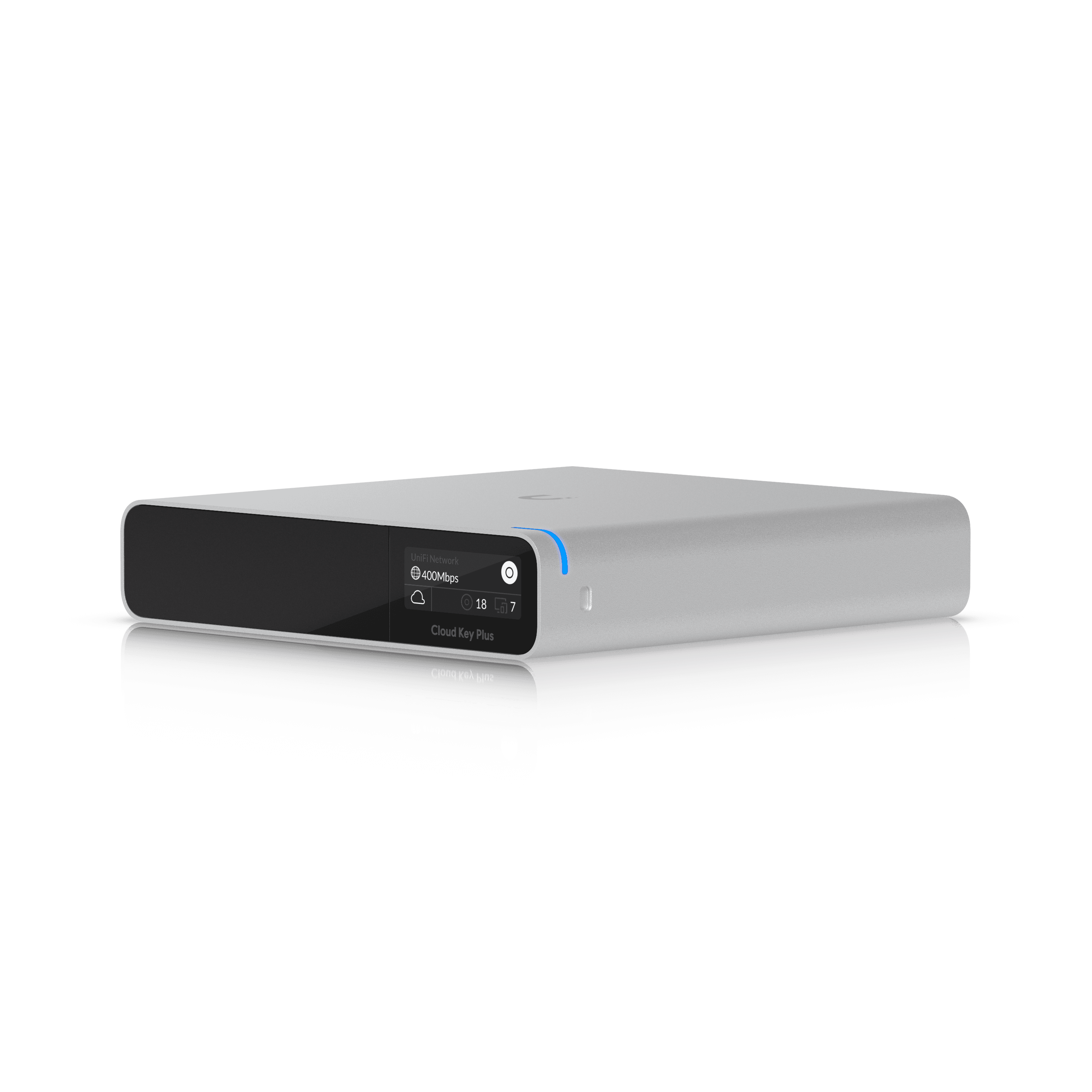
Compact UniFi Console with pre-installed 1 TB SSD
Key details
- Good fit for smaller quiet Protect deployments where low noise matters more than long retention
- Better SSD recommendation than a generic consumer drive because the platform and storage are matched
What hardware do we recommend for UniFi Protect storage
For most 2026 UniFi Protect builds, the strongest buying pattern is simple: UNVR for smaller systems, UNVR Pro for denser or longer-retention systems, 16 TB or 24 TB surveillance drives for growth, and CloudKey+ SSD only for smaller quiet deployments.
| Scenario | Recorder | Drive recommendation | Why |
|---|---|---|---|
| 8-10 cameras, 30 days, mixed 2K/4K | UNVR | Start at 16 TB class drives if budget allows | Leaves room for bitrate creep and future camera additions |
| 12-24 cameras, 30-60 days, RAID 6 preference | UNVR Pro | 16 TB or 24 TB class drives across all bays | Best balance of density, redundancy, and growth margin |
| Enterprise site or campus | ENVR | 24 TB class drives planned from day one | Needed when both camera count and retention target are high |
| Very small and quiet site | CloudKey+ SSD | Included 1 TB SSD or endurance-focused SATA SSD strategy | Useful when low noise matters more than long retention |
If you prefer third-party surveillance drives, buy CMR surveillance or enterprise models in the 16 TB and above range, such as WD Purple Pro or Seagate SkyHawk AI, and keep the whole array uniform. The key is not the logo on the label; it is matching drive class, size, and endurance to a 24/7 write workload.
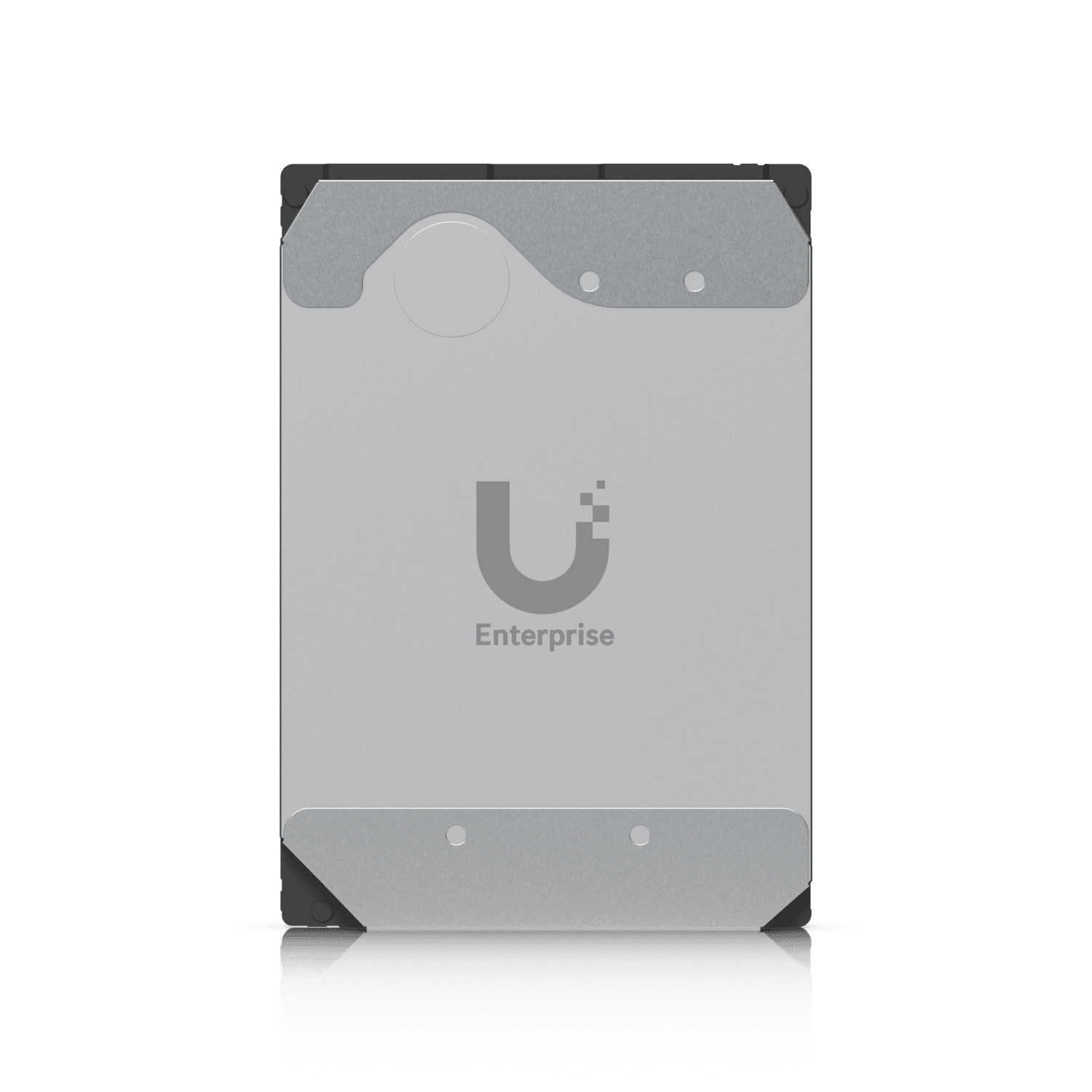
16 TB enterprise-grade SATA HDD validated for storage-intensive UniFi camera security systems
Key details
- 550 TB/year workload rating and 2.5 million hour MTBF
- Strong default density point for multi-camera UNVR and UNVR Pro deployments
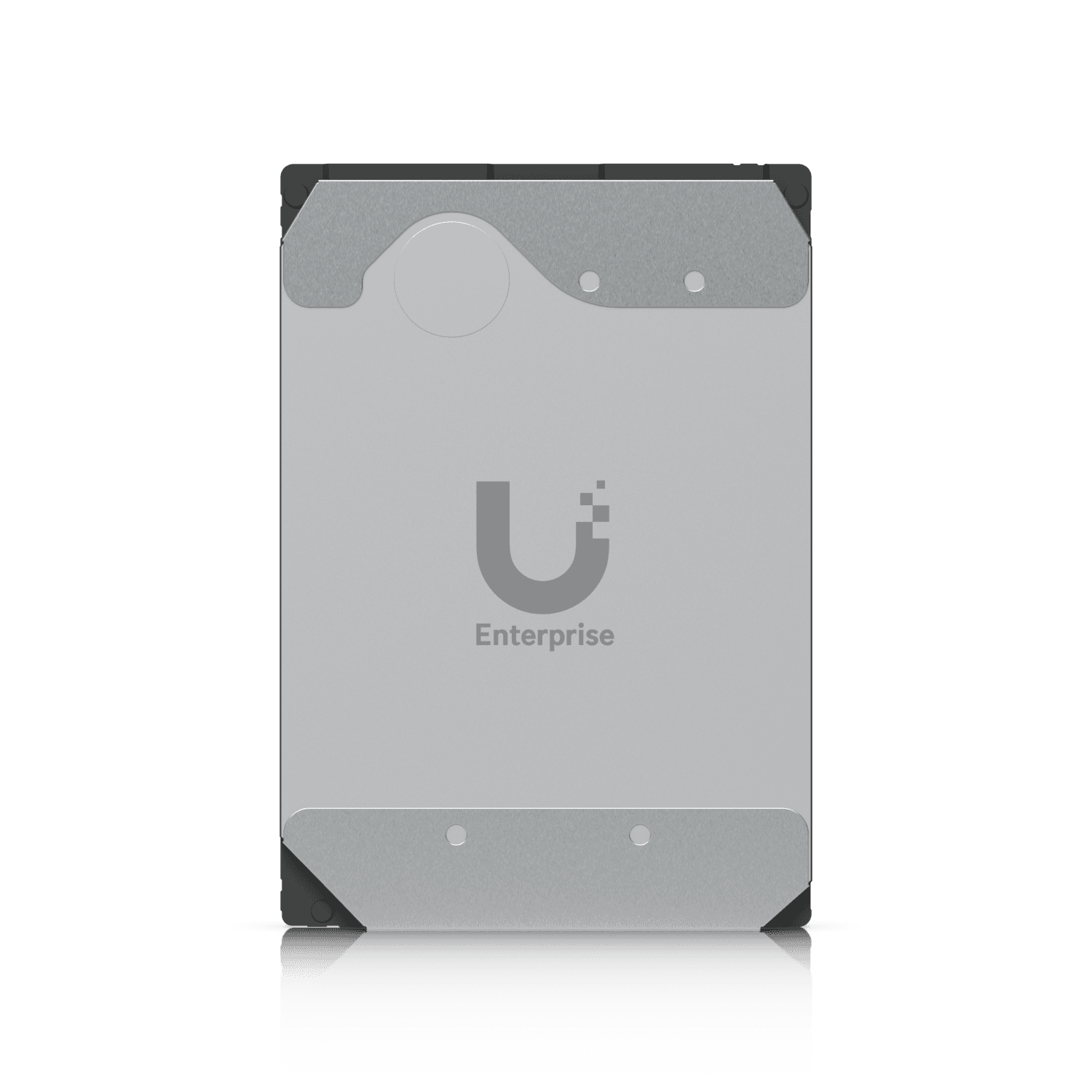
24 TB enterprise-grade SATA HDD validated for storage-intensive UniFi camera security systems
Key details
- 550 TB/year workload rating and 2.5 million hour MTBF
- Best fit when long retention or higher 4K density makes raw capacity the main constraint
Compact UniFi Console with pre-installed 1 TB SSD
Key details
- Good fit for smaller quiet Protect deployments where low noise matters more than long retention
- Better SSD recommendation than a generic consumer drive because the platform and storage are matched
What power backup and maintenance does a UNVR need
Protect retention fails quietly when power, drive health, and export process are treated as afterthoughts.
Every serious install should have:
- A UPS sized for the recorder and PoE switches for at least 15 to 30 minutes of orderly ride-through.
- Clean rack airflow and labeled drive bays so failed disks are replaced correctly and quickly.
- A monthly drive-health check and free-space check in UniFi OS Storage Manager.
- A quarterly retention review to confirm policy still matches actual footage availability.
- A one-page export SOP covering who can export, how files are named, and where evidence is stored.
If the same switch powers cameras, door stations, and access points, size the PoE switch power budget before you finalize recorder placement. Retention is not useful if night IR load or a short outage drops the cameras first.
Flag or archive critical footage outside the recorder if it must live longer than the normal retention window. A UNVR is a production recorder, not your only long-term evidence archive.
What retention policy fits common UniFi Protect use cases
Retention targets should follow risk, dispute windows, and insurance or compliance requirements, not whatever number sounds familiar from another building.
| Use case | Retention target | Recording pattern | Notes |
|---|---|---|---|
| Residential entry + driveway | 30 days | Continuous on entry ID views, Detection Only on coverage | Strong default for homes and estates |
| Small office lobby | 45 days | Mixed continuous + detections | Helps with visitor disputes and after-hours incidents |
| Retail and POS areas | 45-60 days | Continuous on registers and entries | Keep transactional views continuous |
| Multi-tenant or compliance-driven property | 60-90 days | Role-based mix with larger arrays | Often requires UNVR Pro or ENVR planning |
Before finalizing the number, ask who actually uses the footage: owner, operations, HR, facilities, insurer, or legal. That conversation usually changes the storage design more than the camera model list does.
How should you scale multi-site UniFi Protect deployments
Scale multi-site Protect systems with standardized recorder templates and Vantage Point, not with improvised stacks and one-off retention math at every property.
For larger portfolios:
- Standardize storage assumptions by camera role so every site is sized from the same worksheet.
- Keep recorder naming, camera naming, and export naming consistent across all sites.
- Use Vantage Point when you need centralized live view and playback across multiple NVRs.
- Avoid stacking as a default architecture because it comes with meaningful feature and management limitations on the child recorder.
If multiple buildings need different retention windows, document them explicitly. "Thirty days everywhere" sounds neat until one property manager needs 90 days for a claim and the recorder was never sized for it.
FAQs
Should UniFi Protect use continuous recording or Detection Only?
Use continuous recording on high-value identification views and Detection Only on coverage cameras where Smart Detections are reliable. Most good systems use both.
When should I upgrade from UNVR to UNVR Pro?
Upgrade when retention is getting tight, RAID 6 is desirable, or the site is close to the standard UNVR's 4K density. The Pro's extra bays make the storage math much easier.
Can I stack UNVRs to scale storage?
Technically yes, but Ubiquiti now strongly discourages stacking as the default scaling model. ENVR and Vantage Point are the better long-term path.
Is an SSD better than an HDD for Protect?
Not for most multi-camera retention jobs. SSDs are best for smaller quiet deployments; surveillance HDDs still make more sense for large continuous-write arrays.
Final sizing checklist
Finish every Protect storage design in this order:
- Confirm the retention target by use case, insurer, or policy.
- Measure real scene bitrates by camera role.
- Calculate raw storage with the system bitrate formula.
- Add headroom, then apply RAID overhead.
- Pick the recorder that makes the retention target comfortable instead of barely possible.
- Document export process, power backup, drive health checks, and future growth assumptions.
That process is what keeps a retention plan defensible when a client asks why footage was available for 45 days on one camera and only 30 on another.
Plan the project with a site visit
Confirm wiring, equipment, placement, and installation scope before hardware is locked in.