

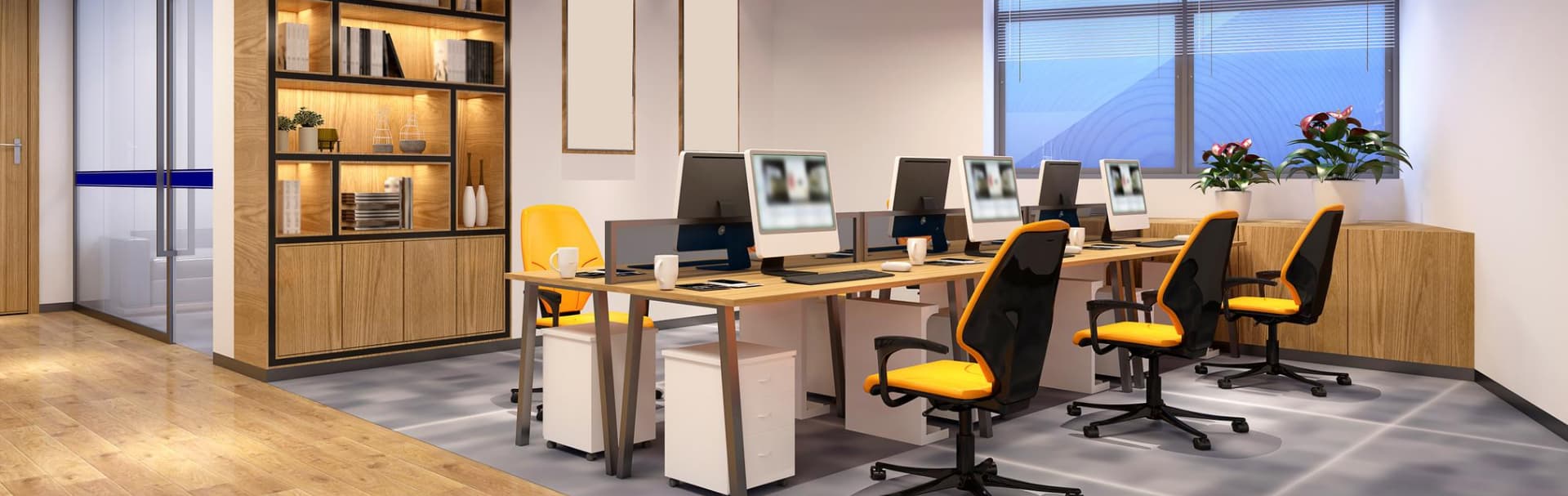
Commercial Technology Solutions installation in Westchester County, NY

Business AV and networks

Commercial AV & Office Network Installation in Westchester County

Meeting rooms that start on time, restaurant and retail audio that stays even, signage that stays current and an office network your team can rely on. Installed around your hours, labeled and handed off clearly, for businesses across Westchester County.

Tell us about the space. We reply during business hours, Mon–Fri, 9am–5pm ET.

  • 20+ years in the field
  • After-hours installs available
  • Labeled, documented work
  • Westchester and nearby Greenwich, CT

The floor plan

Four spaces, one plan

Most businesses need the same few things done well. Pick a space to see what we install there and how it is meant to work day to day.

Display
Wall screen
Audio
Room speaker bar
Join
One touch
Pick a space to see what goes in it

A meeting room that just starts

A display, a camera and speaker bar, and one table connection that is the same in every room. Whoever walks in can join a Zoom, Teams or Meet call without calling IT first.

  • One-touch join for Zoom, Teams or Meet
  • Camera, speaker and microphone sized to the room
  • A single, labeled table connection for guests

Where to start

Which sounds most like you?

Pick the closest match. It fills in the request form so you do not have to start from a blank page.

  • Meeting rooms that start on time

    • Calls that take ten minutes to set up
    • Different cables and screens in each room
    • Staff who avoid the room with the confusing remote

    We design a simple, consistent setup for each room and label it so anyone can run a meeting.

    Plan my meeting rooms
  • Audio and screens for a restaurant, shop or venue

    • Music that is too loud in one spot and too quiet in another
    • A single amplifier doing everything
    • Screens or signage that are out of date

    We plan zones, set levels and give staff simple controls, with signage that updates on schedule.

    Plan my audio and signage
  • A faster, safer office network

    • Slow or unreliable Wi-Fi in a busy office
    • Consumer routers and no way to separate guests
    • POS devices or handhelds that drop out

    We replace what is holding you back with managed equipment, plan Wi-Fi for your layout and keep guests and staff apart.

    Plan my office network
  • Standardize several rooms or locations

    • More than one office or branch
    • Rooms that all work differently
    • IT that spends time on setup questions

    We create a simple room standard, apply it in each space and leave documentation your IT team can follow.

    Plan a standard
years in the field
20+years in the field
towns across Westchester and nearby Greenwich, CT
16towns across Westchester and nearby Greenwich, CT
core services, one point of contact
6core services, one point of contact

Room types

All-in-one bar or a custom room, and what affects the price

Most meeting rooms fit one of two approaches. Here is the short version, and what usually drives the cost of a room.

All-in-one room bar compared with Custom component room
FeatureAll-in-one room barCustom component room
What it isCamera, speaker and microphones in one unit under or above the display.Separate camera, microphones and speakers chosen and placed for the room.
InstallationQuick and tidy, with fewer parts to configure.More design and cabling, with more flexibility in the result.
Best forSmall and medium rooms with a standard layout.Large, long or unusual rooms, and boardrooms.
CostLower, and predictable.Higher, and tied to the size and complexity of the room.

Bottom line: For most small and medium rooms, an all-in-one bar is the simple answer. We check the room first.

Conference room AV guide

What affects the cost

Every space is different, so we quote after seeing it. These are the main factors.

  1. Room size and acoustics

    Larger rooms and hard surfaces need more audio and more planning.

  2. Number of rooms

    Repeating the same setup across several rooms usually saves time per room.

  3. Cabling and ceiling access

    Walls, ceilings and the distance to the rack all affect the effort.

  4. Software and licences

    Zoom, Teams and signage platforms may have their own subscriptions.

What network cabling costs

What we do

Rooms, floors, screens and networks

Four parts of one job. Most projects start with one space and grow from there.

Rooms people are glad to use

Display, camera, microphones and speakers matched to the room, with controls that are the same everywhere.

  • Zoom Rooms, Teams Rooms and Meet setups
  • Cameras and microphones sized for the room, not the brochure
  • A single table connection for guests, labeled
  • Consistent control and naming from room to room
Small conference room layout

Choosing a room system

Logitech Rally Bar or Poly Studio?

Both are good all-in-one room systems. We recommend whichever fits the room, the platform you use and the budget.

Not sure? We will recommend one after seeing the room. Read the conference room guide

How it works

From a site visit to a space your team can run

A simple, predictable process that works around your business.

  1. Step 1

    Visit and measure

    We look at the rooms, the network closet and how your team works, and ask what is frustrating today.

  2. Step 2

    Design and plan

    A written scope with equipment, locations and cabling, so you and your IT team see it before work begins.

  3. Step 3

    Install around your hours

    Work scheduled for evenings, weekends or quiet periods when needed, and coordinated with your general contractor or IT team.

  4. Step 4

    Hand off and document

    Drawings, labels and a short admin sheet, plus a walkthrough for the people who will use and support it.

  • Labeled equipment and cabling
  • A short admin sheet
  • A walkthrough for your team

Typical projects

What the work usually looks like

Three common scopes, described in general terms.

  • Meeting room refresh

    Matching setups across several rooms, with one-touch join.

    • Same controls and naming in every room
    • A labeled table connection for guests
    • A short reference card in each room
  • Restaurant or retail audio

    Zoned background audio with simple controls for staff.

    • Separate levels for each area
    • Open and close routines
    • Levels set once and kept sensible
  • Office network upgrade

    Managed equipment, better Wi-Fi and separate guest access.

    • Access points placed for the layout
    • Staff, guest and payment devices kept apart
    • A labeled rack and written port list

FAQ

Common questions about commercial AV and office networks

Short answers before you get in touch. If yours is not here, ask us.

Can you work after hours?

Yes. We schedule work for evenings, weekends or quiet periods so your team can keep working. We agree on the schedule before we start.

Do you work with our general contractor and IT team?

Yes. We coordinate with your general contractor on the construction schedule and with your IT team on network and security policies, so nothing arrives as a surprise.

Which conference room system do you recommend?

For most small and medium rooms, an all-in-one bar such as the Logitech Rally Bar or Poly Studio is a good starting point. We check the room size, ceiling and platform before recommending anything.

Conference room AV guide

How long does a meeting room take?

A single room with an existing display and cable run can often be done in a day. A room that needs new cabling, mounting and programming usually takes longer. We confirm the timeline when we write the scope.

Can you make all our rooms work the same way?

Yes. We choose a simple standard, apply it in each room and write it down, so people do not have to relearn anything when they move between rooms.

Do you install digital signage?

Yes. We supply and mount displays, set up the content player and schedule what plays and when, for lobbies, storefronts and menu boards.

Will we need to shut down while you upgrade the network?

We aim to avoid it. Changes are staged and tested, and larger cutovers are scheduled outside business hours. We explain the plan and the short interruptions to expect before work begins.

Office internet resilience

Do you handle business phones too?

Yes. We set up VoIP phone systems, call flows and reception phones, and connect them to the same network. They have their own page with more detail.

Business phone systems

Can our team support the setup ourselves afterward?

That is the goal. We leave labeled equipment, drawings and a short admin sheet, and walk your team through it. If you want help later, you can call us.

Network handover checklist

Where we work

Commercial AV and network installation across Westchester County, NY

Based in Valhalla. We take on projects in these towns and nearby Greenwich, CT. See the full service area.

  • White Plains
  • Scarsdale
  • Yonkers
  • New Rochelle
  • Mount Kisco
  • Rye
  • Harrison
  • Mamaroneck
  • Tarrytown
  • Mount Vernon
  • Ossining
  • Peekskill
  • Port Chester
  • Bedford
  • Chappaqua
  • Greenwich, CT

Request a site visit

Tell us about your space and what is not working.

Share the room, the building, or the problem that keeps coming back. We will review it and reply with the right next step, whether that is a quick answer, a call, or a site visit.

  • Prefer to talk? Call (914) 315-4280
  • Mon–Fri, 9am–5pm ET. We reply during business hours.
  • Based in Valhalla, serving Westchester County, NY and nearby Greenwich, CT.
Preferred way to reach you

We use your details only to reply to this request. Prefer to talk? Call (914) 315-4280.