

- The 60-second answer
- Top picks by home size
- Choose the Network Shape Before the Brand
- Who should keep Wi-Fi 6 or Wi-Fi 6E
- Best Wi-Fi 7 setup for a small home or apartment
- Best Wi-Fi 7 setup for a 1,500 to 2,500 sq ft home
- Best Wi-Fi 7 setup for a large or difficult home
- When to choose Deco
- When to choose eero
- When to install Ubiquiti UniFi or TP-Link Omada access points
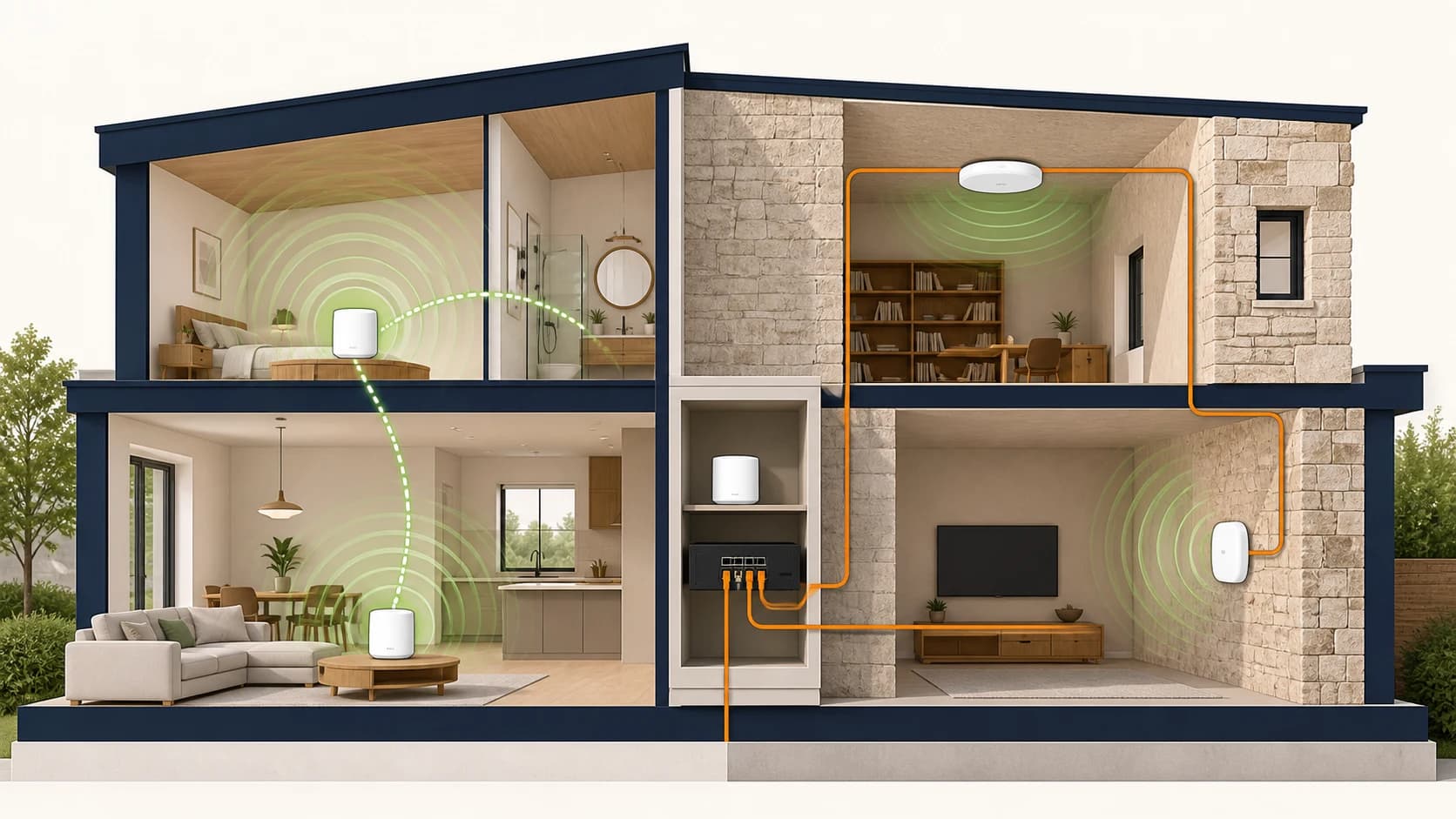
- Ethernet, MoCA, and PoE backhaul planning
- Ownership cost beyond the mesh or access point
- What MLO changes in Wi-Fi 7
- How Wi-Fi 7 affects older Wi-Fi 5 and Wi-Fi 6 devices
- Real-world Wi-Fi 7 speed expectations
- Outdoor and edge coverage
- Scope and recommendation methodology
- FAQs
- References
The 60-second answer
The best Wi-Fi 7 setup is not determined by square footage alone. Start with wall construction and node locations, then check whether Ethernet or coax can provide backhaul. For an apartment or smaller home, eero 7 is the simplest affordable choice and one unit may be enough. For most medium homes, eero Pro 7 is the better-balanced eero, while TP-Link Deco BE65 Pro provides more multi-gig ports per node. For large or difficult homes, wired UniFi or Omada access points are usually more predictable than an expensive wireless-only mesh.
eero Max 7, Deco BE85, and Deco BE95 are specialist upgrades, not automatic “best” choices. Buy them only when 10GbE, more wired devices, a demanding wireless-backhaul path, or an unusually large layout creates a defined need. For a wired home, start with UniFi U7 Pro or Omada EAP772 and size the gateway, controller, and PoE switch as one system.
Product families, ports, radio bands, official pricing, and current purchase paths were rechecked September 1, 2026. Coverage figures are manufacturer planning estimates, not guarantees for plaster, stone, masonry, mirrors, or metal-backed construction.
Product cards use the exact model where a stable listing is available and a model-specific search only when pack sizes, sellers, or hardware revisions make one listing unreliable. Prices are U.S. checks from September 1, 2026 unless a card states otherwise; sale prices can change. Amazon links may earn us a commission at no added cost to you.
Start with these related guides if you are still choosing the network style: Wi-Fi 7 upgrade guide, best Wi-Fi 7 mesh systems, UniFi vs TP-Link Omada, and home network rack setup. For a designed, wired, and tuned installation, see our networking infrastructure services.
Top picks by home size
| Home type | Best starting point | Why it fits | Main caveat |
|---|---|---|---|
| Apartment or small home under 1,500 sq ft | One eero 7 or one well-placed Wi-Fi 7 router | Fewer walls and shorter distances usually matter more than buying a 3-pack | A bad modem location can still force a second wired node |
| 1,500 to 2,500 sq ft newer home | eero Pro 7 2-pack or Deco BE65 Pro 2-pack | Tri-band mesh with practical multi-gig wired backhaul options | Keep nodes in open air and do not overbuild |
| 2,500 to 4,000 sq ft mixed construction | eero Pro 7, Deco BE65 Pro/BE85, or wired UniFi U7 Pro APs | The right choice depends on cabling, wall density, and the desired management model | Wireless-only backhaul becomes less predictable |
| 4,000+ sq ft or difficult plaster/stone home | Wired UniFi or Omada AP design, or Deco BE95 only when mesh is required | Large homes need planned cell placement more than another consumer mesh node | Requires more design work before buying hardware |
| Small office or live/work property | Omada EAP772/EAP773 or UniFi U7 Pro stack | Controller-managed APs, VLANs, guest Wi-Fi, PoE, and switch planning fit the job better | Not as simple as a consumer mesh kit |
Choose the Network Shape Before the Brand
The first decision is not eero versus Deco or UniFi versus Omada. It is tabletop mesh versus wired access points.
Choose tabletop mesh when the home has ordinary drywall, practical open-air node locations, and an owner who wants one app with minimal administration. Choose a wired AP design when the house has plaster, stone, masonry, multiple floors, long wings, or fixed ceiling and wall locations that can be cabled. A wired design also fits better when the project needs VLANs, guest policies, detailed troubleshooting, cameras, or ongoing managed support.
Use this order:
- Mark the modem or ONT location and every possible Ethernet, coax, attic, basement, and closet path.
- Identify dense walls, fireplaces, mirrors, metal cabinets, utility rooms, and stair cores that can block or reflect signal.
- Decide where hardware can remain visible and in open air.
- Select the fewest nodes or APs that create deliberate coverage overlap.
- Size ports, PoE, and internet throughput after the physical layout is credible.
This prevents a common costly mistake: buying a premium three-pack before proving that three wireless node locations can communicate well.
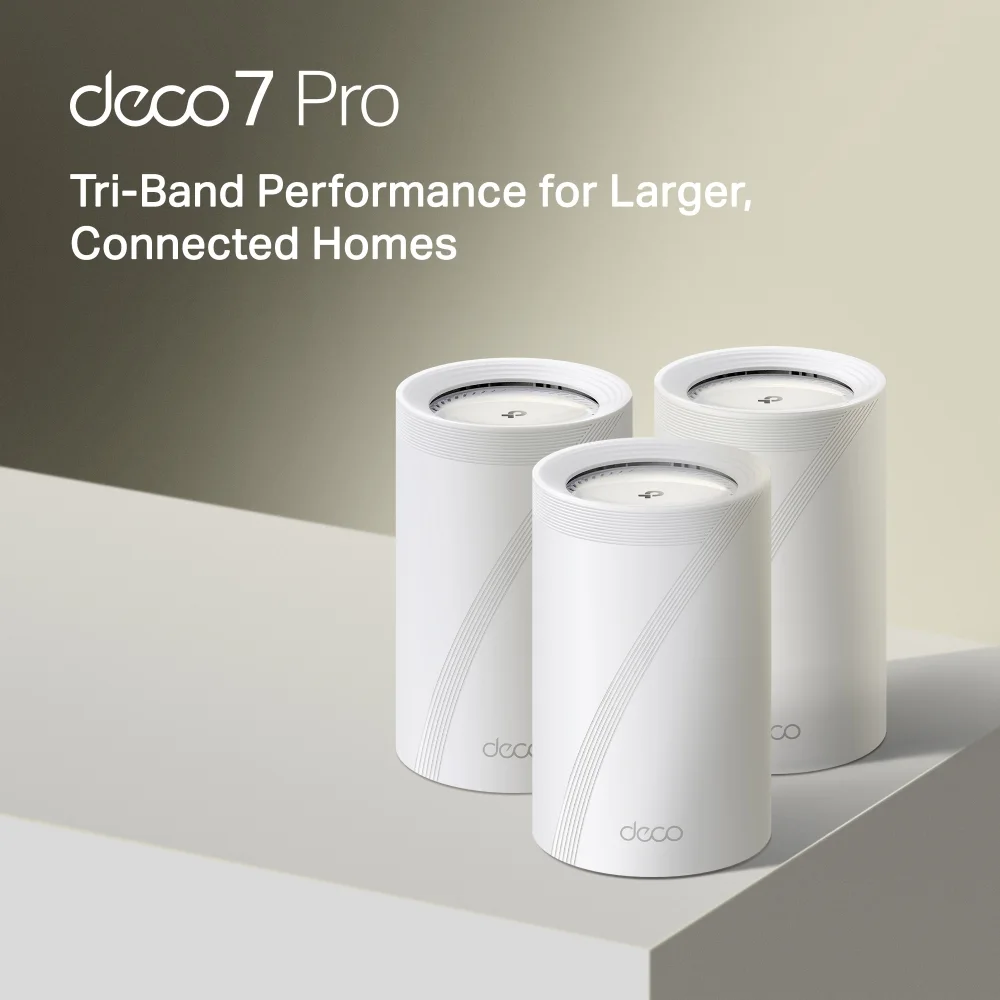
Best balance of price, 6GHz coverage, and multi-gig ports for 1Gbps to 2.5Gbps homes.
Opens search results. Match the model and bundle before ordering.
Find options on AmazonOfficial specificationsKey details
- BE11000 tri-band Wi-Fi 7
- 2 x 5Gbps ports and 1 x 2.5Gbps port per unit
- Up to 200 connected devices on TP-Link's current U.S. materials
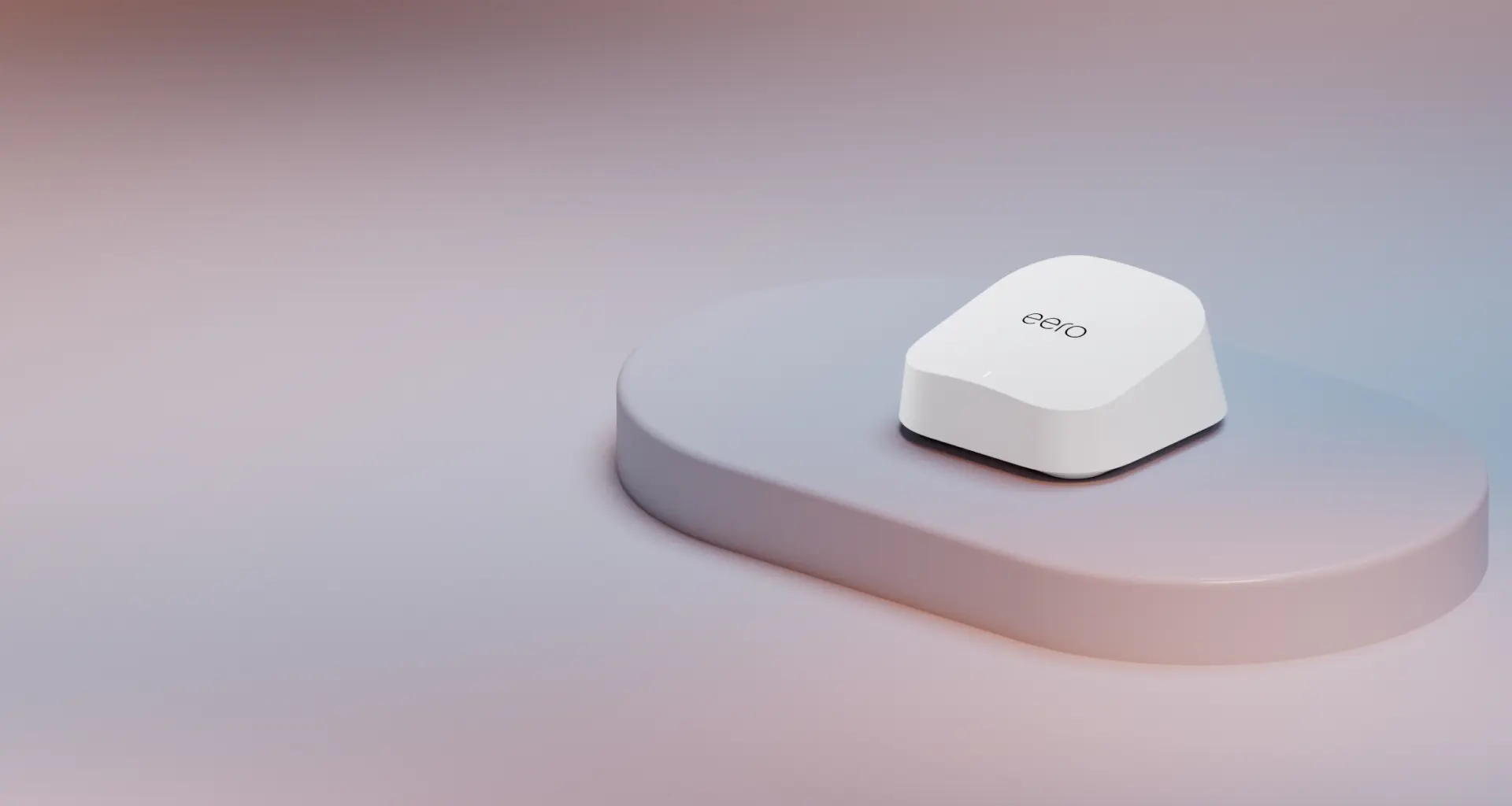
The sensible eero starting point for internet plans up to 2.5 Gbps when dual-band mesh and two 2.5GbE ports are enough.
Key details
- Dual-band Wi-Fi 7 with MLO and wireless speeds up to 1.8 Gbps
- Two auto-sensing 2.5GbE ports for gateway or wired backhaul use
- Up to 2,000 square feet and 120+ connected devices per unit under eero's stated conditions
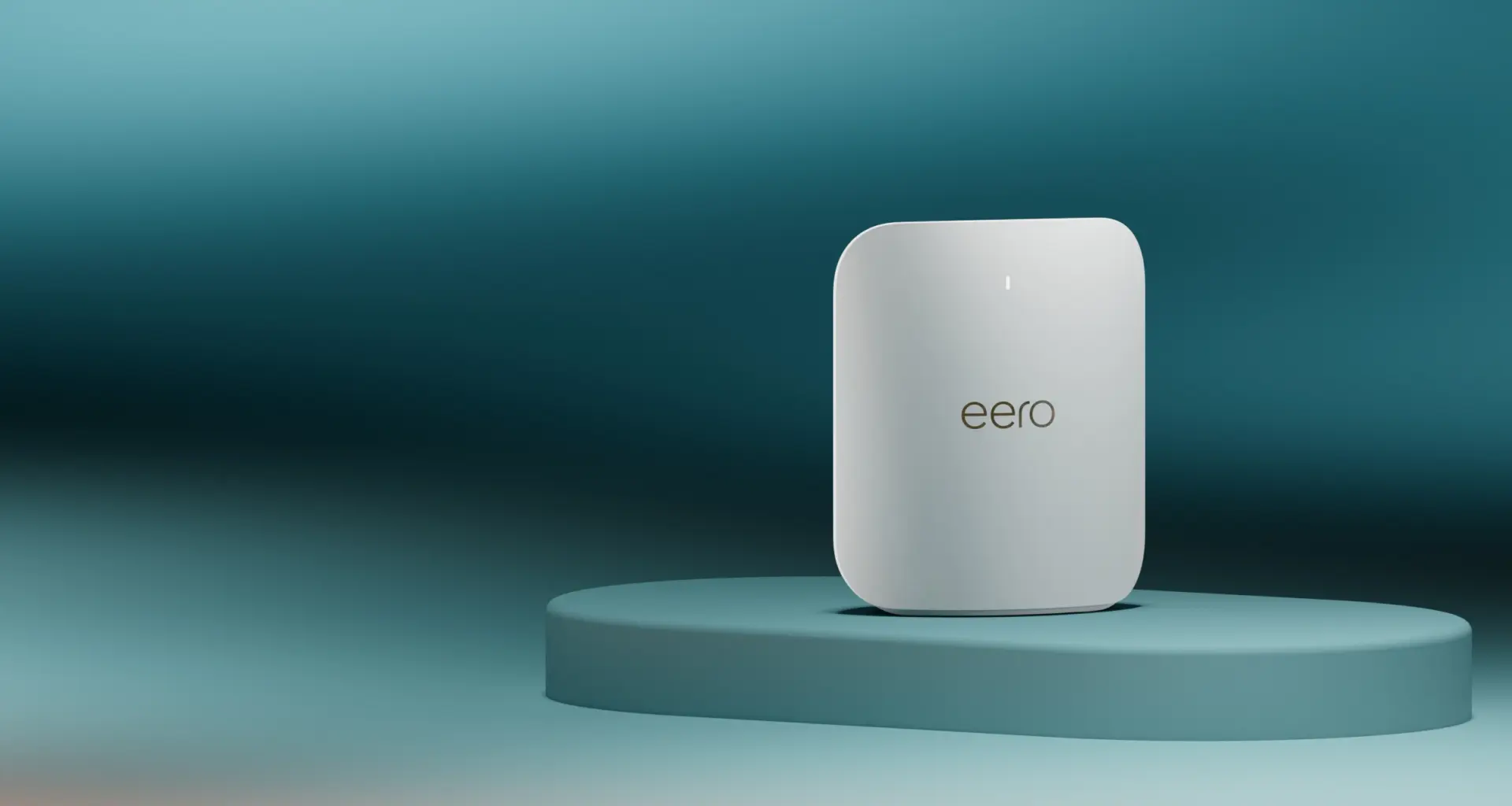
The best-balanced eero for demanding homes: tri-band Wi-Fi 7 and two 5GbE ports without the Max 7 price or oversized hardware.
Key details
- Tri-band Wi-Fi 7 with 2.4, 5, and 6 GHz radios plus MLO
- Two auto-sensing 5GbE ports for internet plans up to 5 Gbps
- Wireless speeds up to 3.9 Gbps under eero's stated conditions
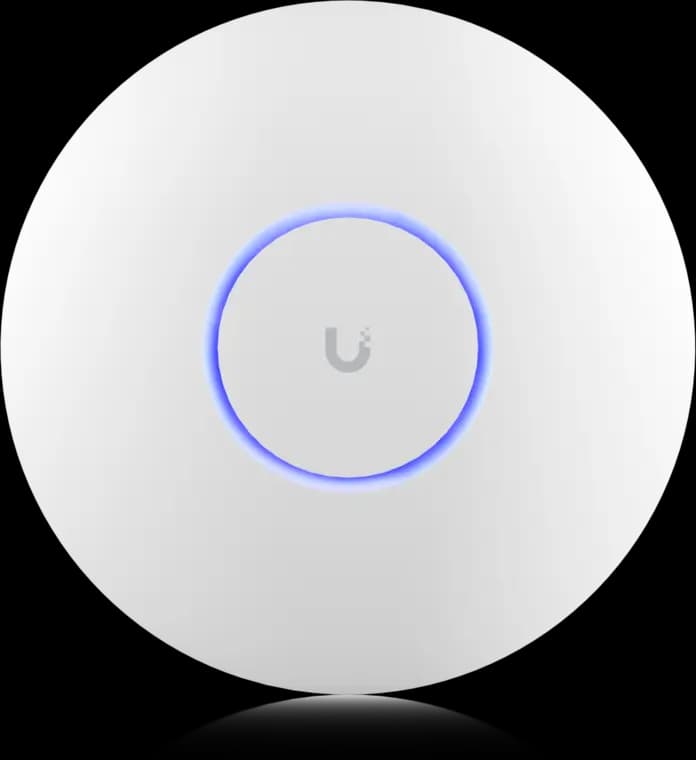
The practical UniFi Wi-Fi 7 baseline for planned ceiling locations: tri-band radios, a 2.5GbE uplink, and controller-based tuning without paying for a 10G AP edge.
- Tri-band Wi-Fi 7
- 2.5GbE uplink
- PoE+ powered
Before you buy: This Amazon link selects Adorama's US-model offer. Confirm Sold by Adorama, New condition, and that the PoE+ adapter is not included.
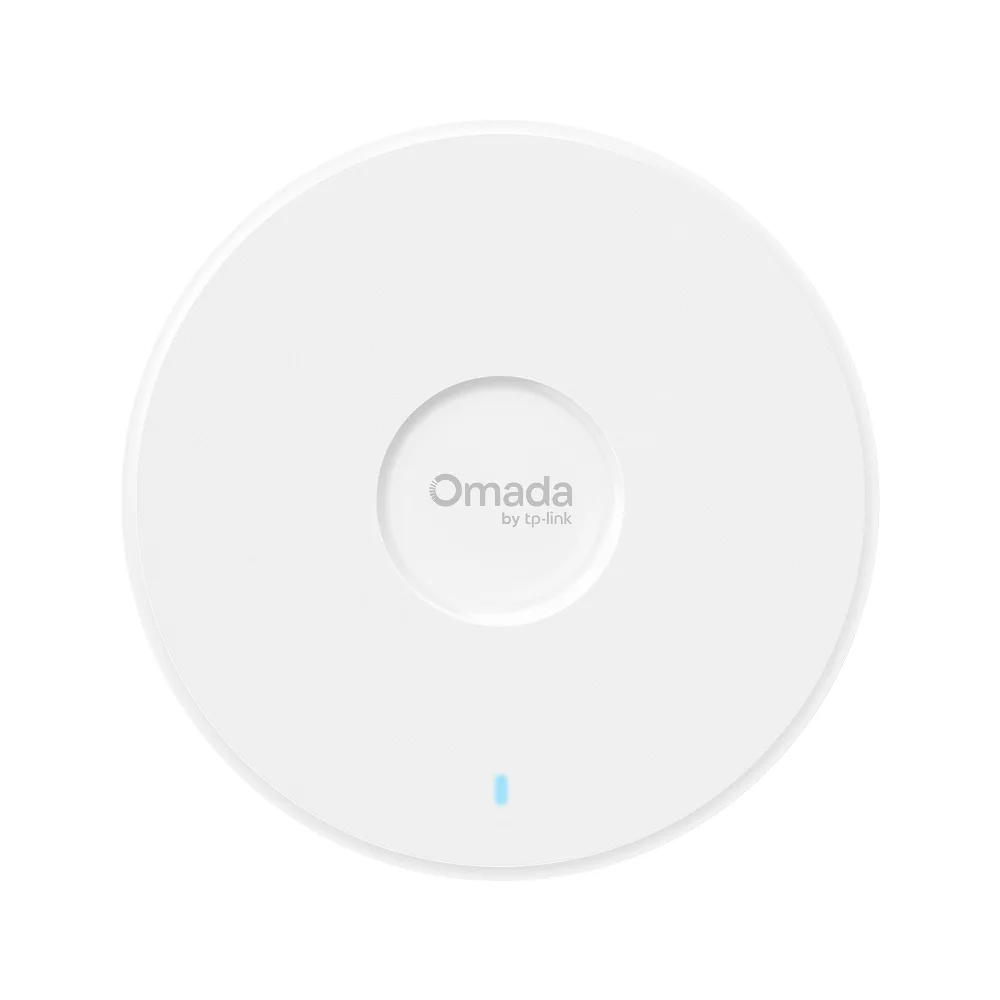
This is the default Omada pick for most small offices because it pairs tri-band Wi-Fi 7 with a practical 2.5G uplink and sane switch requirements.
Key details
- Wi-Fi 7 (802.11be) tri-band BE11000
- 5,765 Mbps on 6 GHz + 4,324 Mbps on 5 GHz + 688 Mbps on 2.4 GHz
- 1 x 2.5G RJ45 uplink for practical multi-gig office switching
Who should keep Wi-Fi 6 or Wi-Fi 6E
Keep the current system if it already provides stable coverage, your internet plan is 1Gbps or slower, and most active clients are Wi-Fi 6 or older. Wi-Fi 7 does not repair a bad router location, weak wireless backhaul, or an overloaded ISP gateway. Moving one access point, adding Ethernet or MoCA backhaul, or replacing a failing switch can deliver more value than changing every radio. Upgrade when newer Wi-Fi 7 clients, multi-gig local traffic, congestion, or a planned wiring project gives the new hardware useful work to do.
Best Wi-Fi 7 setup for a small home or apartment
For homes under 1,500 square feet, one well-placed Wi-Fi 7 router or a two-node mesh is usually better than a three-pack.
If the home is under about 1,500 square feet and has modern drywall construction, a single Wi-Fi 7 router or one mesh node near the center can be enough. The problem is that the "center" is often not where the ISP modem lands. If the modem is in a media cabinet, basement corner, or metal utility room, a bigger router does not fix the location. A short Ethernet relocation or a cleaner shelf placement can be the better upgrade.
For a small home that still needs mesh, a two-node eero or Deco layout is usually enough. Place the primary node near the internet handoff, then wire or carefully place the second node near the work-from-home area, media room, or opposite end of the floor plan. Adding a third node in a small space can create more overlap and contention without improving useful coverage.
eero 7 is the best straightforward starting point here. It is dual-band, has two 2.5GbE ports, and eero rates one unit for up to 2,000 square feet and 120+ devices under its stated conditions. Choose eero Pro 7 when the home needs a 6 GHz radio, heavier wireless traffic, or 5GbE ports. Deco BE65 Pro is still a strong fit when the owner wants more Ethernet flexibility at every node. UniFi and Omada are usually unnecessary for apartments unless the property already has structured wiring or needs controller-level control.
Best Wi-Fi 7 setup for a 1,500 to 2,500 sq ft home
For medium homes up to 2,500 square feet, a two-node Wi-Fi 7 mesh system like TP-Link Deco BE65 Pro provides the best coverage-to-cost balance.
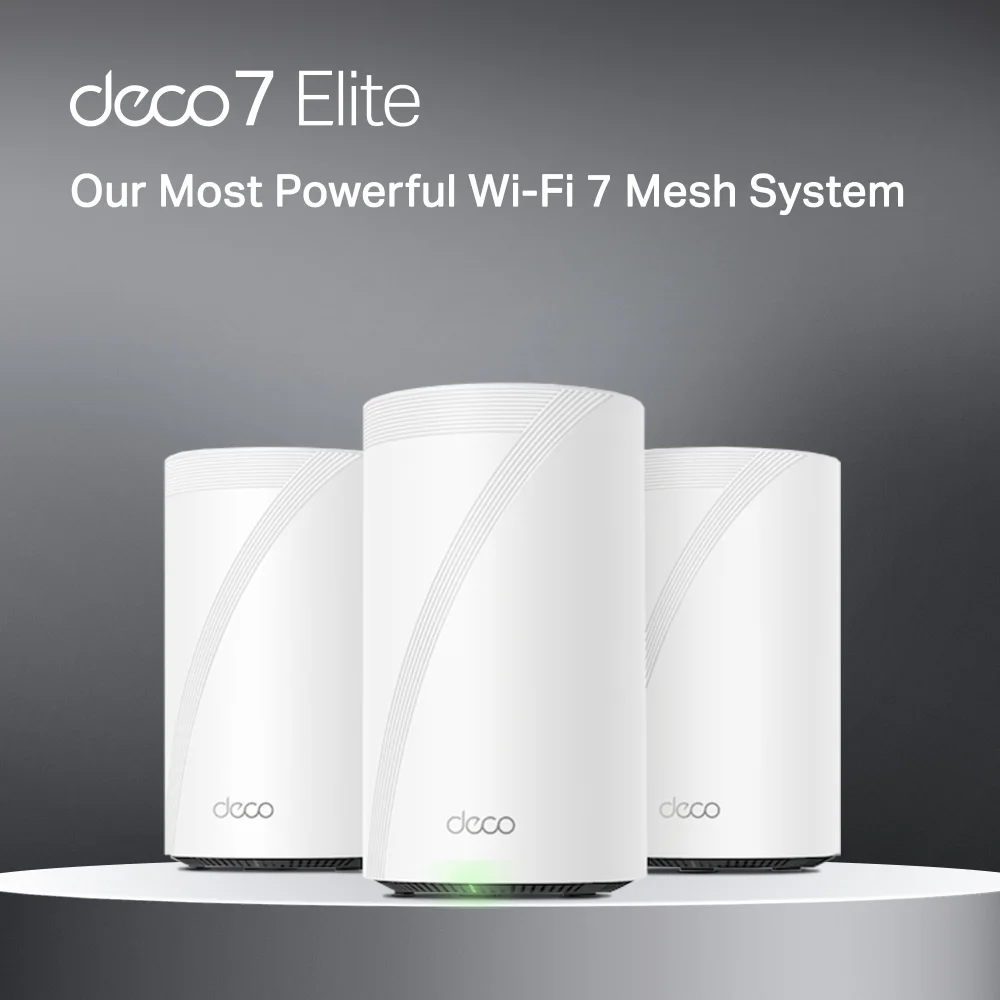
The practical value default is TP-Link Deco BE65 Pro. TP-Link lists it as a BE11000 tri-band Wi-Fi 7 system with 6 GHz, 5 GHz, and 2.4 GHz radios, two 5Gbps ports, one 2.5Gbps port, and wireless-plus-wired combined backhaul. That is the right kind of hardware for a home where the owner wants Wi-Fi 7 and useful wired flexibility at each node.
Choose eero Pro 7 instead when the owner values eero's simpler app-led experience. It is tri-band, has two 5GbE ports, supports wireless speeds up to 3.9 Gbps under eero's test conditions, and is rated for 200+ connected devices per unit. That makes it the more rational premium eero for most homes. Max 7 costs considerably more and should be reserved for homes that can use its 10GbE ports, four-port body, 2,500-square-foot planning estimate, or 250+ device target.
Avoid the common mistake: buying a three-pack before checking whether two nodes can solve the home. A two-node wired layout often beats a three-node wireless daisy chain. If the home already has coax but not Ethernet, MoCA 2.5 adapters can often create a better backhaul path than another wireless node.
Best Wi-Fi 7 setup for a large or difficult home
For large or difficult homes, wired UniFi or Omada access points are often more reliable than a flagship consumer mesh system.
For a 2,500 to 4,000 square foot home with ordinary drywall and open sightlines, eero Pro 7, Deco BE65 Pro, Deco BE85, or eero Max 7 can work well. Deco BE85 steps up to BE22000 tri-band hardware with one 10Gbps Ethernet/fiber combo port, one additional 10Gbps port, and two 2.5Gbps ports per unit. It matters most when the home has a multi-gig ISP handoff, wired backhaul, a media room, and fixed devices that can use those faster ports.
Current U.S. V1 and V2 product pages identify Deco BE85 as BE22000. Specifications can vary by country and hardware revision, so match the seller's region and version to TP-Link's U.S. page before ordering.
On March 23, 2026, the FCC added foreign-produced routers to its Covered List unless a model or product family receives conditional approval. This chiefly affects new FCC equipment authorization; it does not mean an installed Deco is illegal to own or has stopped working. The FCC's June 12 conditional-approval list includes specified eero and Netgear router families but does not list TP-Link consumer routers. Before a high-cost U.S. Deco purchase, check the current FCC Covered List, latest FCC conditional approvals, TP-Link's U.S. model page, and the retailer's return and support terms.
For a very large home, Deco BE95 is the flagship Deco option. TP-Link lists it as BE33000 quad-band Wi-Fi 7 with two 6 GHz radios, a 10Gbps Ethernet/fiber combo port, a 10Gbps WAN/LAN port, and two 2.5Gbps ports per unit. It should be bought for a clear reason: large square footage, heavy device load, multi-gig wiring, or a layout where its second 6 GHz radio can do meaningful backhaul work.
Older homes are different. Plaster, stone, fireplaces, mirror-backed built-ins, metal duct paths, and thick stair cores can make a premium wireless mesh less reliable than a wired AP design. In those homes, UniFi U7 Pro ceiling APs, UniFi U7 Pro Wall APs, Omada EAP770, or Omada EAP773 may be the cleaner answer because they let the installer place radios where the rooms actually need coverage.
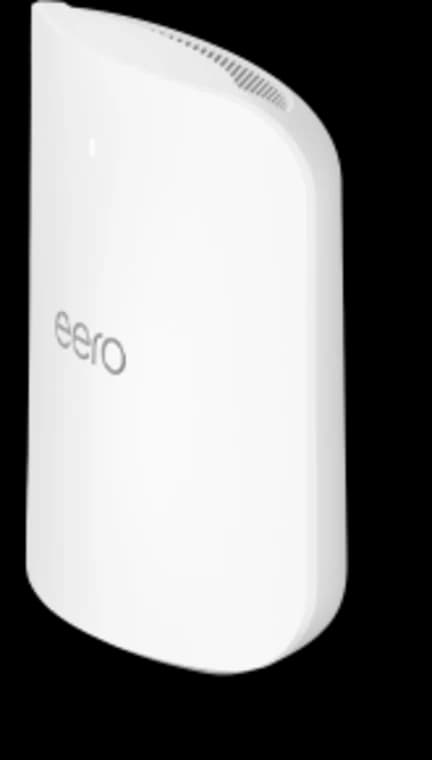
Choose Max 7 only when its four Ethernet ports, 10GbE capability, larger coverage target, or higher device capacity solve a real requirement.
- Tri-band Wi-Fi 7
- 2 × 10GbE ports
- 2 × 2.5GbE ports
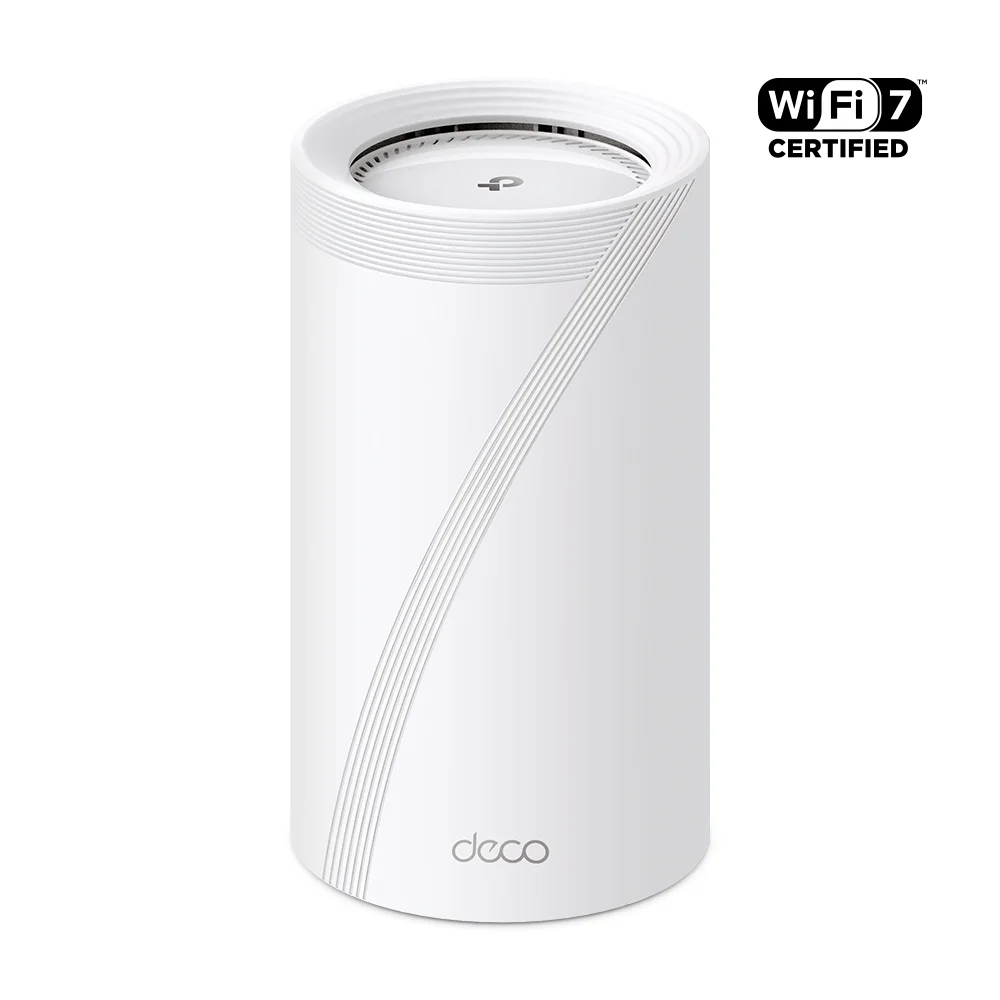
Best when the network needs two 10G-class handoffs and better wired edge capacity at each node.
- BE22000 tri-band Wi-Fi 7
- 10GbE + 2.5GbE ports
- Check pack size
Before you buy: Confirm pack size and hardware revision. No trusted exact Amazon offer has been verified for this comparison pick.
Best when the house still needs premium wireless backhaul and the flagship tier has a real layout reason.
Opens search results. Match the model and bundle before ordering.
Find options on AmazonOfficial specificationsKey details
- BE33000 quad-band Wi-Fi 7
- 1 x 10Gbps Ethernet/fiber combo port, 1 x 10Gbps WAN/LAN port, and 2 x 2.5Gbps ports per unit
- Dual 6GHz radios and wireless plus wired combined backhaul

Wi-Fi 7 tri-band with 2.4, 5, and 6 GHz radios
Opens search results. Match the model and bundle before ordering.
Find options on AmazonOfficial specificationsKey details
- 6 spatial streams with a 2.5 GbE uplink and PoE+ power
- Single uplink port only, so it should not be treated as a wall switch
- Optional table stand makes it viable as a desk or shelf AP in finished spaces
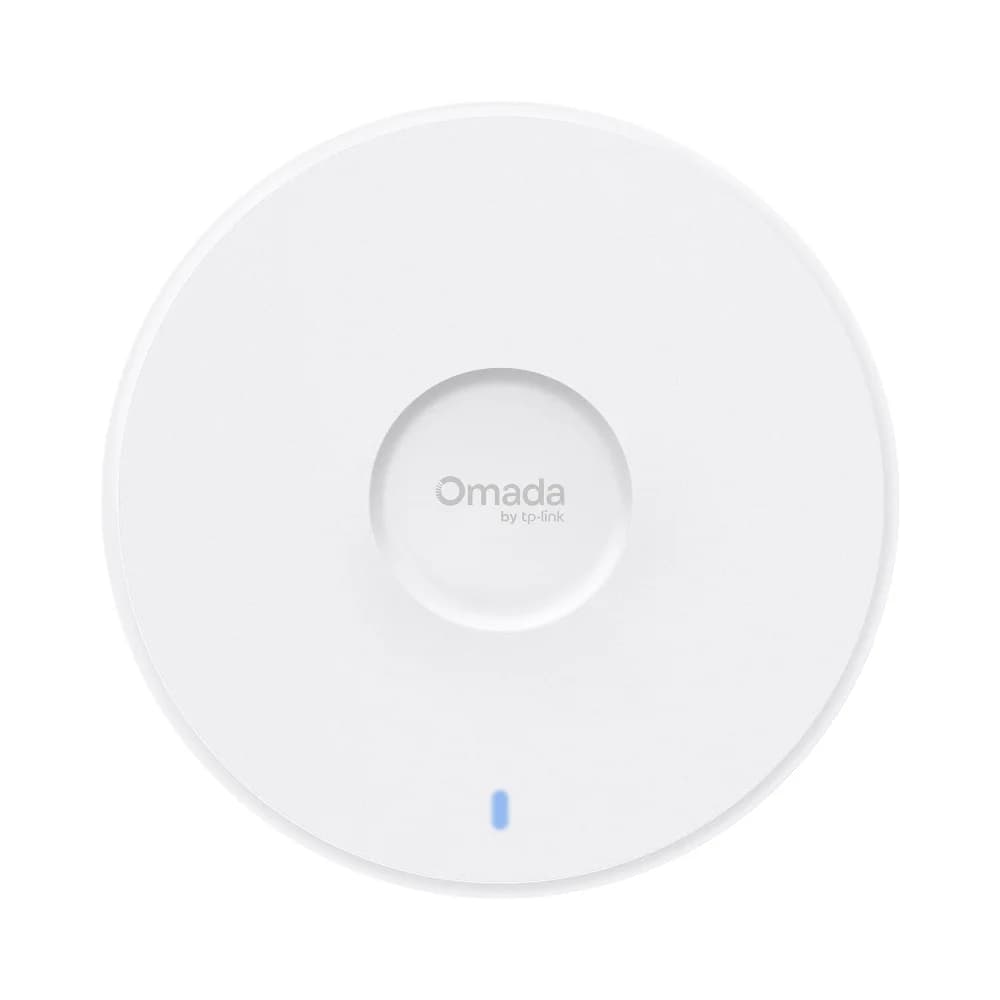
Choose EAP773 when the office already has a real 10G access path and wants the higher-end Omada ceiling AP instead of paying for 10G on paper only.
- Tri-band Wi-Fi 7
- 10GbE uplink
- BE11000 class
When to choose Deco
Choose Deco when you want Wi-Fi 7 mesh that behaves like a consumer product but still gives you good wired flexibility.
Deco BE65 Pro is the first model to look at for most homes in this TP-Link group. It gives you tri-band Wi-Fi 7, a 6 GHz radio, and better wired ports than many budget mesh kits. It is the right recommendation when the home has 1Gbps to 2.5Gbps internet, a few wired devices, and a homeowner who does not want to manage a controller. For a deeper three-way TP-Link comparison, see Deco BE65 Pro vs BE85 vs BE95.
Move to Deco BE85 when the home can use 10G-class wired ports and the budget supports it. Move to Deco BE95 only when the home is large enough or demanding enough to justify the flagship tier. A 1Gbps internet plan, wireless-only backhaul, and normal device load rarely justify BE95.
The tradeoff is visibility. Deco is convenient, but it is not a deep network-management platform. If you need office-style VLANs, AP-level tuning, detailed client visibility, or long-term managed support, look at Omada or UniFi instead.
For smart-home buyers, Deco offers app-level links to TP-Link's Tapo/Kasa ecosystem and HomeShield features. eero adds Matter controller, Thread border-router, and Zigbee hub capabilities in its current Wi-Fi 7 routers. Compare the exact automation features you need rather than treating either brand name as automatic compatibility.
When to choose eero
Choose eero when ease of ownership, automatic optimization, and smart-home integration matter more than deep network controls.
The current Wi-Fi 7 range has three distinct indoor tiers:
- eero 7 is the affordable dual-band option for smaller homes and internet plans up to 2.5 Gbps. It has two 2.5GbE ports but no 6 GHz radio.
- eero Pro 7 is the best-balanced choice for most premium homes. It adds tri-band operation with 6 GHz, two 5GbE ports, and support for heavier connected-device loads.
- eero Max 7 is the specialist model for 10GbE, more local Ethernet ports, larger planning coverage, and homes with many simultaneously active devices. It should not be the automatic upgrade merely because the house is large.
All three are attractive when the home already uses Alexa, Matter, Thread, or Zigbee devices and the owner wants fewer separate boxes. Mixing generations is supported, but matching the same current generation across the main coverage area usually creates a cleaner performance baseline.
The buying caution is ongoing cost. Basic eero networking works without eero Plus, but advanced security and parental-control features are tied to the optional $9.99/month or $99.99/year subscription. Include that in the ownership decision if those features matter.
eero is not the best fit when the owner wants deep controls, highly customized VLANs, detailed radio tuning, or local-first network management. For that, UniFi or Omada is a better match.
When to install Ubiquiti UniFi or TP-Link Omada access points
Choose UniFi or Omada access points when your home is wired for Ethernet and needs managed, scalable infrastructure rather than consumer mesh.
That usually means Ethernet to AP locations, PoE switching, a router/gateway, and a controller. It also means the system can be tuned around the house instead of relying on three mesh towers to find a clean wireless path. In finished Westchester and Fairfield County homes, that may require a mix of attic, basement, closet, wall, and ceiling pathways. The result is often steadier than consumer mesh, especially in larger houses.
UniFi is usually the better fit when the owner wants one ecosystem that may later include switching, cameras, access control, and deeper operations. Omada is usually the better fit when the project is networking-first and the budget should stay tighter. For homes and small offices that want TP-Link's business platform, EAP772 is the current practical 2.5GbE default AP; EAP770 is a closely related channel alternative, and EAP773 is the upgrade when a real 10GbE AP edge exists. In UniFi, U7 Pro remains the practical 2.5GbE baseline; U7 Pro XG is the current 10GbE step-up when faster local traffic justifies it.
EAP773 power documentation deserves special care. TP-Link's current U.S. V1 specification says a software update changed the requirement from 802.3bt to 802.3at, and the current Omada page lists 802.3at PoE support. However, the Omada direct-store description still says 802.3bt PoE++. Confirm the unit's hardware revision and current firmware guidance before sizing a PoE switch; do not rely on the marketplace description alone.
For offices, pair this guide with our small business network design guide and small office Wi-Fi AP density plan. For a direct ecosystem comparison, use UniFi vs TP-Link Omada.
Ethernet, MoCA, and PoE backhaul planning
Ethernet backhaul is not strictly required for Wi-Fi 7, but it is the best way to preserve multi-gig speeds and stable 6 GHz performance.
Ethernet is the best backhaul path. MoCA 2.5 over existing coax is often the next-best retrofit. Wireless backhaul is workable for one short hop, but it is the first thing to question when a large home feels unstable. If the home has a network rack or can support one, solve the wired side before overspending on radio hardware. Hardwiring nodes via Cat6 or MoCA helps the 10Gbps or 2.5Gbps ports on systems like Deco BE85 and eero Max 7 do useful work instead of leaving the mesh to relay everything over the air.
For PoE AP designs, check two things before buying: per-port PoE class and total switch power budget. Wi-Fi 7 APs often want PoE+ or better, and multiple APs can exhaust a small switch quickly. A switch with 2.5GbE PoE+ ports and 10G uplinks is a better match for modern APs than an older gigabit PoE switch.
- Confirm internet speed and the actual modem or ONT handoff.
- Map where Ethernet, coax, attic, basement, and closet pathways already exist.
- Decide whether the owner wants app simplicity or controller-level visibility.
- Count fixed devices that should be wired instead of left on Wi-Fi.
- Check whether a mesh node can sit in open air instead of inside furniture.
- Budget for PoE switching, MoCA adapters, or cabling if the home needs them.
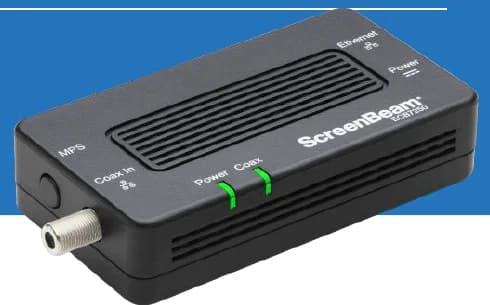
A two-adapter option for wired backhaul when a usable coax path already connects the router area and a weak room.
- 2 adapters in kit
- 2.5GbE port per adapter
- Uses existing coax
Before you buy: Confirm both outlets share a compatible coax system. Satellite and some provider setups are incompatible; DOCSIS 3.1 can conflict. Check splitters and any required point-of-entry filter before buying.

Eight 2.5GbE PoE+ ports and a 240W budget for a higher-load Omada AP and camera closet.
- 8 × 2.5GbE PoE+
- 2 × 10G SFP+
- 240W PoE budget
Before you buy: Uses two fans and provides PoE+ rather than PoE++ per port.
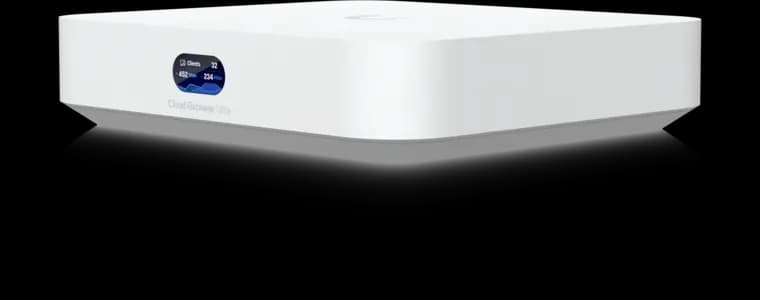
UniFi controller built-in
- 1 Gbps IDS/IPS
- 2.5GbE WAN
- No Protect recording
Before you buy: This Amazon link selects Adorama's offer. Confirm Sold by Adorama, New condition, the final price, and return terms at checkout; the offer can change.
Ownership cost beyond the mesh or access point
| Platform | Included without a subscription | Optional recurring cost | Common extra hardware |
|---|---|---|---|
| eero | Core routing, mesh, updates, and app management | $9.99/month or $99.99/year for eero Plus | Extra nodes, Ethernet switch, cabling, or MoCA |
| Deco | Core routing plus basic HomeShield security and parental controls | Advanced Parental Controls: $2.99/month or $17.99/year; Security+: $4.99/month or $35.99/year; Total Security: $69.99 first year, then $129.99/year | Extra nodes, Ethernet switch, cabling, or MoCA |
| UniFi | Local network management without a required license fee | No required network subscription; optional services vary | Gateway/controller, PoE switch or injectors, APs, and cabling |
| Omada | Local controller or standalone AP management without a required license fee | No required local-network subscription; cloud options vary | Gateway/controller, PoE switch or injectors, APs, and cabling |
The consumer-mesh price includes routing and Wi-Fi in each node. A managed AP price usually does not. For a fair quote, total the gateway, controller appliance if used, PoE switching or injectors, access points, cabling, patching, mounting, setup, and any subscriptions. Also confirm whether the ISP gateway will run in bridge or passthrough mode; otherwise, a second router can create double NAT and may disable features in either platform.
Subscription prices were checked against the official eero Plus pricing notice and TP-Link HomeShield plan table on September 1, 2026.
What MLO changes in Wi-Fi 7
Multi-Link Operation, or MLO, lets compatible Wi-Fi 7 devices use more than one band or channel path to improve latency and reliability.
In practical terms, MLO can let a compatible client or mesh backhaul combine 5 GHz and 6 GHz paths instead of waiting on one congested link. That can reduce latency and smooth traffic during gaming, video calls, and large file transfers. It does not make every older phone faster, and it does not solve bad placement. The client, router or AP, firmware, and band plan all need to support the feature correctly.
MLO matters most when the rest of the design is already clean: wired backhaul where possible, open-air node placement, and enough 6 GHz coverage for newer devices. If the house is still relying on a long wireless daisy chain through plaster or masonry, fix the topology first.
How Wi-Fi 7 affects older Wi-Fi 5 and Wi-Fi 6 devices
Wi-Fi 7 will not turn older Wi-Fi 5 or Wi-Fi 6 clients into Wi-Fi 7 clients, but it can still improve the network around them.
Most older TVs, printers, cameras, speakers, and smart-home devices will stay on 2.4 GHz or 5 GHz. They will not use 6 GHz, 320 MHz channels, or full MLO behavior. To use the full Wi-Fi 7 feature set, you need newer client hardware such as a recent flagship phone, Wi-Fi 7 laptop, or desktop adapter. The benefit for older devices is indirect: newer Wi-Fi 7 laptops and phones can move more traffic onto 6 GHz, while a stronger mesh or AP backhaul can reduce congestion on the bands older devices still use.
This is why a Wi-Fi 7 upgrade should be judged by whole-home stability, not only a same-room speed test on one new phone.
Real-world Wi-Fi 7 speed expectations
Even with a BE33000 flagship mesh system, a Wi-Fi 7 phone or laptop will usually see far less than the aggregate number printed on the product page.
BE11000, BE22000, and BE33000 are aggregate radio-class labels across bands and streams, not single-device promises. A client can use only the radios, channel widths, spatial streams, and MLO combinations that both ends support. Distance, neighboring networks, walls, furniture, firmware, and backhaul then reduce the result further. Judge the upgrade by stable room-to-room performance, not the largest number printed on the box.
Large Wi-Fi 7 nodes such as eero Max 7, Deco BE85, and Deco BE95 need open air. Closed media cabinets, TV alcoves, and low shelves can trap heat, block 6 GHz, and reduce performance.
Outdoor and edge coverage
Outdoor coverage should be planned separately from indoor mesh coverage.
For patios, pool areas, detached garages, garden offices, and rear yards, choose hardware designed for that environment. eero Outdoor 7 is the simplest extension for an existing eero network and is IP66 rated, but it requires correct vertical mounting and PoE+ or eero's outdoor power method. UniFi U7 Mesh can work for smaller UniFi edge zones where flexible mounting matters and 6 GHz is not required. Omada EAP772-Outdoor is the stronger TP-Link/Omada fit when the property needs a tri-band, IP68 outdoor Wi-Fi 7 AP with 2.5GbE PoE+.
The path matters as much as the AP. Outdoor cable should be routed, protected, grounded where appropriate, and kept out of sloppy exposed runs. For detached structures, read our fiber vs copper vs wireless bridge guide before choosing a wireless fix.
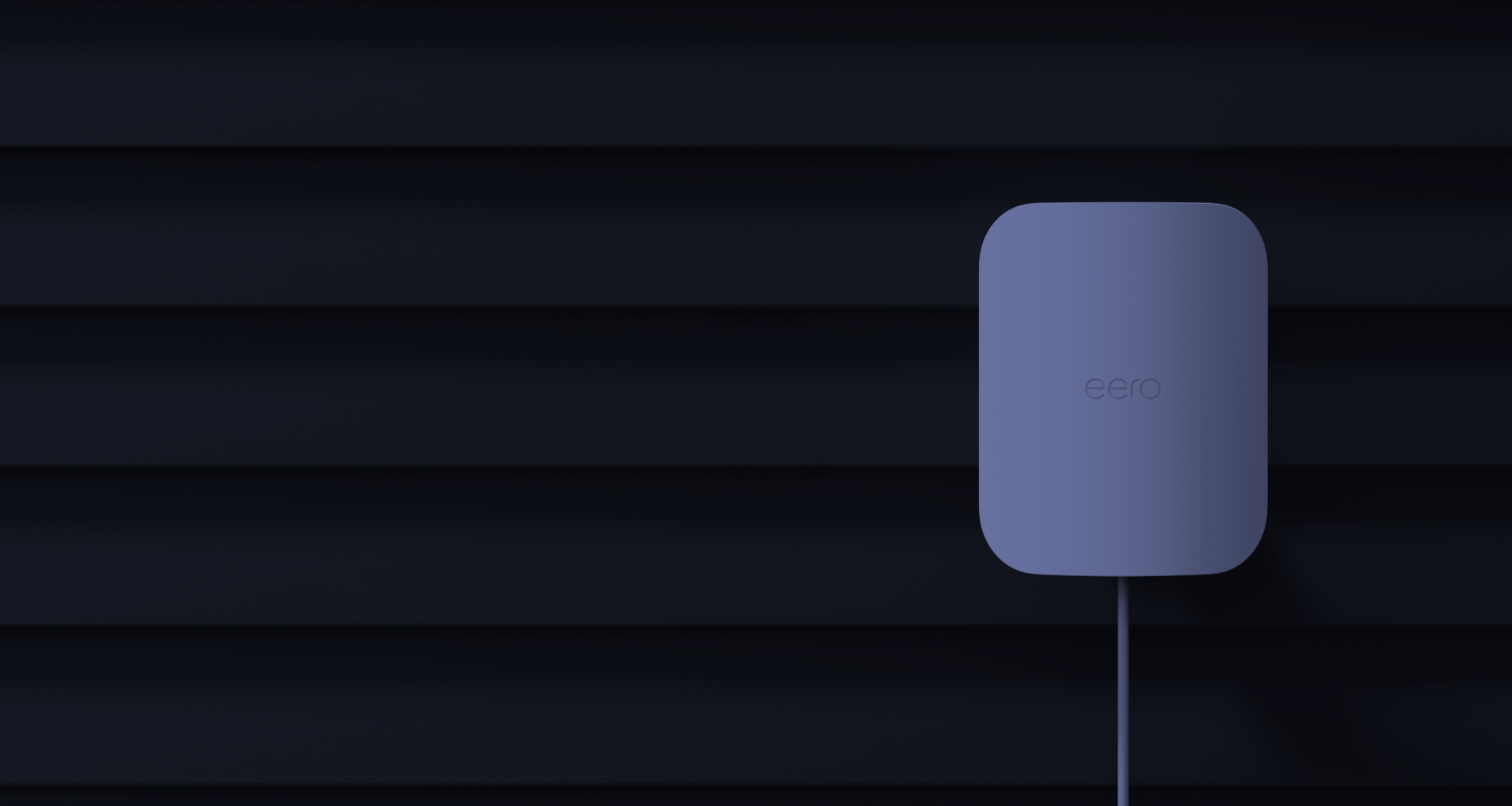
Wi-Fi 7 dual-band with 2.4 GHz and 5 GHz radios
Key details
- IP66 weather rating with support for outdoor mounting
- Up to 15,000 square feet of outdoor coverage and 100+ connected devices
- Works best for existing eero homes that want simple outdoor expansion

Wi-Fi 7 dual-band with 2.4 and 5 GHz radios
Opens search results. Match the model and bundle before ordering.
Find options on AmazonOfficial specificationsKey details
- Integrated long-range antenna system for flexible placement and stronger mesh-oriented use cases
- 2.5 GbE uplink with PoE power and an included PoE adapter
- Better fit for patio-edge, shelf, pole, or indoor-outdoor transition zones than for 6 GHz-first deployments
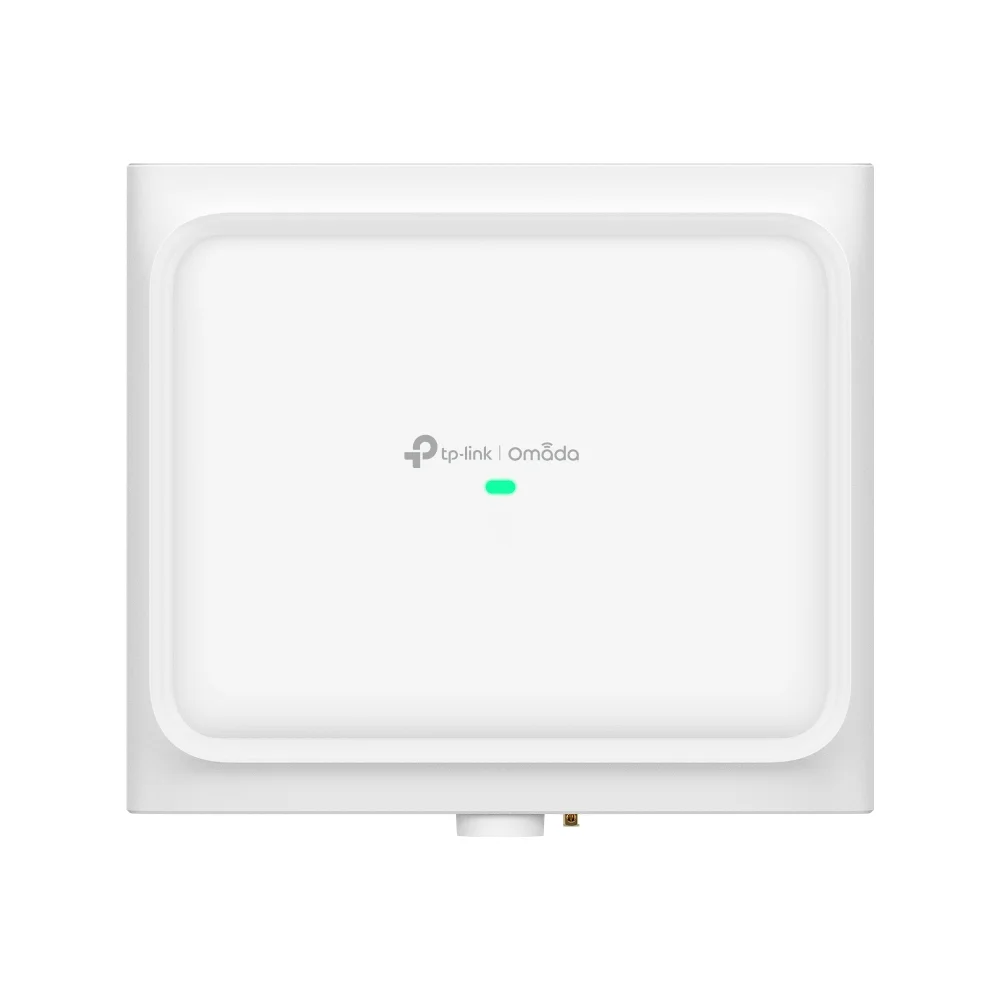
Reserve EAP772-Outdoor for real exterior coverage. It is the outdoor specialist in the Omada lineup, not a workaround for weak indoor placement.
Key details
- Wi-Fi 7 tri-band outdoor AP with 6 spatial streams
- BE11000 class with 10,777 Mbps aggregate published speed
- 1 x 2.5GbE 802.3at PoE input
Scope and recommendation methodology
This is an installer-led planning guide, not a claim that we bench-tested every Wi-Fi 7 system on the market. We selected eero and Deco as app-managed mesh options and UniFi and Omada as controller-managed wired options because they represent the two network shapes we regularly design around. Recommendations are based on current manufacturer specifications, port and PoE requirements, controller and subscription costs, installation constraints, and experience placing and tuning wired and mesh networks in finished homes and small offices.
Asus ZenWiFi and Netgear Orbi are credible alternatives, but they are outside this four-ecosystem comparison. For a broader retail-mesh shortlist, use our best Wi-Fi 7 mesh systems guide. We do not publish measured throughput for a product unless the test conditions and equipment are documented. Manufacturer device counts and square-foot figures in this guide are planning references, not our measured guarantees.
September 1, 2026 update log
- Added eero 7 and eero Pro 7 as distinct recommendations instead of treating Max 7 as the default eero choice.
- Corrected Deco BE85 U.S. V1/V2 classification to BE22000 and added a region/version check.
- Added the FCC Covered List buyer note and current conditional-approval context.
- Qualified EAP773 power guidance because TP-Link's specification and store wording conflict.
- Added HomeShield and eero Plus costs, exact ScreenBeam MoCA kit details, current product imagery, and refreshed purchase paths.
We design, wire, place, and tune Wi-Fi systems for homes and small offices in Westchester and Fairfield County, including Deco, eero, UniFi, and Omada deployments.
FAQs
What is the best Wi-Fi 7 system for most homes?
For most homes, start with one or two well-placed nodes and wired backhaul where possible. eero 7 is the affordable small-home pick, eero Pro 7 and Deco BE65 Pro are the best-balanced premium choices, and UniFi or Omada is better when the home can support wired PoE access points.
How many Wi-Fi 7 mesh nodes do I need?
Most homes under 2,500 square feet need one or two well-placed nodes. Homes from 2,500 to 4,000 square feet often need two or three nodes, but only if the placement and backhaul are right. Dense construction can require more careful AP placement rather than simply adding more mesh nodes.
Is Deco BE95 worth it over Deco BE65 Pro?
Deco BE95 is worth considering for very large homes, heavy device loads, multi-gig service, and 10G-class wired backhaul. For ordinary 1Gbps or 2.5Gbps homes, Deco BE65 Pro is usually the more sensible starting point.
Is UniFi better than Deco or eero?
UniFi is better when you want a wired AP system with controller visibility, VLANs, policy control, and long-term tuning. Deco and eero are better when you want a simpler consumer mesh experience. The better choice depends on the house and the owner, not just the brand.
Do I need Ethernet backhaul for Wi-Fi 7?
You do not strictly need Ethernet backhaul, but it is the best way to get stable results from Wi-Fi 7 hardware. If Ethernet is not realistic, MoCA 2.5 over existing coax is often a better retrofit option than relying on multiple wireless mesh hops.
Should a small office use Deco, Omada, or UniFi?
A simple office can use Deco in access point mode, but most small offices are better served by Omada or UniFi because they support managed AP placement, PoE switching, VLANs, guest Wi-Fi, and clearer troubleshooting.
References
- TP-Link current U.S. Deco product catalog: tp-link.com
- eero Wi-Fi product comparison: eero.com
- Ubiquiti current Wi-Fi lineup: store.ui.com
- Omada current U.S. Wi-Fi lineup: omadanetworks.com
- FCC June 2026 router conditional approvals: fcc.gov
Plan the project with a site visit
Confirm wiring, equipment, placement, and installation scope before hardware is locked in.