


- TL;DR
- Related Guides
- What Is the Best Omada Access Point for a Small Office?
- Should You Upgrade to the Omada EAP773?
- When to Install the Omada EAP723
- When to Install the Omada EAP725-Wall
- When to Use the Omada EAP772-Outdoor
- Omada EAP770 vs EAP772 Differences
- Should You Buy Omada Wi-Fi 7 or Save Money with Wi-Fi 6?
- How Does Omada EAP772 Compare to the UniFi U7 Pro?
- Omada PoE Power Budget Warnings for Small Offices
- How Many Office Users Should You Plan per AP?
- Which Omada AP Should You Choose by Office Type?
- Do You Need a Controller to Make These APs Worth Buying?
- FAQs
- References
TL;DR
- Best default pick:
EAP772for most small offices with a2.5G PoE+edge. - Upgrade pick:
EAP773only when the office already has a real10GAP path. - Budget or satellite-room pick:
EAP723for lighter rooms that do not need6 GHz. - Private-office and clinic pick:
EAP725-Wallwhen each room also needs local Ethernet ports. - Older-network value pick:
EAP670can still be the smarter buy when the office is mostly cloud traffic and not rebuilding around Wi-Fi 7.
For most small offices in 2026, the best Omada access point is the EAP772. It is the current mainstream tri-band Omada Wi-Fi 7 ceiling AP, it keeps the wired edge at a practical 2.5GbE, and it fits the switch budget most projects actually have.
- Choose EAP772 as the default Omada ceiling AP for most small offices.
- Choose EAP773 only when the office can actually use a 10G AP uplink.
- Choose EAP723 for lighter-density satellite rooms and budget-sensitive jobs.
- Choose EAP725-Wall for room-by-room office layouts where in-room wired ports matter.
- Check switch ports and PoE budget before buying the AP stack.
Related Guides
- Small Business Network Design Guide
- Small Office Wi-Fi AP Density Plan
- UniFi vs TP-Link Omada
- Current TP-Link Omada Wi-Fi 7 and 2.5G deals
What Is the Best Omada Access Point for a Small Office?
The best Omada access point for most small offices is the EAP772.
It is the most practical fit for a typical office with:
5 to 50users- one main closet or a small rack
- a managed PoE switch, but not necessarily a 10G-heavy core
- staff Wi-Fi, guest Wi-Fi, and maybe VoIP, cameras, or a conference room
TP-Link's current Omada positioning treats the EAP772 as the mainstream tri-band BE11000 ceiling AP with a 2.5G uplink, while the EAP773 is the step-up model for offices that already have a 10G wired edge. That is the distinction that matters most for small-office buyers.
For most offices, 2.5G is the practical sweet spot. It removes the main gigabit bottleneck without requiring the entire access layer to move to 10G.
| Model | Wi-Fi class | Uplink | Best fit | Main caution |
|---|---|---|---|---|
| EAP772 | BE11000 tri-band | 1 x 2.5G | Default ceiling AP for most small offices | Still needs a decent 2.5G PoE+ edge to feel current |
| EAP773 | BE11000 tri-band | 1 x 10G | Tech-heavier offices with a real 10G path | Easy to overspend on when the rest of the office is only 1G or 2.5G |
| EAP723 | BE5000 dual-band | 1 x 2.5G | Satellite rooms, lighter offices, tighter budgets | No 6 GHz band |
| EAP725-Wall | BE5000 dual-band | 1 x 2.5G uplink plus room ports | Private-office, clinic, and suite layouts | Not the right replacement for a central open-office ceiling AP |
| EAP772-Outdoor | BE11000 tri-band | 1 x 2.5G | Patios, courtyards, detached edges | Outdoor specialist, not the main indoor office AP |
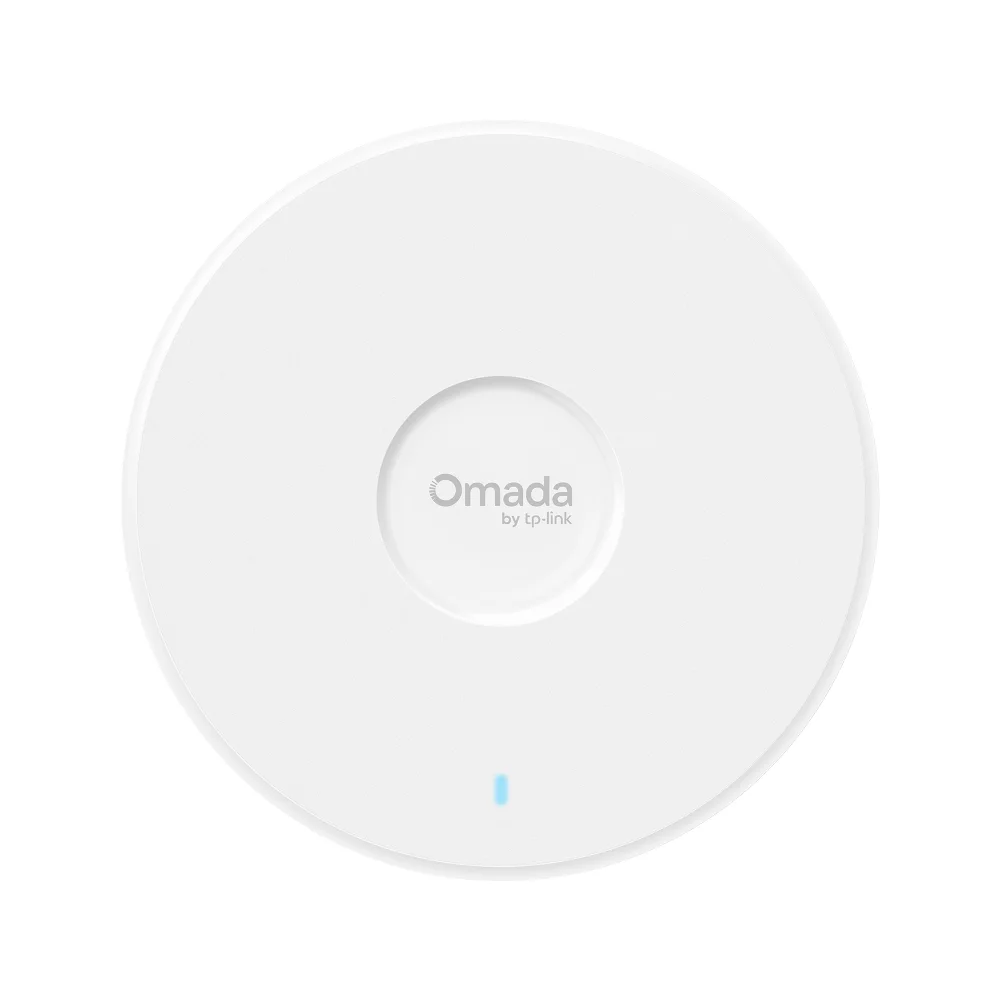
This is the default Omada pick for most small offices because it pairs tri-band Wi-Fi 7 with a practical 2.5G uplink and sane switch requirements.
Key details
- Wi-Fi 7 (802.11be) tri-band BE11000
- 5,765 Mbps on 6 GHz + 4,324 Mbps on 5 GHz + 688 Mbps on 2.4 GHz
- 1 x 2.5G RJ45 uplink for practical multi-gig office switching
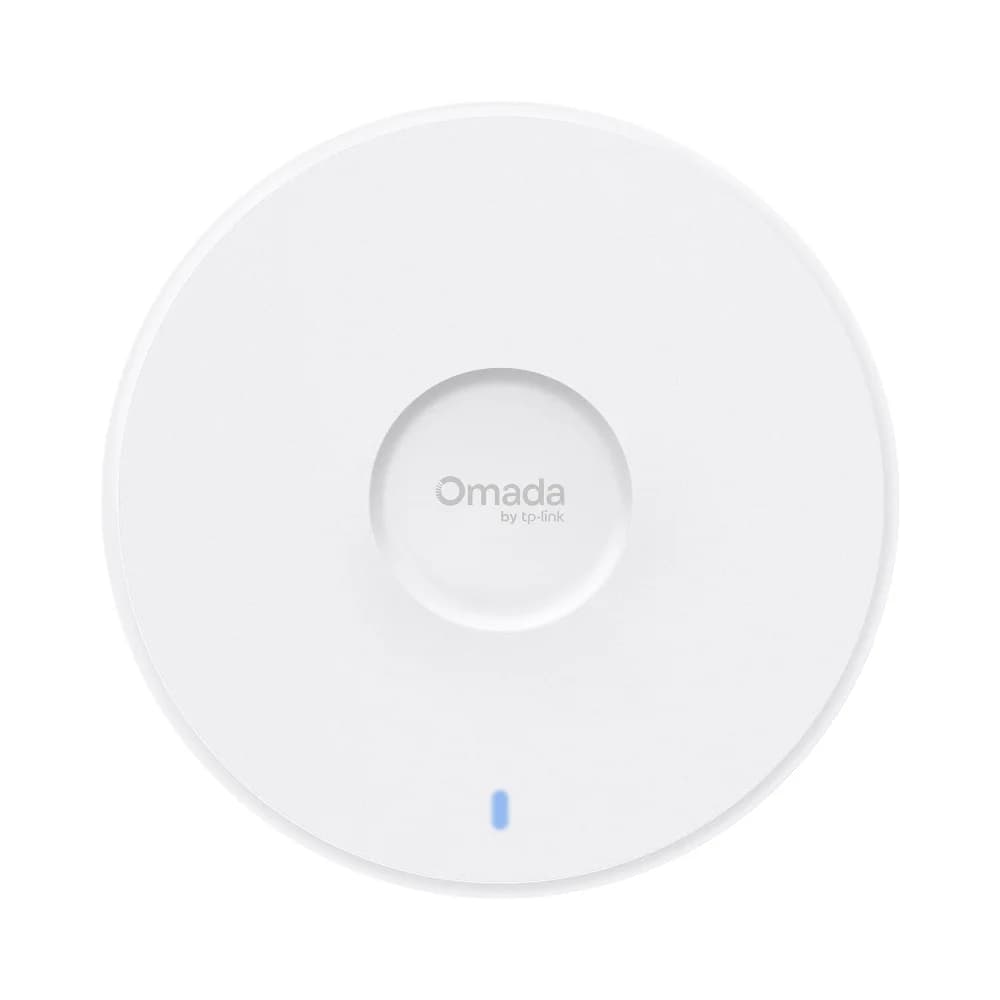
Choose EAP773 when the office already has a real 10G access path and wants the higher-end Omada ceiling AP instead of paying for 10G on paper only.
- Tri-band Wi-Fi 7
- 10GbE uplink
- BE11000 class
Should You Upgrade to the Omada EAP773?
Upgrade to the EAP773 only if the office already has a real 10G AP path.
The EAP772 and EAP773 sit in the same general Wi-Fi 7 performance tier. The practical difference is the wired uplink:
EAP772: 1 x 2.5GEAP773: 1 x 10G
Choose EAP773 when:
- the office already has 10G switching or aggregation
- users move large local files to a server or NAS
- the wired core is already being built as a higher-end install
- the AP uplink has a believable path to exceed 2.5G
Skip the upgrade when:
- the internet handoff is still 1G
- the PoE switch is still 1G or 2.5G
- the office mostly uses cloud apps and normal staff traffic
- the extra AP spend would be better used on cable, switch ports, or one more AP in the right place
For most offices, that is enough to keep EAP773 out of the default recommendation.
There is also a practical installation note here. The current EAP773 spec sheet still lists a 1.3-inch chassis, which makes it easier to place cleanly on visible office ceilings than bulkier enterprise APs. That matters most in conference rooms, reception areas, and other client-facing spaces where the hardware profile still gets noticed.
When to Install the Omada EAP723
Install the EAP723 in lighter rooms that do not need 6 GHz coverage.
The current US EAP723 page lists:
- dual-band BE5000
- 4324 Mbps on 5 GHz
- 688 Mbps on 2.4 GHz
- 1 x 2.5G uplink
- 802.3at PoE
- 250+ concurrent clients
- 17.8W max power on PoE
That makes it a good fit for:
- small offices with modest client counts
- private rooms or edge rooms that do not justify a tri-band ceiling AP
- budget-sensitive jobs where the buyer still wants a current Omada Wi-Fi 7 platform
- phased upgrades where the main open area gets EAP772, but lighter zones get EAP723
In current US shopping, it is more realistic to treat EAP723 as a roughly $90 to $120 product than an older mid-$80 street-price headline.
It is not the right default when the office wants:
- 6 GHz
- stronger premium positioning
- one consistent tri-band AP standard across the whole site
Some non-US Omada and support pages currently show different EAP723 specs, including BE3600 and lower 5 GHz rates. The current US product page still lists BE5000 with 4324 Mbps on 5 GHz, so verify the exact regional and hardware-revision page before ordering.
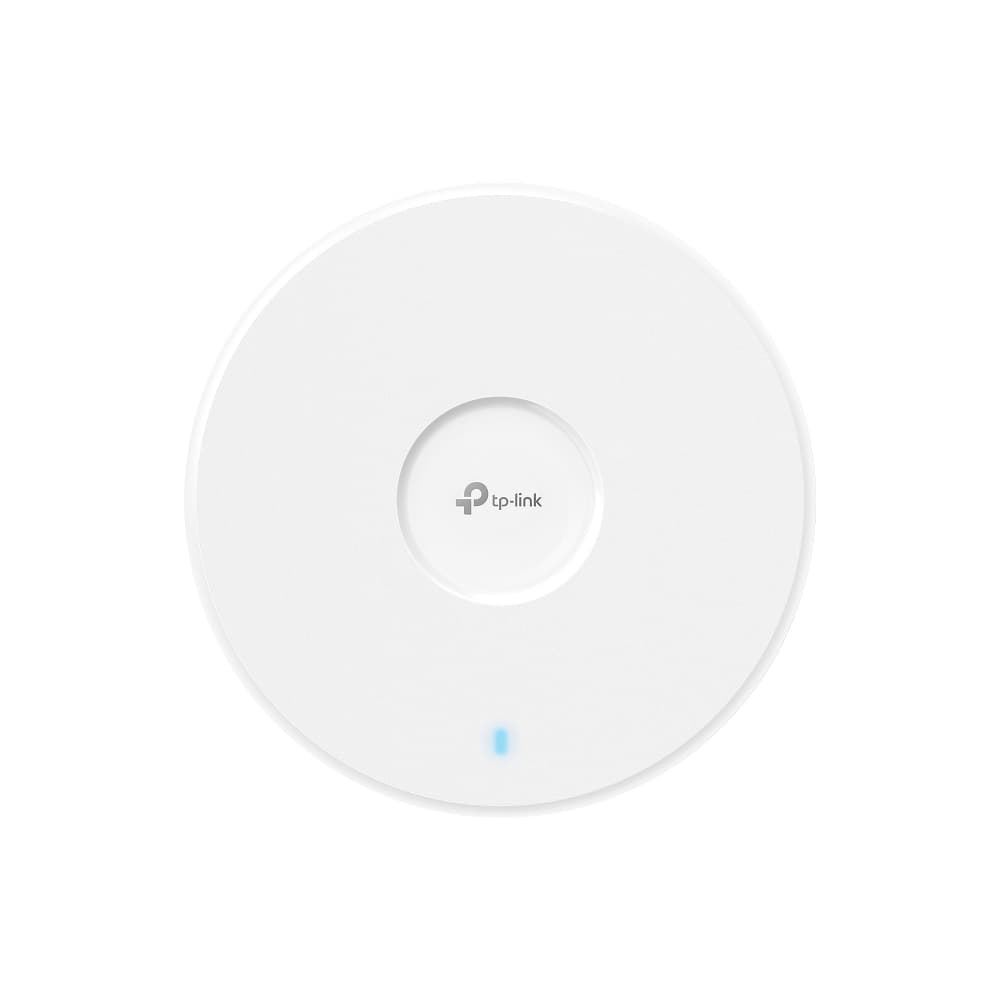
EAP723 is the right lower-cost Omada Wi-Fi 7 ceiling AP when you want a 2.5G uplink but do not need tri-band 6 GHz coverage in every room.
Key details
- Wi-Fi 7 (802.11be) dual-band BE5000
- 4,324 Mbps on 5 GHz + 688 Mbps on 2.4 GHz
- 1 x 2.5G RJ45 uplink
When to Install the Omada EAP725-Wall
Install the EAP725-Wall when each room needs both Wi-Fi coverage and local Ethernet ports.
TP-Link's current US EAP725-Wall page lists:
- dual-band BE5000
- 1 x 2.5G uplink
- 1 x 2.5G downlink with PoE pass-through
- 2 x 1G downlink ports
- up to 750 ft² of room coverage
That makes it a good fit for:
- medical or dental rooms
- therapist offices
- boutique offices with many enclosed rooms
- hospitality-style suites
- executive offices where a wall plate plus local wired ports is more orderly than adding a desk switch
Its main caveat is power. The PoE pass-through feature requires 802.3at/bt input, and if the downstream device draws more than 7W, the AP needs an 802.3bt input to support it properly.
The practical upside is layout cleanup. In room-by-room office builds, a wall-plate AP can often replace a separate ceiling AP and a small unmanaged desk switch in the same room. That is why this form factor usually makes more sense in clinics, suites, and private offices than it does in open bullpen space.
It is not a better choice than a ceiling AP in open office plans. If the floor is mostly open work area, conference spaces, and corridors, start with ceiling APs and reserve the wall-plate units for the rooms that genuinely need them.
The design question is simple:
- Open ceiling coverage problem: pick EAP772 or EAP773
- Room-by-room in-wall problem: pick EAP725-Wall
If those rooms still need new cable runs, talk to a network installer before ordering a stack of wall-plate APs.
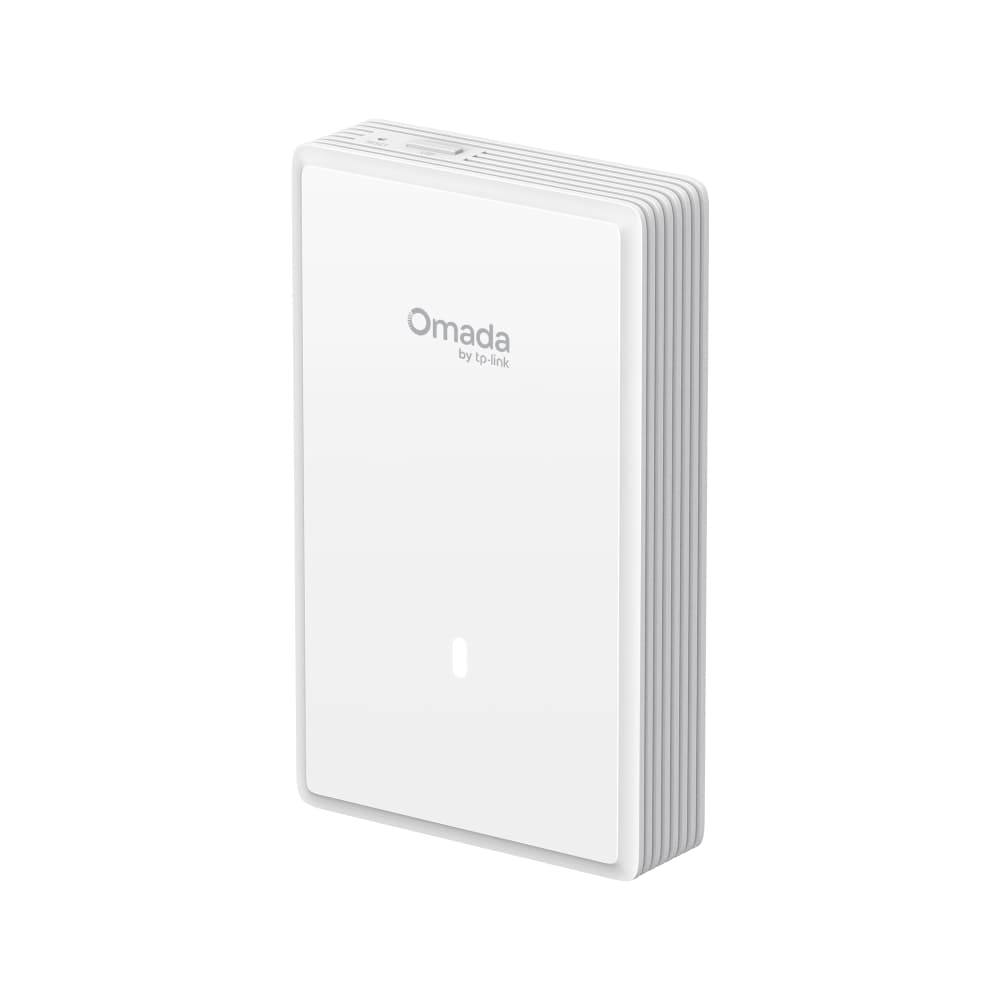
Use EAP725-Wall where each room needs its own Wi-Fi cell plus Ethernet handoff instead of trying to force a ceiling AP into a wall-plate job.
Key details
- Wi-Fi 7 (802.11be) dual-band BE5000 wall-plate AP
- 1 x 2.5G uplink plus 1 x 2.5G downlink and 2 x 1G downlinks
- PoE pass-through on the 2.5G downlink requires 802.3at/bt input; devices above 7W need 802.3bt input
When to Use the Omada EAP772-Outdoor
Use the EAP772-Outdoor for dedicated exterior coverage, not to solve weak indoor placement.
It is the right answer for:
- office patios
- restaurant or cafe seating
- courtyards
- loading or yard areas
- detached workspaces or edge buildings
It is not the right answer when the indoor office has weak coverage because the AP layout is off. Adjust the indoor layout first.
Outdoor APs work best when they are planned as outdoor APs from the start.
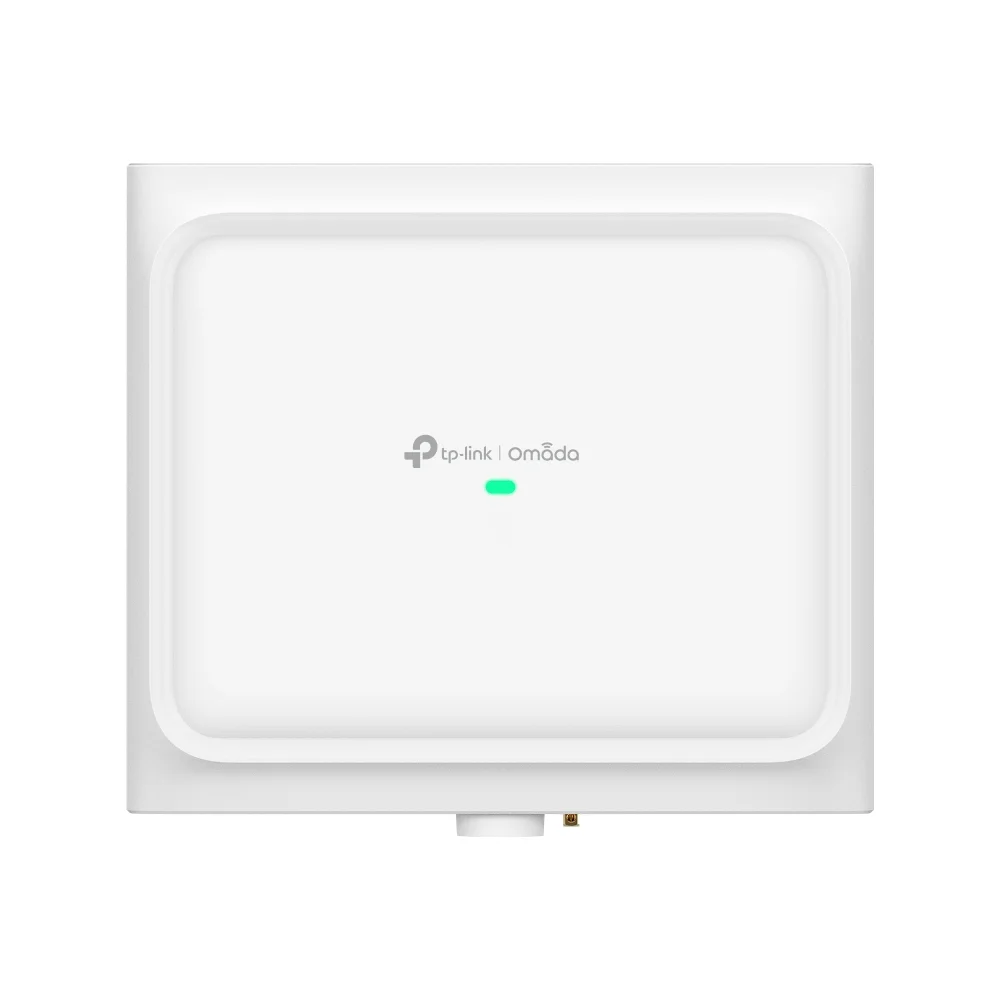
Reserve EAP772-Outdoor for real exterior coverage. It is the outdoor specialist in the Omada lineup, not a workaround for weak indoor placement.
Key details
- Wi-Fi 7 tri-band outdoor AP with 6 spatial streams
- BE11000 class with 10,777 Mbps aggregate published speed
- 1 x 2.5GbE 802.3at PoE input
Omada EAP770 vs EAP772 Differences
The EAP770 and EAP772 are effectively the same design tier for a new small-office deployment.
TP-Link's current store guidance positions:
- EAP772 as the mainstream small-office pick
- EAP773 as the 10G step-up
- EAP770 as the close sibling that mainly differs around included power-adapter packaging and channel context
For a new article or fresh quote, lead with EAP772. If your distributor already supplied EAP770, treat it as a near-equivalent rather than a redesign trigger.
Should You Buy Omada Wi-Fi 7 or Save Money with Wi-Fi 6?
Buy Wi-Fi 7 when the office is already moving to 2.5G switching and wants a longer refresh cycle.
If the office is mostly cloud apps, standard video calls, and a normal 1G or 2.5G wired edge, older Wi-Fi 6 APs can still be rational.
The most useful comparison is EAP772 versus EAP670:
- choose EAP772 when you want Omada's current mainstream Wi-Fi 7 ceiling AP and a longer runway
- choose EAP670 when the office needs a proven 2.5G Wi-Fi 6 AP and cost discipline matters more than being on the newest standard
- keep EAP653 in the conversation when the office is staying firmly gigabit-class and simply needs solid Wi-Fi 6 coverage
| Model | Class | Uplink | Best fit | Skip it when |
|---|---|---|---|---|
| EAP772 | BE11000 tri-band Wi-Fi 7 | 1 x 2.5G | Most offices buying fresh and keeping the network for years | The office is purely cost-driven and not rebuilding around Wi-Fi 7 |
| EAP670 | AX5400 dual-band Wi-Fi 6 | 1 x 2.5G | Value-oriented offices that still want a multi-gig AP uplink | The buyer wants current-generation Wi-Fi 7 hardware throughout |
| EAP653 | AX3000 dual-band Wi-Fi 6 | 1 x 1G | Budget installs on a gigabit edge | The network is already moving to 2.5G and wants longer-term headroom |
How Does Omada EAP772 Compare to the UniFi U7 Pro?
The EAP772 and UniFi U7 Pro both fit the same general buyer, but they push the rest of the network in slightly different directions.
The current Ubiquiti store still lists U7 Pro at $189 as a ceiling-mounted Wi-Fi 7 AP with 6 spatial streams and 6 GHz support. That puts it close enough to EAP772 in price and class that most serious SMB buyers will compare them directly.
The more useful distinction is ecosystem shape:
- choose EAP772 when you want a networking-first Omada build with a practical 2.5G PoE+ edge and simpler cost discipline
- choose U7 Pro when you already want the wider UniFi platform and expect the AP to live inside a deeper UniFi stack
That stack difference matters in the budget discussion. A UniFi buyer often ends up evaluating adjacent hardware such as the Cloud Gateway Max at $279 and the Pro Max 16 PoE at $399, while an Omada buyer can stay more modular about controller, gateway, and switch decisions.
| Model | Current price | Wired edge | Best fit | What changes around it |
|---|---|---|---|---|
| Omada EAP772 | $169.99 MSRP | 1 x 2.5G, 802.3at PoE+ | Most small offices that want current Wi-Fi 7 without a 10G rebuild | Keeps the conversation centered on a practical multi-gig PoE switch and Omada controller choice |
| UniFi U7 Pro | $189 | 2.5 GbE, PoE+ | Small offices already leaning into the UniFi ecosystem | Often leads buyers to evaluate a broader UniFi gateway and switching stack such as Cloud Gateway Max and Pro Max 16 PoE |
The practical takeaway is simple: EAP772 is usually the more straightforward value recommendation, while U7 Pro is usually the better answer when the client already prefers the UniFi ecosystem.
Omada PoE Power Budget Warnings for Small Offices
PoE budget problems can undermine an otherwise sound AP design.
The small-office mistake is buying the right APs and then hanging them on a switch with too little wattage per port or too little total PoE budget.
- EAP772: current US pages list about 25.4W max on PoE
- EAP773: current US pages list 25.4W max on PoE
- EAP723: current US page lists 17.8W max on PoE
- EAP725-Wall: current US page lists 17W max, with PoE pass-through support capped at 7W on 802.3at input and 15.4W on 802.3bt input
Practical rule: buy switch headroom, not just port count. An office with four APs and two PoE phones on wall-plate pass-through can exhaust a small switch faster than the spec sheet buyer expects.
How Many Office Users Should You Plan per AP?
Do not size office APs by the vendor's maximum client headline.
TP-Link's official pages can show figures like 250+ or 380+ concurrent clients, but that is not how we size an office where people spend the day on laptops, cloud apps, and video calls.
Use this as planning guidance, not as a vendor-published limit:
- EAP772 or EAP773: roughly
40 to 50heavily active users per AP in video-call-heavy office environments - EAP723: roughly
20 to 30heavily active users per AP in lighter satellite rooms - EAP725-Wall: size by room or suite rather than by open-office user count
If the office has dense meeting rooms, lots of simultaneous calls, or heavy internal file transfers, reduce those targets and add another AP sooner rather than later.
For placement and AP-count planning, pair this with our small office Wi-Fi AP density plan.
Which Omada AP Should You Choose by Office Type?
| Office shape | Best starting AP | Why | Second look |
|---|---|---|---|
| Open office with 10 to 30 users | EAP772 | Best balance of current Wi-Fi 7 and practical 2.5G switching | EAP773 if the office edge is already 10G |
| Smaller office with lighter density | EAP723 | Lower-cost current-generation option | EAP772 if you want tri-band 6 GHz headroom |
| Clinic, suites, or many enclosed private rooms | EAP725-Wall | In-room coverage plus local wired ports | EAP772 for shared/open waiting or staff zones |
| Tech-heavy office with 10G switching | EAP773 | 10G AP uplink fits the wired core | EAP772 when the 10G path is not actually necessary |
| Patio, courtyard, detached edge | EAP772-Outdoor | Purpose-built outdoor fit | Indoor AP redesign if the issue is really inside |
For most offices, the buying pattern should look like this:
- start with EAP772
- move to EAP773 only when the wired core justifies it
- add EAP723 in lighter zones if cost or room profile supports it
- use EAP725-Wall only where the room layout truly asks for wall plates
That is usually more practical than using the same AP in every room simply because the product family shares the same management platform.
Do You Need a Controller to Make These APs Worth Buying?
Not for basic standalone setup, but yes for the features most offices actually expect.
The Omada product pages consistently note that features such as:
- cloud access
- centralized management
- mesh
- seamless roaming
- captive portal
depend on an Omada controller.
That means the AP choice is only half the story. If the office wants a proper Omada experience, plan on either:
- Omada Software Controller
- Omada Cloud-Based Controller
- OC200 or another hardware controller
Pick the right radio first, then decide how the office wants to manage it.
For a broader view of Omada gateways, outdoor models, and controller choices, see our Omada Wi-Fi 7 for SMBs and large homes guide.
We can map the office layout, choose the right Omada AP tier, and keep the switch, PoE, and coverage plan aligned before the hardware order goes in.
FAQs
What is the best Omada access point for a small office?
For most small offices, the best Omada access point is the EAP772. It is the current mainstream tri-band Wi-Fi 7 ceiling AP with a practical 2.5G uplink for real SMB switching budgets.
Should I buy EAP772 or EAP773?
Buy EAP772 for most offices. Buy EAP773 only when the office already has a real 10G-capable wired edge and can actually use the faster uplink.
Is EAP723 enough for a small office?
Yes, for lighter offices, smaller rooms, or budget-sensitive satellite areas. It is not the best default whole-office AP when you want tri-band 6 GHz coverage and a longer refresh cycle.
When should I use EAP725-Wall instead of a ceiling AP?
Use EAP725-Wall when the office is built from enclosed rooms or suites and each room also needs local wired ports. Use a ceiling AP when the main problem is open-area coverage.
Do Omada access points require a controller?
Not for basic standalone setup, but the features most offices care about, such as centralized management, cloud access, seamless roaming, mesh, and captive portal, depend on an Omada controller.
Is Omada better than UniFi for a small office?
Omada is often the better fit when the office needs networking-first value and a simpler cost structure. UniFi is often the better fit when the office wants a broader integrated ecosystem around networking, cameras, access control, or deeper long-term platform expansion.
References
- TP-Link Omada EAP772 official page — omadanetworks.com
- TP-Link Omada EAP723 official page — omadanetworks.com
- TP-Link Omada EAP725-Wall official page — omadanetworks.com
- TP-Link Omada EAP670 official page — omadanetworks.com
- Omada WiFi 7 Access Point Buying Guide (2025) — store.omadanetworks.com
Plan the project with a site visit
Confirm wiring, equipment, placement, and installation scope before hardware is locked in.