


- Quick summary
- Why consider Omada Wi-Fi 7 in 2026?
- Best Omada Wi-Fi 7 Access Point for Standard Installs: EAP770
- When EAP773 Is the Right Upgrade
- Where EAP772-Outdoor Fits
- PoE Switch Requirements for Omada Wi-Fi 7
- Recommended Gateway for Omada Wi-Fi 7
- Real-World Speed and Coverage Expectations
- Recommended gear
- Is Omada a better fit than UniFi for this kind of project?
- FAQs
- References
Quick summary
Omada Wi-Fi 7 fits best when you want controller-managed multi-AP Wi-Fi, multi-gig uplinks, and lower platform cost than a full UniFi stack.
For most indoor deployments, buy the EAP770. Move to the EAP773 when the wired edge is already built around 10GbE. Use the EAP772-Outdoor when outdoor coverage is part of the design, not an afterthought.
This guide follows TP-Link's current US Omada product pages and support documents. Archived and regional Omada pages do not always use identical revision notes or Wi-Fi class labels.
- Choose EAP770 as the default indoor Omada Wi-Fi 7 AP for most larger homes and small offices.
- Choose EAP773 when the project can actually use a 10G AP uplink and a 10G switch path already exists.
- Choose EAP772-Outdoor when patios, courtyards, detached structures, or exterior work areas need proper outdoor coverage.
- Check PoE budget, switch uplinks, and client capabilities before expecting a Wi-Fi 7 upgrade to change the whole network.
- UniFi vs TP-Link Omada
- Wi-Fi 7 upgrade guide
- Small business network design guide
- Current TP-Link Omada Wi-Fi 7 and 2.5G deal guide
Why consider Omada Wi-Fi 7 in 2026?
Omada Wi-Fi 7 is a practical option for multi-AP small-business and large-home networks that need controller-managed Wi-Fi and multi-gig backhaul.
TP-Link now has a usable family around that idea: a mainstream indoor AP in the EAP770, a 10G-uplink indoor AP in the EAP773, and an outdoor Wi-Fi 7 AP in the EAP772-Outdoor. That matters because the buying decision is usually not about one room. It is about whether the platform can cover indoor, outdoor, and gateway needs without forcing a much larger budget jump.
Omada is attractive when you want:
- controller-managed Wi-Fi without a heavy ecosystem premium
- free software-controller deployment if you already have an always-on machine or VM
- multi-gig upgrades without rebuilding every closet around 10GbE on day one
- a network-first platform for offices, mixed-use spaces, and larger homes
Omada is less compelling when the real plan extends beyond networking into cameras, access control, and a single-brand operational stack. That is still where UniFi keeps the deeper bench.
Best Omada Wi-Fi 7 Access Point for Standard Installs: EAP770
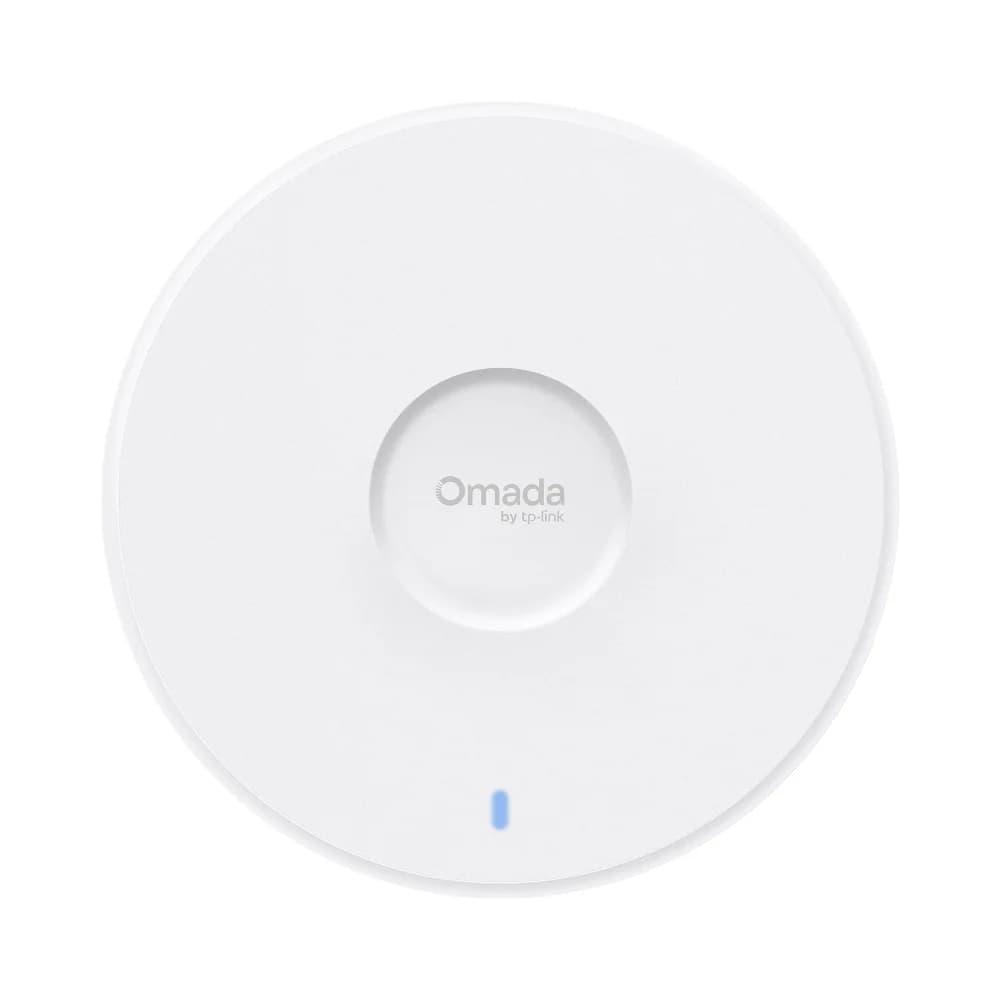
The EAP770 is the best default indoor Omada Wi-Fi 7 access point for most standard multi-AP installs.
TP-Link's current US EAP770 page lists BE11000 tri-band Wi-Fi 7, 5765 Mbps on 6 GHz, 4324 Mbps on 5 GHz, 688 Mbps on 2.4 GHz, one 2.5GbE uplink, and 802.3at PoE or 12V/2.5A DC power. That is a strong fit for the kind of deployment where the goal is modern 6 GHz capacity without forcing a full 10G access layer.
Deployment advantages:
- 2.5GbE uplink matches the most common multi-gig switch tier in real homes and small offices.
- High 5 GHz capacity still matters because many client devices spend most of their time on 5 GHz, not 6 GHz.
- Ceiling-mount form factor fits the standard hallway, central-room, and open-office placement pattern.
- Straightforward power model works with current US 802.3at PoE guidance instead of requiring a special PoE++ buying path.
- Bench-test convenience helps on smaller jobs because TP-Link's current US package contents list a power adapter in the box.
| Model | Wi-Fi class | 2.4 GHz | 5 GHz | 6 GHz | Uplink | Power | Best fit |
|---|---|---|---|---|---|---|---|
| EAP770 | BE11000 | 688 Mbps | 4324 Mbps | 5765 Mbps | 1 x 2.5GbE | 802.3at PoE or 12V/2.5A DC, 25.4W max on PoE | Default indoor AP for most installs |
| EAP773 | BE11000 | 688 Mbps | 4324 Mbps | 5765 Mbps | 1 x 10/5/2.5/1GbE | 802.3at PoE or 12V/2.5A DC, 25.4W max on PoE | Indoor installs with a real 10GbE edge |
| EAP772-Outdoor | BE11000 | 688 Mbps | 4324 Mbps | 5765 Mbps | 1 x 2.5GbE | 802.3at PoE, 21.5W max | Outdoor and edge-zone coverage |
The practical takeaway is simple. EAP770 already delivers tri-band Wi-Fi 7 and multi-gig backhaul without making the rest of the network more expensive than it needs to be.
TP-Link's current lineup also includes lower-tier Wi-Fi 7 models such as the EAP723. That model is useful for lighter rooms and tighter budgets, but it is a dual-band BE5000 AP. For the large-home and SMB projects covered in this guide, EAP770 remains the better baseline because it adds 6 GHz and a more flexible ceiling for denser deployments.
If the project is specifically a small office and you are choosing between ceiling APs, wall-plate APs, and lower-cost room picks, see our best Omada access point for a small office guide.
When EAP773 Is the Right Upgrade
The EAP773 is the right upgrade when the AP edge needs a 10GbE port.
On TP-Link's current US EAP773 page, the headline radio rates match the EAP770. The meaningful change is the 10/5/2.5/1GbE uplink. That makes EAP773 a wired-infrastructure decision more than a basic radio-tier decision.
It also uses a 1.3-inch chassis that sits close to finished ceilings. That is a small but real advantage in conference rooms, retail ceilings, and visible residential spaces where bulkier APs draw more attention.
Choose EAP773 when:
- the switch core already includes 10GbE uplinks or a 10G aggregation path
- users regularly move large files to local NAS, servers, or editing workstations
- the office is denser and the AP uplink needs more room than 2.5GbE provides
- the project is being built once and the wired side is already budgeted for the higher tier
If the gateway, switch, and structured cabling path are still effectively built around 1GbE or 2.5GbE, EAP770 is usually the cleaner buy. In most homes and many SMBs, that is the real answer.
There is also a small installation detail worth noting: the current US EAP773 pages list 12V/2.5A DC input, but they also say the DC power adapter is not included. In practice, most installs should plan on PoE+ rather than assuming a bench-supply option is in the box.
Where EAP772-Outdoor Fits
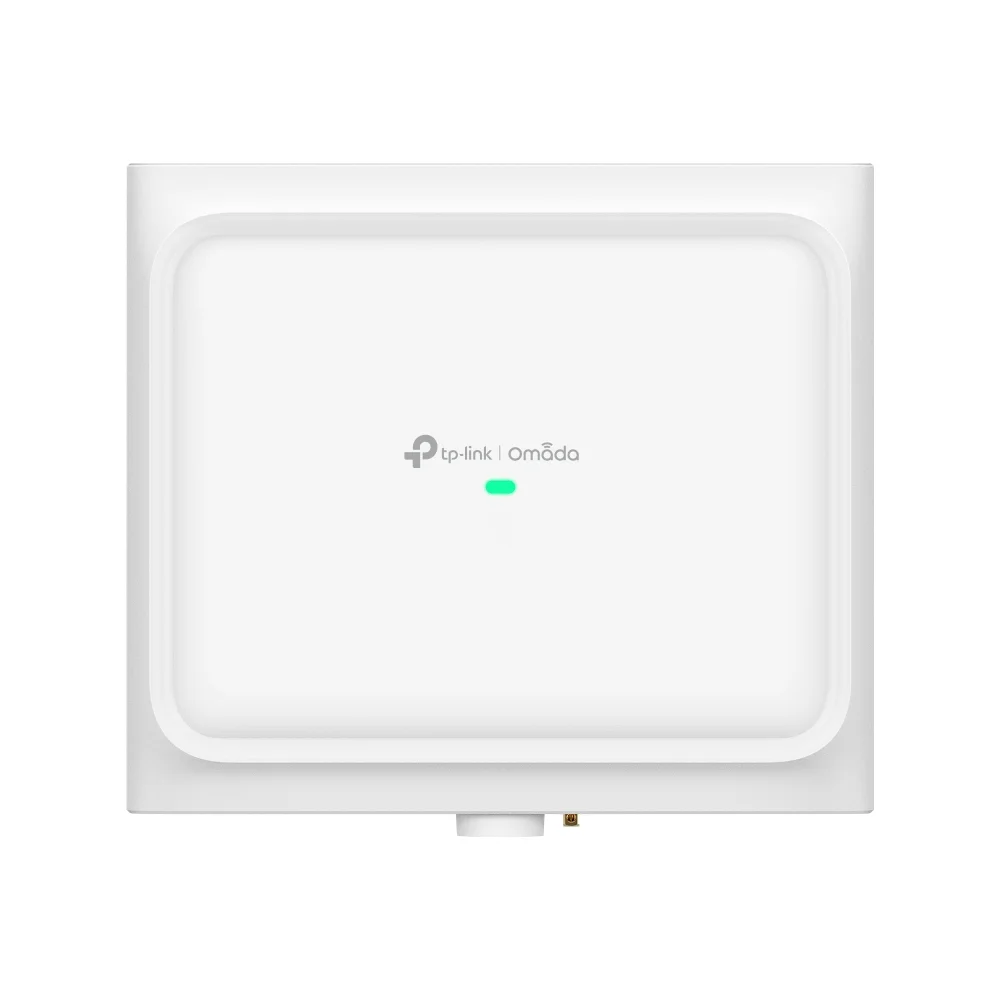
The EAP772-Outdoor is the Omada Wi-Fi 7 model for patios, courtyards, detached structures, and exterior work areas.
TP-Link's current US product page positions it as a BE11000 tri-band outdoor AP with IP68 weather protection, 1 x 2.5GbE 802.3at PoE input, 300 m² / 3,200 ft² recommended coverage, and AFC-backed 6 GHz support where the feature is available.
The AFC detail matters. Omada's AFC guide explains that the EAP772-Outdoor is currently the Omada AP that supports AFC, and that AFC adjusts 6 GHz transmission to the device's geographic location to satisfy regulatory requirements. The same guide says that, with AFC disabled, the outdoor AP stops using the 6 GHz band.
Where it fits best:
- restaurant patios, retail sidewalks, and hospitality courtyards
- pool-adjacent or patio-edge coverage at larger homes
- detached garages, barns, studios, and edge buildings
- business exteriors where indoor APs stop being reliable
What it does not replace:
- a well-placed indoor ceiling AP for primary indoor coverage
- proper outdoor cable routing, grounding, and surge-aware planning
- a site survey where trees, masonry, metal, or long distances change the RF picture
Coverage maps are planning guides, not guarantees. Outdoor Wi-Fi still depends on mounting height, line of sight, client mix, and how the surrounding materials shape the RF path.
PoE Switch Requirements for Omada Wi-Fi 7
PoE budget and port type decide whether an Omada Wi-Fi 7 upgrade works as planned.
On TP-Link's current US pages, all three APs in this comparison use 802.3at PoE. That does not mean any existing PoE switch is automatically a good match. The EAP770 and EAP773 are each listed at 25.4W max on PoE, and the EAP772-Outdoor is listed at 21.5W max. That pushes buyers toward switches with enough total headroom, not just enough labeled ports.
A simple planning example:
- 3 x EAP770 can ask for up to 76.2W before allowing for switch overhead and future growth.
- 2 x EAP773 + 1 x EAP772-Outdoor can ask for up to 72.3W.
- Older 8-port PoE switches with small total budgets can run out of headroom faster than buyers expect.
This is why Wi-Fi 7 planning should start with the switch closet as much as the ceiling plan. A good AP choice does not rescue a cramped PoE budget.
For offices where Wi-Fi, phones, room systems, and security all share the same rack, pair this with the small business network design guide before finalizing the switch and gateway stack.
For many Omada Wi-Fi 7 builds, the SG3210XHP-M2 is the cleanest switch match. TP-Link's current US page lists 8 x 2.5G PoE+ ports, 2 x 10G SFP+ uplinks, and a 240 W PoE budget. That is enough to power several Wi-Fi 7 APs while still giving the wired side room to breathe.
If you are not sure whether your switch, cabling, and PoE budget can support a Wi-Fi 7 upgrade, request a network assessment before ordering hardware.
Recommended Gateway for Omada Wi-Fi 7
The ER707-M2 is the recommended Omada gateway for most Wi-Fi 7 deployments.
It gives you two 2.5G ports, additional gigabit WAN/LAN options, and centralized management inside the Omada SDN platform. That makes it a better starting point than older gigabit-only Omada gateways when the goal is to feed a multi-gig switch and modern APs without creating a bottleneck at the router.
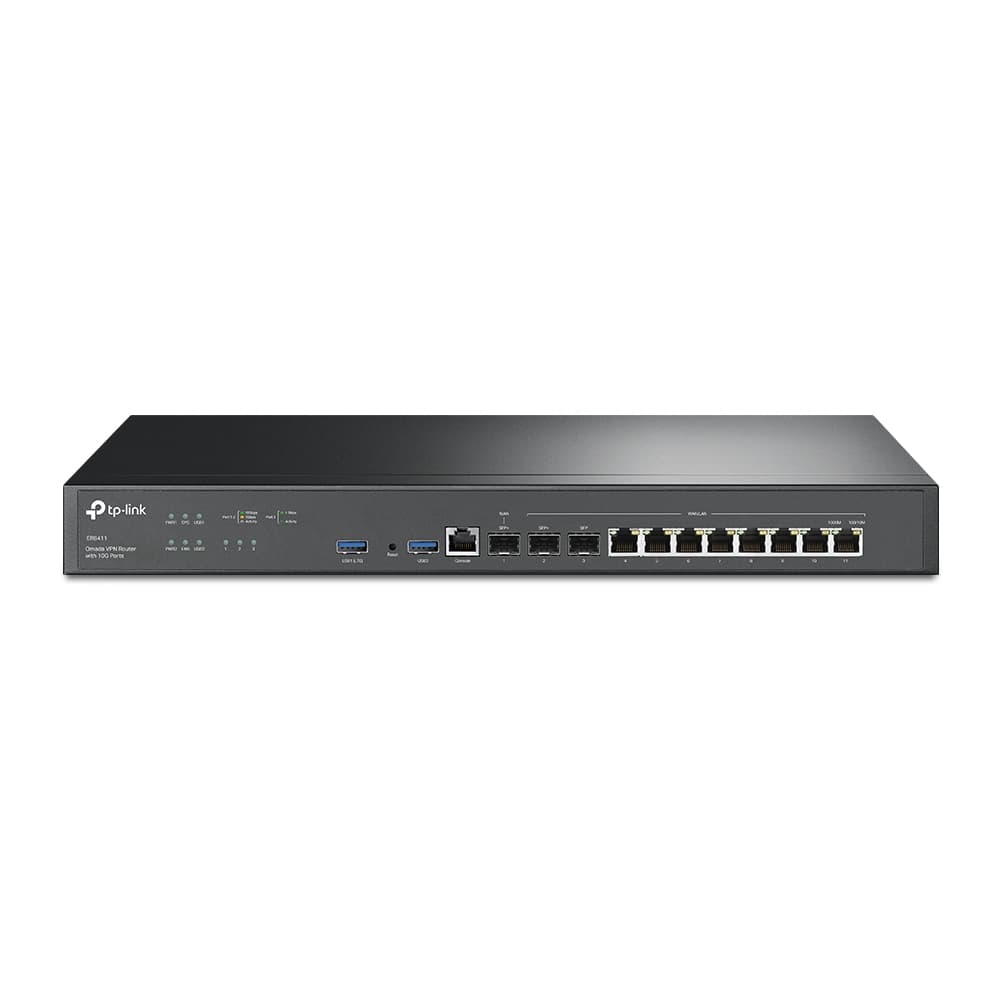
There is one important boundary condition. If the real goal is to carry a 5 Gig or 10 Gig ISP handoff into a true 10G switching core, the ER707-M2 becomes the limiting point. In those environments, step up to an enterprise Omada gateway such as the ER8411 instead of forcing a 2.5G router to sit in front of a 10G design.
The controller choice is separate:
- use the Omada software controller if you already have a stable always-on machine or VM
- use the OC200 if you want dedicated controller hardware without leaving a PC or server running
- keep controller uptime in mind if the site depends on centralized policies, guest access, and monitoring
Real-World Speed and Coverage Expectations
Expect well over gigabit performance near the AP on 6 GHz, not full headline rate across the building.
With a clean RF environment, wired multi-gig backhaul, and a compatible nearby client, 1.5 Gbps to 2 Gbps single-client performance is a reasonable field expectation for EAP770 and EAP773. That is an inference from the published radio capabilities plus normal deployment reality, not a guarantee.
Most phones and laptops are still 2x2 clients, so a BE11000 access point is mostly about capacity and airtime efficiency, not one-device peak speed. That is why the practical benefit is usually steadier behavior under load, cleaner 6 GHz availability for supported devices, and fewer compromises once many devices share the same airtime.
- Use wired backhaul for every main AP whenever possible.
- Treat 6 GHz as a short-range, high-capacity layer.
- Match the AP to the physical zone: indoor ceiling, 10G indoor edge, or outdoor coverage.
- Check PoE budget and switch uplinks before expecting visible performance gains.
- Validate with a walk test instead of trusting one near-AP speed test.
Recommended gear
These are the Omada products most worth comparing directly for the kind of deployment this article covers.

Wi-Fi 7 (802.11be) tri-band BE11000
- Tri-band Wi-Fi 7
- 2.5GbE uplink
- PoE+ powered
Choose EAP773 when the office already has a real 10G access path and wants the higher-end Omada ceiling AP instead of paying for 10G on paper only.
- Tri-band Wi-Fi 7
- 10GbE uplink
- BE11000 class
Reserve EAP772-Outdoor for real exterior coverage. It is the outdoor specialist in the Omada lineup, not a workaround for weak indoor placement.
Key details
- Wi-Fi 7 tri-band outdoor AP with 6 spatial streams
- BE11000 class with 10,777 Mbps aggregate published speed
- 1 x 2.5GbE 802.3at PoE input

Eight 2.5GbE PoE+ ports and a 240W budget for a higher-load Omada AP and camera closet.
- 8 × 2.5GbE PoE+
- 2 × 10G SFP+
- 240W PoE budget
Before you buy: Uses two fans and provides PoE+ rather than PoE++ per port.

Dual 2.5G RJ45 + 1× GbE SFP + 4× GbE RJ45
Key details
- 2,364 Mbps NAT throughput — handles 2.5G internet plans
- 500,000 concurrent sessions
- WireGuard, IPSec, OpenVPN, L2TP, SSL VPN built in
2 x 10GE SFP+ ports for true 10G WAN and core designs
Opens search results. Match the model and bundle before ordering.
Find options on AmazonOfficial specificationsKey details
- 8 x Gigabit RJ45 ports plus Omada SDN management
- Better fit than ER707-M2 when the ISP handoff and switching core are already 10G
- Use when the gateway needs to keep up with a 5G or 10G internet design
Is Omada a better fit than UniFi for this kind of project?
Omada is often the better fit when the project is primarily about networking value rather than ecosystem depth.
For a small business or large home that wants controller-managed Wi-Fi, VLANs, central visibility, and a cleaner equipment budget, Omada is a serious 2026 option. UniFi is still the stronger choice when the project is likely to expand into cameras, access control, or a broader one-brand platform.
FAQs
Is Omada Wi-Fi 7 good enough for a large home?
Yes. It works well in larger homes when the design uses wired backhaul, sensible AP placement, and the right mix of indoor and outdoor models. EAP770 is the best default indoor Omada Wi-Fi 7 pick for most of those installs.
What is the difference between EAP770 and EAP773?
On TP-Link's current US pages, both use the same headline tri-band Wi-Fi class. The main difference is the uplink. EAP770 uses 2.5GbE, while EAP773 adds a 10/5/2.5/1GbE port for sites that already have a faster wired edge.
Do Omada Wi-Fi 7 APs need PoE++?
TP-Link's current US pages for EAP770, EAP773, and EAP772-Outdoor list 802.3at PoE support, not 802.3bt PoE++. You should still confirm the exact regional or revision page before purchase because TP-Link's archived and regional pages are not always identical.
Does Omada require a hardware controller?
No. You can run the Omada software controller on an always-on machine, or you can use dedicated hardware such as the OC200 if you want a simpler always-on management appliance.
Is EAP772-Outdoor only for businesses?
No. It also fits larger homes that need proper outdoor coverage at patios, pool areas, detached edges, or garden-facing entertainment zones. The important part is treating outdoor Wi-Fi as its own design problem.
References
- TP-Link Omada EAP770 official page — omadanetworks.com
- TP-Link Omada EAP773 official page — omadanetworks.com
- TP-Link Omada EAP772-Outdoor official page — omadanetworks.com
- TP-Link Omada ER707-M2 official page — omadanetworks.com
- TP-Link Omada SG3210XHP-M2 official page — omadanetworks.com
Plan the project with a site visit
Confirm wiring, equipment, placement, and installation scope before hardware is locked in.