

- Quick summary
- Outdoor-rated vs direct-burial cable
- Conduit vs direct burial at a glance
- When to Use Conduit for Outdoor Network Cables
- When to Use Direct Burial Copper Ethernet
- Why Copper Between Buildings Needs Surge Protection
- Why Detached Buildings Require Fiber Optic Cable
- What Size and Type of Conduit Should You Use?
- How to Install Outdoor Network Cable Pathways
- Should You Use Shielded or Unshielded Burial Cable?
- Which option is best for common outdoor scenarios?
- What a Complete Outdoor Network Scope Should Specify
- Recommended gear
- Checklist
- FAQs
- References
Quick summary
If you are planning an outdoor Ethernet conduit vs direct burial job, start with the pathway, not the cable spool. Use conduit when the route needs long-term protection and future replacement access. Use direct burial only when the run is simple, growth is limited, and the lower first cost is worth giving up that serviceable path.
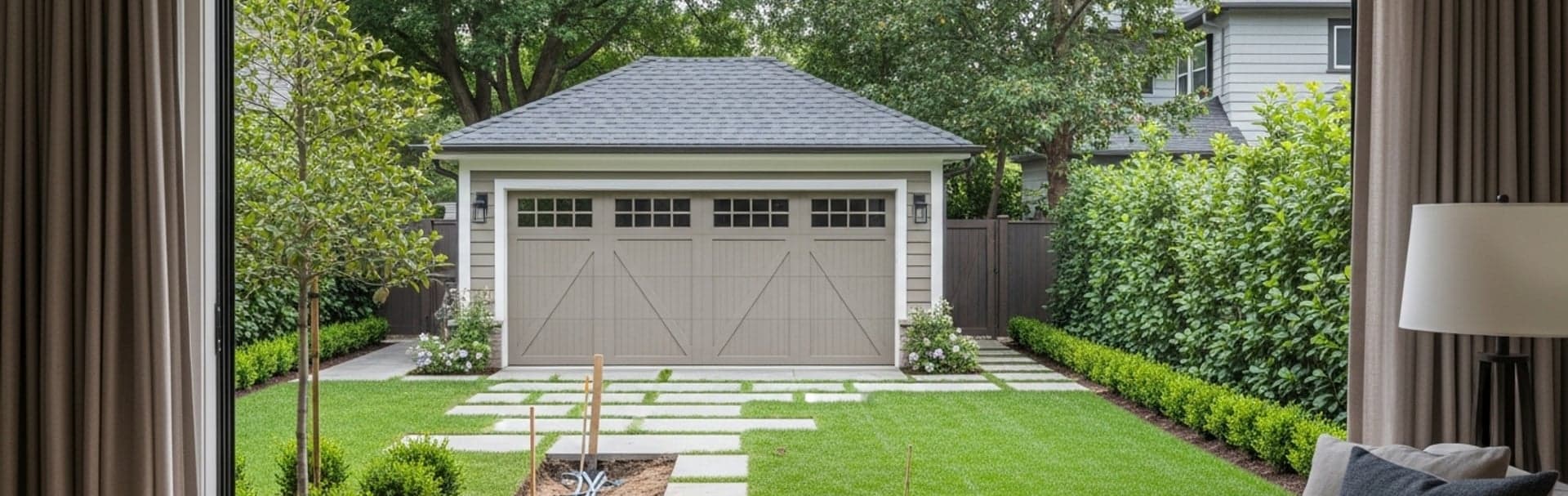
Detached garages, pool houses, workshops, and backyard offices usually justify conduit because the far end tends to grow from one jack into a small remote network zone. If the run connects a separate structure, review our guide on fiber vs copper vs wireless bridge for detached buildings before approving a copper trench.
- Conduit is usually the better long-term investment when the trench is already open.
- Direct-burial cable is a cable specification, not a reusable pathway.
- Treat underground conduit as a wet location, so underground-rated cable still matters inside it.
- Detached buildings usually justify fiber plus a local switch instead of one long copper span.
Outdoor-rated vs direct-burial cable
Outdoor-rated cable resists sunlight and weather. Direct-burial cable is built for underground moisture and soil contact.
| Term | What it means | Use it when | Do not assume |
|---|---|---|---|
| Outdoor-rated | Cable jacket is designed for UV, sunlight, and exterior exposure | The cable is outside but not buried directly in soil | That it is automatically suitable for underground trench work |
| Direct-burial | Cable jacket and internal construction are designed for underground moisture exposure | The cable is going underground, whether directly buried or pulled through an underground raceway | That it creates a reusable pathway like conduit does |
| Shielded | Cable includes metallic shielding and a drain wire to reduce interference and help balance voltage potential | The outdoor equipment manufacturer specifies it or the route has meaningful EMI exposure | That shielding works without shielded connectors and proper bonding |
| Unshielded | Cable relies on twisted pairs without metallic shielding | The equipment manufacturer does not require shielded cable and the route can stay separated from power | That it is acceptable for every device; check the manufacturer's cable guidance first |
Conduit vs direct burial at a glance
| Approach | Best fit | Main strengths | Main tradeoffs | Our practical read |
|---|---|---|---|---|
| Conduit with underground-rated cable | Permanent trench work, higher-value pathways, detached-building backbones | Protects the route, allows replacement, supports future fiber upgrades, and improves physical durability | Higher upfront labor and material cost, bend and pull planning matters | Best default when the route matters for more than one installation cycle. |
| Direct-burial copper cable | Simple outdoor runs with low device counts and limited growth expectations | Lower first cost, fewer pathway materials, faster basic installation | Harder to repair, harder to upgrade, and more exposed if the cable is later damaged | Acceptable for simpler jobs, but weaker as a long-term property infrastructure choice. |
| Fiber in conduit | Detached structures, longer backbones, multi-gig planning, electrical separation between buildings | Avoids inter-building copper issues, adds distance headroom, and scales cleanly | Needs optics or media conversion plus a local switch strategy | Often the strongest detached-building architecture once future growth is considered. |
| Wireless bridge | No-trench situations with clean line of sight | Avoids excavation, deploys quickly, and works well for moderate detached-building demand | Still needs mounting, power, and weather-aware expectations | Best fallback when trenching is off the table, not a substitute for a trench that is already happening. |
When to Use Conduit for Outdoor Network Cables
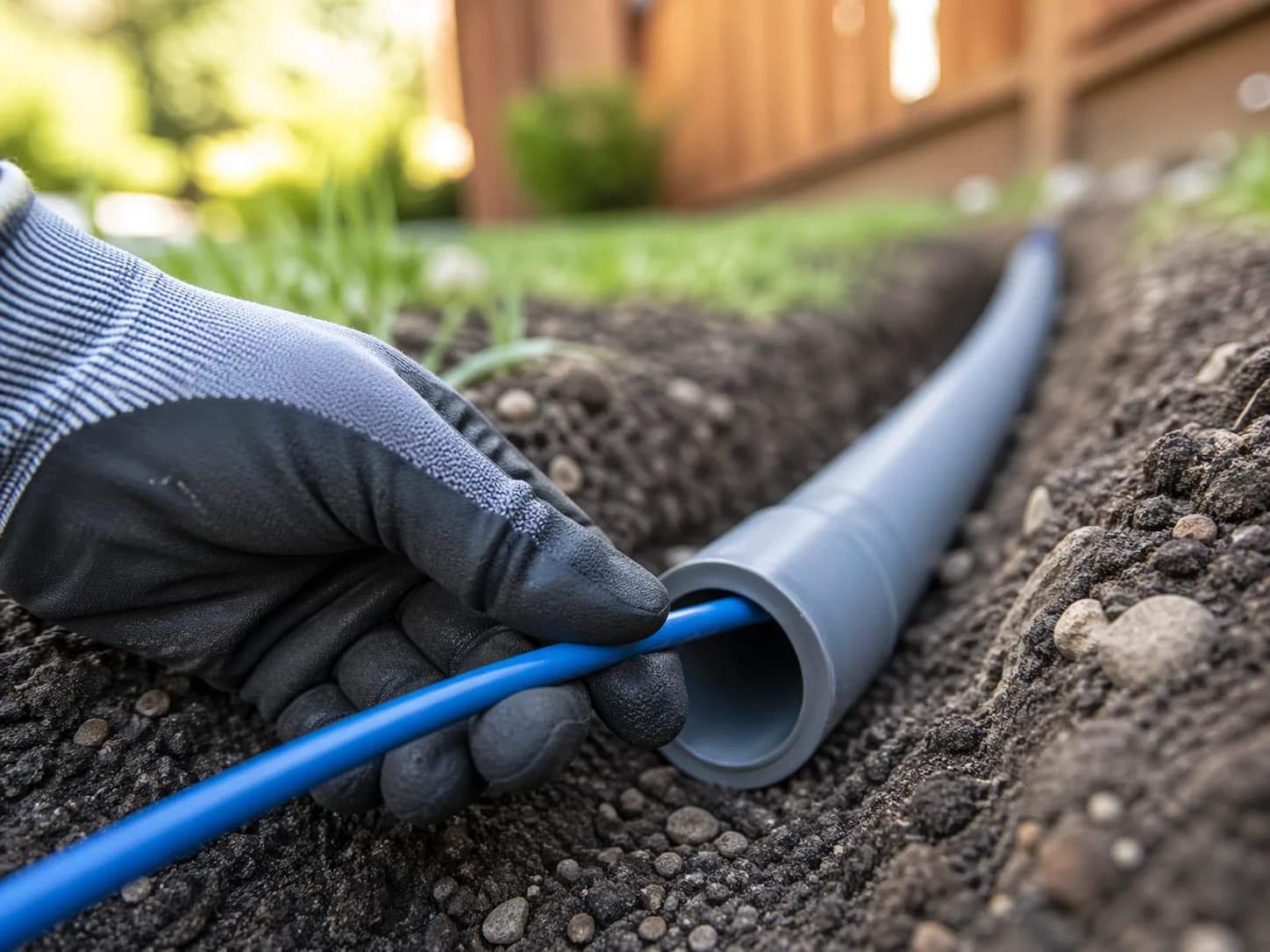
Use conduit when the route crosses finished surfaces or may need future replacement or fiber upgrades.
A conduit path protects the cable and preserves the route for the next change. Direct-burial cable solves the current installation. Conduit solves the current installation and the next one.
Conduit is the stronger choice when:
- the trench is already open for other utility work
- the route crosses concrete, pavers, driveways, or mature landscaping
- the far building may later need more bandwidth, PoE, or a fiber upgrade
- the owner wants a serviceable path instead of a single buried asset
- the cable will be expensive or disruptive to replace later
Conduit is a distinct installation method with its own details: pull difficulty, bend planning, and protecting the cable jacket during the pull. Underground conduit can also hold water, so the cable inside it should still be rated for wet or direct-burial use. That is the practical reason conduit costs more: it adds a reusable raceway, not just another item on the materials list.
If the property is already open, spend on the better pathway before you spend on a second trench later.
Conduit also changes the repair conversation. When direct-burial cable fails, the next step is often excavation. When conduit is intact, the next step is usually a replacement pull.
That is why conduit is often the better answer for:
- detached garage offices
- pool houses with Wi-Fi, streaming, and cameras
- workshops and studios
- gate and camera pathways that may expand later
If you are still deciding whether the project should be treated as a fresh pathway or a retrofit constraint, our pre-wire vs retrofit cabling guide helps frame that scope.
When to Use Direct Burial Copper Ethernet
Use direct-burial copper for simple outdoor runs with low device counts and limited upgrade expectations.
Direct burial uses a specialized jacket and water-blocking construction so the cable can survive underground without a secondary raceway. It lowers upfront material cost and speeds up a basic installation. It does not create a reusable pathway.
Direct burial is more reasonable when:
- the run is short and straightforward
- the far end serves one or two modest devices
- the job is cost-sensitive and future growth is unlikely
- a re-trench later would be tolerable if the cable fails or the design changes
The tradeoff is direct. If the cable is later damaged, if the trench is disturbed, or if the project needs a medium change, the route usually has to be opened again.
The cable specification also matters more than many buyers assume. The NEC treats the inside of an underground raceway as a wet location (Section 300.5(B), written for power wiring), and in the field buried conduit often collects water. Use cable the manufacturer rates for underground or wet use even when it sits inside conduit. Underground raceway is a protective pathway, not a waterproof guarantee.
For copper direct burial, specify the underground condition explicitly:
- UV-resistant outdoor jacket
- water-blocking tape or gel
- the correct category for the speed target
- the correct shielding choice for the route, if shielding is truly required
Outdoor-rated cable resists sun and weather. Direct-burial cable is the version built for underground moisture and soil exposure.
Why Copper Between Buildings Needs Surge Protection
Copper between buildings can carry voltage differences and surge energy into network equipment.
This is the safety gap most outdoor-cable guides understate. Outdoor copper is exposed to lightning-related electrostatic discharge and surges, and two separate structures can sit at different ground potentials.
Ubiquiti's current ESD guidance for outdoor networking is direct: use shielded cable, especially for devices installed outdoors, and use Ethernet surge protectors to absorb surges before they reach the hardware. Interbuilding copper can also fall under the NEC's communications and protector rules (Article 800), so grounding and protector details should follow the manufacturer's instructions and your local inspector.
If copper must span two structures, the professional design conversation should include:
- whether the route really needs copper at all
- Ethernet surge protection at both ends of the exposed span
- bonding and grounding per the device and protector manufacturer instructions
- a clear plan for where the cable enters each structure
- a decision on shielded vs unshielded based on the route, not marketing language
Outdoor wireless-radio guides from Ubiquiti routinely place surge suppression near the outdoor device and again at the building ingress. The exact hardware varies, but the design principle is stable: protect the span before the surge reaches the switch, router, or far-end electronics.
This is also why buried copper between structures should never be treated as "just another Ethernet run." It is a building-to-building electrical exposure question as much as a network question.
Why Detached Buildings Require Fiber Optic Cable
All-dielectric fiber isolates buildings electrically and removes copper distance and surge concerns from the backbone.
Detached garages, pool houses, and workshops should be treated as separate network zones. Leviton's residential structured-cabling guide reflects the standard copper limits: 90 meters for the permanent link and 100 meters for the full channel. Outdoor routes can hit those limits faster than indoor floor plans suggest, but distance is only half the issue. The larger reason to choose fiber is electrical isolation between structures.
The cleaner detached-building architecture is:
- Backbone: outdoor-rated singlemode fiber, preferably all-dielectric
- Termination: a local switch, media converter, or SFP handoff in the detached structure
- Distribution: short local Cat6 runs from that switch to APs, cameras, and workstations
That design keeps the building-to-building path non-conductive and keeps PoE local to the far structure. It also scales better when the detached space gains more devices.
Armored fiber is a common choice for direct burial, but metal armor or metallic strength members make the cable conductive. Where such a cable enters or terminates on a building and could contact power conductors, NEC Section 770.93 requires the metallic members to be grounded (per 770.100) or interrupted with an insulating joint close to the entry point. Ask for the bonding detail in the scope, or choose an all-dielectric cable in conduit. Once the trench exists, fiber is often cost-competitive with premium outdoor copper plus surge mitigation, but price it for your route.
If trenching is not practical, a wireless bridge can still be the right no-dig alternative. If trenching is already happening, conduit plus fiber is usually the stronger long-term design.
For the full detached-structure decision tree, use our fiber vs copper vs wireless bridge guide. If the outbuilding also needs perimeter coverage or cameras, pair this with our outdoor Wi-Fi guide and camera placement guide.
What Size and Type of Conduit Should You Use?
Start with 1-inch Schedule 40 PVC for simple runs and size up when the pull, connectors, or spare capacity demand it.
| Conduit type | Best fit | Why installers choose it | Main tradeoff |
|---|---|---|---|
| Schedule 40 PVC | Most buried residential network pathways | Easy to source, suitable underground, and usually enough protection for ordinary yard trench work | Less impact resistance than Schedule 80 at exposed or abuse-prone sections |
| Schedule 80 PVC | Risers, exposed sections, and areas of possible physical damage | Thicker wall and better abuse resistance; CANTEX points to NEC 352.10 for this use case | Heavier and usually unnecessary for the entire underground route |
| HDPE / utility duct | Long runs, sweeping pulls, and directional-bore-style pathways | Very good for long fiber paths and lower-friction pull geometry | Fittings, transitions, and termination details need more planning than ordinary PVC work |
For sizing, use the conduit like a pathway, not like a tight sleeve. NEC Chapter 9 Table 1 lists the familiar fill limits of 53% for one cable, 31% for two, and 40% for more than two. Use them as a conservative planning guide for data cable and confirm with your inspector how they are applied. Longer pulls and multiple bends justify larger conduit or lower fill than the bare minimum.
| Trade size | Good starting use | Why it works | When to size up |
|---|---|---|---|
| 1" PVC | One simple copper run or one straightforward fiber pull | Common residential starting point and easy to source | Use a larger size if the run is long, bend-heavy, or uses connectorized fiber |
| 1.25" PVC | Better default for spare capacity, connectorized fiber, or two data cables | More forgiving pull path and easier replacement later | Size up again if the route is long or future additions are likely |
| 1.5" PVC or HDPE | Detached-building backbones, large fiber heads, long sweeps, and future growth | Safer for long pulls and preserves upgrade headroom | Usually unnecessary for short, simple yard runs |
As a hardware-store rule of thumb:
- 1 inch works for very simple jobs
- 1.25 inch is the more forgiving default when you want a serviceable path
- 1.5 inch is often worth it for detached-building fiber and future expansion
Buy the conduit size that makes the next pull easier, not the smallest size that barely accepts today's cable.
How to Install Outdoor Network Cable Pathways
Outdoor pathways last longer when depth, separation, bends, and building entry are designed before the pull.
Verify trench depth against the actual site condition
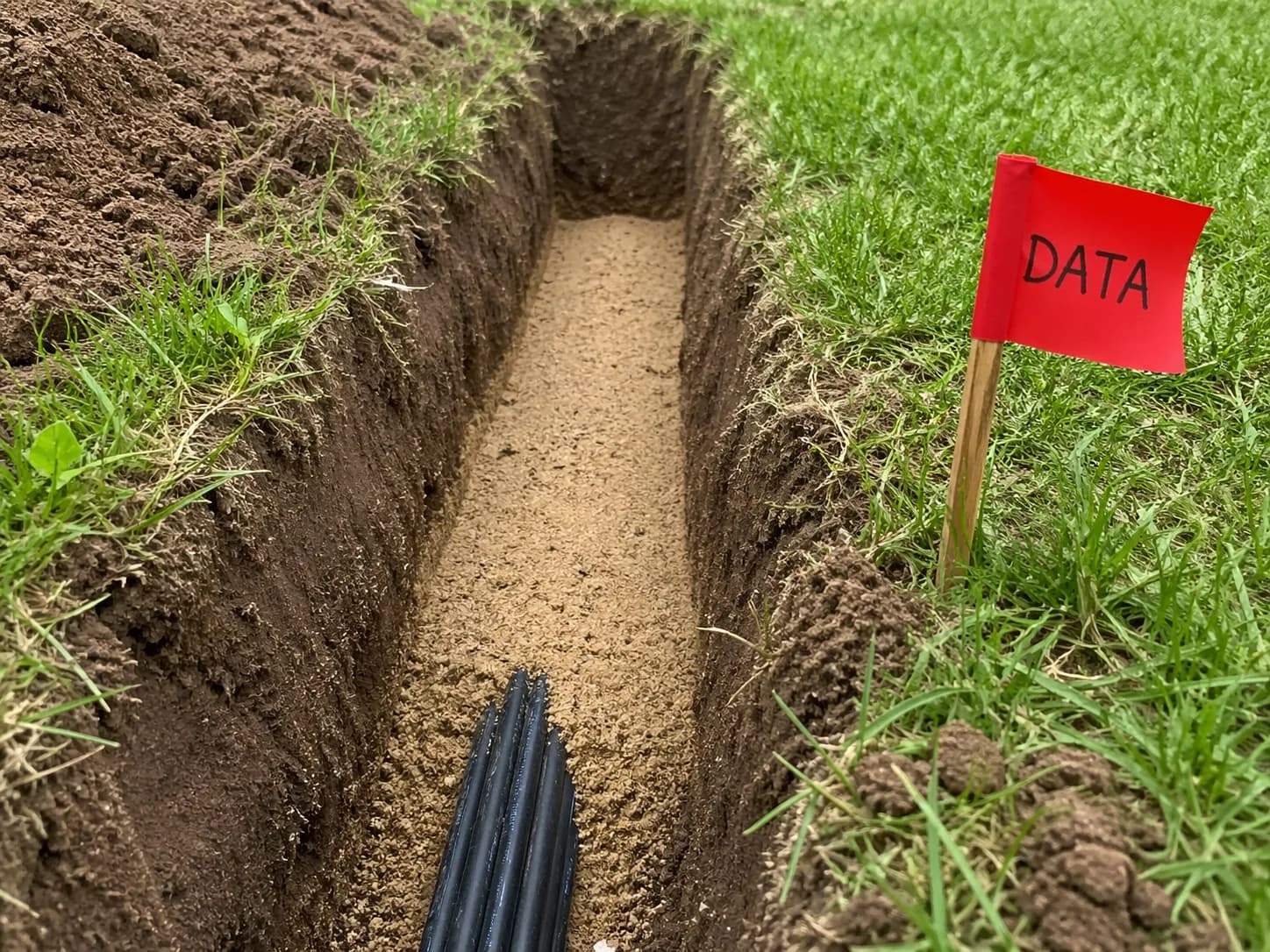
Depth is not one universal number, and for data cable it is a local-code question. NEC Table 300.5, with its familiar 24 inches of cover for direct-buried cable and 18 inches for PVC conduit in ordinary yard conditions, is written for power wiring and does not set a depth for communications or optical fiber cable (see NEC 90.3, 725.3 and 770.3). Many installers still use those figures as a conservative reference, and they keep data cable well clear of buried power. Slabs, driveways, rock, and local amendments change the answer, so confirm the required depth with the local authority having jurisdiction (AHJ) before digging, and follow the cable and conduit manufacturer's instructions.
Keep low voltage separate from power
Do not run data cable in the same conduit as AC power. The NEC calls for separation between communications cables and power conductors in underground systems (Section 800.47), and separation is also cleaner electrically, easier to inspect, and easier to service. If the trench must run near buried power, solve that with separation and pathway design first, not by automatically jumping to shielded Ethernet.
Limit bends and use long sweeps
Long conduit runs with multiple tight 90s increase pull tension and jacket damage risk. NEC fill guidance also recognizes that longer pulls and more bends may require a larger conduit or lower fill than the theoretical maximum.
Protect the riser and building entry
Underground cable is most vulnerable where it emerges from grade and where it enters the structure. Run the cable inside conduit or another physical protection from below grade up to a safe height, and seal the building entry against water. The entry detail, and any bonding or protector requirement for that entry, belongs on the scope before digging starts.
Leave slack and a future path
The route should allow for service loops, pull strings, and later replacement. That matters more than squeezing the conduit tight enough to save a few dollars in material.
Should You Use Shielded or Unshielded Burial Cable?
Follow the equipment manufacturer's cable specification. Shielded cable needs shielded connectors and bonding to work; unshielded is simpler where the manufacturer allows it.
Ubiquiti's guidance is to use shielded cable, especially when installing devices outdoors, so a UniFi outdoor device is a reason to specify shielded cable. Shielding also adds cable thickness, weight, and installation complexity, and it only helps when the shield is terminated and bonded correctly. For equipment that does not call for shielded cable, unshielded direct-burial cable is the simpler baseline.
Shielded direct-burial cable makes more sense when:
- the manufacturer specifies shielded outdoor cable for the device or radio
- the route must stay near electrical equipment or buried power for part of the run
- the design includes shielded connectors, shield continuity, and bonding
Unshielded cable is usually the better answer when:
- the equipment manufacturer does not require shielded cable
- the trench can maintain separation from power
- the installer is not designing a fully bonded shielded channel
If interference from nearby power is the worry, pathway separation is usually a better first move than assuming shielded copper is the fix.
If you are weighing that choice in more detail, our shielded vs unshielded Ethernet guide covers bonding and connector implications directly.
Which option is best for common outdoor scenarios?
Choose the pathway based on the far-end workload, not just the trench.
| Scenario | Best starting choice | Why | Watch-out |
|---|---|---|---|
| Detached garage with office and Wi-Fi | Conduit, usually with fiber | The space behaves like a remote network zone, not a single jack | Do not treat it like one long copper patch cord if multiple devices are planned. |
| Pool house with AP, camera, and streaming gear | Conduit with spare capacity | High chance of future device growth and seasonal property work | A direct-buried single cable is a weak long-term fit. |
| Simple gate camera or one modest PoE endpoint | Direct burial can be acceptable | Lower scope and lower growth risk | Confirm the cable rating and the repair expectation up front. |
| Finished patio or mature landscaping with clear line of sight | Wireless bridge | Avoids excavation while still giving the far area a solid handoff | Mounting, power, and weather exposure still need to be designed. |
| Small office outbuilding or studio with daily work use | Conduit plus fiber backbone | Daily work use justifies a real backbone design | Budget for the local switch and structured handoff, not just the trench. |
What a Complete Outdoor Network Scope Should Specify
A complete scope names the pathway, cable type, protection method, and far-end architecture.
For conduit jobs, the scope should identify:
- conduit size
- planned route
- bend strategy or pull-point logic
- cable type inside the conduit
- building entry method
For direct-burial jobs, the scope should identify:
- exact cable type and jacket rating
- expected burial method
- transition details at both buildings
- why conduit was not chosen
For detached-building jobs, the scope should identify:
- whether the far structure gets a switch, bridge, or media conversion
- what devices are expected at the far end
- what surge or grounding protections are included if copper spans structures
- whether the job is designed for growth or only for today's device count
If you want help turning that into a real site-specific plan, our networking infrastructure service is built around route design, detached-building backbones, and clean handoff details rather than generic cabling quotes.
We scope outdoor cable routes, detached-building backbones, far-end switching, and upgrade paths so the yard only has to be disturbed once.
Recommended gear
These are reference products for the four most common outdoor-network decisions: a direct-burial copper spool when the run is simple, an armored fiber assembly when the route should scale cleanly, a building bridge when trenching is off the table, and a surge protector when exterior copper still needs protection.
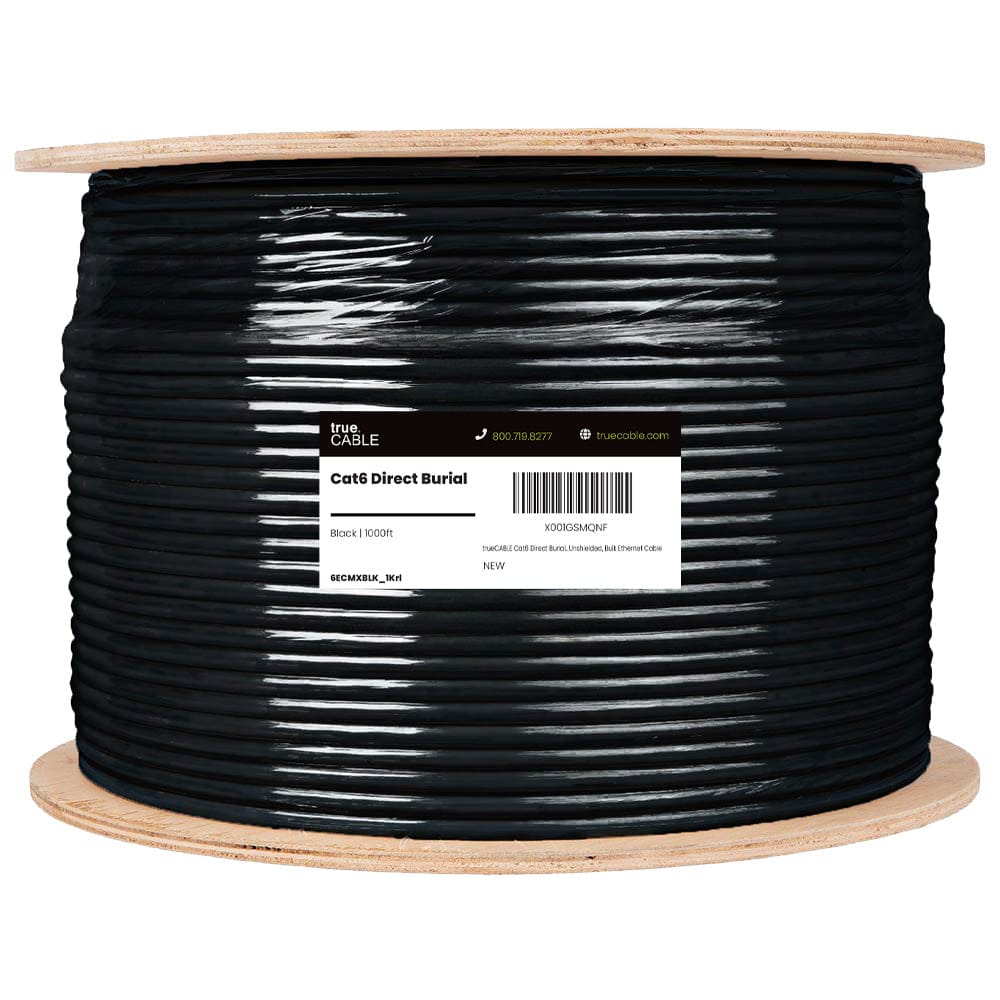
Simple reference pick for shorter outdoor copper runs that truly justify direct burial
Opens search results. Match the model and bundle before ordering.
Find options on AmazonOfficial specificationsKey details
- OSP jacket plus water-blocking tape for outdoor and underground moisture exposure
- 23 AWG solid bare copper conductors with PoE support up to 100W

trueFIBER / equivalent
Outdoor Armored OS2 Fiber Cable, LC-LC
Pre-terminated fiber is the cleanest default for permanent detached-building backbones
Opens search results. Match the model and bundle before ordering.
Find options on AmazonKey details
- Direct-burial and armored variants reduce field-termination complexity
- Useful when the far building will have its own local switch or media conversion

60 GHz point-to-point bridge with a 5 GHz backup radio
Opens search results. Match the model and bundle before ordering.
Find options on AmazonKey details
- Useful when trenching is unrealistic and line of sight is clean
- Good fit for detached offices, pool houses, and garages that do not justify excavation

Ubiquiti / equivalent
Outdoor Ethernet Surge Protector
Important for outdoor copper links and bridge radios
Opens search results. Match the model and bundle before ordering.
Find options on AmazonKey details
- Useful at building-entry or device-side handoff points when the design calls for exterior copper
- Does not replace good route planning, grounding, or proper cable choice
Checklist
- Decide whether the far end is one device or a small remote network zone.
- If the trench is already happening, ask what conduit buys you in repairability and future upgrades.
- If copper is proposed underground, confirm the exact cable type and jacket rating.
- If copper spans two buildings, ask what surge protection and bonding details are included.
- If the route is detached-building to detached-building, ask whether fiber is the cleaner backbone, and whether any metal armor is bonded per NEC Article 770.
- Do not assume underground conduit stays dry; choose underground-rated cable accordingly.
- Confirm the burial depth, separation from power, and entry details with the local inspector before digging.
- Confirm the conduit size and whether it leaves spare capacity for a future pull.
- Confirm how the cable emerges from grade, enters each building, and transitions into the indoor network.
- If no-trench is the requirement, compare the cost of a wireless bridge against a one-time trench before deciding.
FAQs
Is conduit always better than direct burial for outdoor Ethernet?
Not automatically, but it is usually the better long-term pathway. If the route may need repair, replacement, or a future move to fiber, conduit is easier to defend.
Can I use regular indoor Cat6 cable inside buried conduit?
No. Underground conduit should be treated as a wet location, and in real field conditions it often holds water. Use underground-rated cable even when the cable is inside conduit.
What size conduit should I use for outdoor Ethernet?
For most residential work, 1-inch PVC is the small starting point and 1.25-inch is the more forgiving default. Use 1.5-inch or larger for longer runs, connectorized fiber, or spare capacity.
When should I stop planning copper and switch to fiber?
Switch to fiber when the run connects a detached structure, when the route is long or likely to grow, or when you want electrical isolation between buildings.
Should I use shielded direct-burial cable outdoors?
Follow the equipment manufacturer. Ubiquiti recommends shielded cable for outdoor devices, and shielded cable needs shielded connectors and bonding to be effective. Where the manufacturer does not require it, unshielded cable is the simpler choice.
Should I trench now or use a wireless bridge?
If the property is already open and trenching is practical, buried infrastructure usually wins. If the yard is finished and line of sight is clean, a wireless bridge is the better no-trench alternative.
References
- Leviton: Basic Residential Installer Guide. Checked October 19, 2026.
- Ubiquiti Help Center: Protecting Against Electrostatic Discharge. Checked October 19, 2026.
- CANTEX FAQ: Schedule 40 vs Schedule 80 PVC Conduit. Checked October 19, 2026.
- NFPA 70: National Electrical Code. Checked October 19, 2026. Local code and the AHJ control burial depth and inspection requirements.
Plan the project with a site visit
Confirm wiring, equipment, placement, and installation scope before hardware is locked in.