

- Quick summary
- Why is outdoor Wi-Fi a different job than indoor mesh?
- Specs at a glance
- Which outdoor access point is best for existing eero networks?
- How should you deploy the UniFi U7 Mesh for edge coverage?
- Why choose the UniFi U7 Pro Outdoor for larger outdoor zones?
- How should you power and mount outdoor Wi-Fi 7 access points?
- Which system handles guest Wi-Fi more cleanly outdoors?
- Which works best for older Westchester homes and detached buildings?
- Recommended gear
- Which outdoor Wi-Fi system should you buy?
- FAQs
- References
Quick summary
If you are choosing outdoor Wi-Fi in 2026, the first question is not which brand is fastest. It is whether you want the easiest extension of an existing mesh system or a deliberate outdoor access point that becomes part of a wired network design.
For most existing eero homes, the eero Outdoor 7 is the cleanest answer. For most wired UniFi properties that want serious exterior coverage, the U7 Pro Outdoor is the better product. The U7 Mesh sits in the middle as the more affordable UniFi option for covered patios, rear walls, side yards, and other edge zones where flexible placement matters more than 6 GHz.
- Choose eero Outdoor 7 when you already run eero indoors and want the simplest backyard or pool-area expansion.
- Choose U7 Pro Outdoor when the outside of the property deserves a real managed AP with 6 GHz, pole or wall mounting, and better large-zone control.
- Choose U7 Mesh when you are already in UniFi, want a smaller and cheaper outdoor-capable AP, and can live without 6 GHz.
- Do not treat patio coverage and detached-building connectivity as the same job. One outdoor AP cannot fix every property layout.
- Networking infrastructure services
- Wi-Fi 7 upgrade guide
- U7 Mesh vs U7 Pro vs U7 Pro Wall
- TP-Link Omada outdoor Wi-Fi 7 deal guide
Why is outdoor Wi-Fi a different job than indoor mesh?
Outdoor Wi-Fi is a placement, power, and backbone problem before it is a speed problem.
That is why backyard coverage often disappoints when buyers rely on an indoor node near the back window and assume the problem is solved. Sometimes that works for a small deck. It usually does not work well for a larger yard, an outdoor kitchen, a pool pavilion, or a detached office that sits beyond the main structure.
Outdoor Wi-Fi projects usually break into three different jobs:
- Coverage around the home itself, such as a rear patio, side yard, or pool seating area.
- Coverage at a detached structure, such as a garage, workshop, or pool house.
- A true building-to-building link, where the real goal is carrying the network to another structure and then distributing Wi-Fi there.
The three products in this article overlap, but they do not solve those jobs equally well.
The eero Outdoor 7 is best understood as an outdoor extension of an existing eero network. The U7 Mesh is a flexible UniFi outdoor-capable AP that works well in transitional edge zones. The U7 Pro Outdoor is the closest thing here to a purpose-built outdoor Wi-Fi cell for a managed network.
If the property really needs a stable network handoff to a detached building with cameras, TVs, workstations, or its own switch, that should be planned like a distribution problem, not just a patio problem. In many cases that means Ethernet, fiber, or a dedicated bridge strategy is still cleaner than hoping one outdoor AP will do everything.
Specs at a glance
As of April 4, 2026, the gap between these models is not subtle.
| Model | Bands / streams | Uplink and power | Weather rating | Coverage claim | Best fit |
|---|---|---|---|---|---|
| eero Outdoor 7 | Dual-band, 4 streams | 1 x 2.5 GbE PoE+, requires eero ecosystem | IP66 | Up to 15,000 sq ft outdoors | Existing eero homes that want simple backyard or detached-edge expansion |
| UniFi U7 Mesh | Dual-band, 4 streams | 1 x 2.5 GbE, PoE, 13W max, adapter included | IPX6 with outdoor mount | 1,500 sq ft | Covered patio edges, rear walls, shelf or pole placement, outdoor-adjacent UniFi coverage |
| UniFi U7 Pro Outdoor | Tri-band, 6 streams | 1 x 2.5 GbE, PoE+, 21W max | IP67 with cable-gland kit | 5,000 sq ft | Designed outdoor AP zones, courtyards, large yards, detached-building edges |
The eero Outdoor 7 and U7 Mesh are both dual-band. The U7 Pro Outdoor is tri-band and includes 6 GHz. That alone pushes it into a different class for buyers who are already building around wired backhaul and newer Wi-Fi 7 clients.
Real-world throughput will be lower than the vendor headline numbers on all three models. Those published rates are radio ceilings, not single-device promises. In practice, outdoor throughput depends on backhaul quality, wall loss, interference, client radios, and how cleanly the handoff from the indoor network is designed.
Which outdoor access point is best for existing eero networks?
The eero Outdoor 7 is the best outdoor access point for homes already using eero indoors.
That matters because eero has a very specific strength: it reduces the amount of design work the homeowner needs to do. The Outdoor 7 uses the same app-driven system, the same mesh behavior, and the same ecosystem assumptions as the indoor eero network. If the household already likes how eero behaves, the Outdoor 7 preserves that simplicity.
Officially, eero describes it as:
- dual-band Wi-Fi 7
- up to 15,000 square feet of outdoor coverage
- support for 100+ devices
- up to 2.1 Gbps wireless speeds
- IP66 weather resistance
- PoE+ power requirement
That adds up to a very specific buyer profile.
The Outdoor 7 is strongest when:
- the indoor network is already eero
- the goal is reliable patio, deck, pool, or yard coverage
- the homeowner wants the least technical setup path
- there is value in eero's optional point-to-point style expansion using a second Outdoor 7
It is weaker when:
- the property is not already invested in eero
- the buyer wants a vendor-neutral outdoor AP
- 6 GHz is a real priority
- the outdoor design needs more explicit control over placement, antenna behavior, VLANs, or managed-network policies
The other important caveat is ecosystem lock-in. eero states directly that the Outdoor 7 is designed to work exclusively with other eero products. That makes it easy inside the eero world and a non-starter outside it.
The eero Outdoor 7 is not a general-purpose outdoor access point for mixed networks. It is an outdoor eero node. If the rest of the property is not eero, do not start here.
The Outdoor 7 also benefits from one piece of official guidance many buyers miss: eero recommends mounting it 6 to 15 feet above the ground and keeping it within roughly 50 feet of the nearest indoor eero when you want strong 5 GHz connectivity back toward the house. That is useful because it frames the device honestly. It is powerful, but it is still subject to wall loss and physical layout.
It is also the simpler guest-network answer. eero's own guest-network guidance says the guest SSID is a separate segment where guest devices cannot reach the main network or each other, which is often enough for pool guests, patio visitors, or short-term backyard use.
It is also the simpler roaming answer for an existing eero property. eero says its TrueMesh, TrueRoam, and TrueChannel features proactively keep clients on the optimal and most reliable connection, which is exactly what matters when someone walks from the kitchen to the patio during a call or music stream.
In practical terms, this is the product for the homeowner who says: "I already have eero, I want Wi-Fi by the grill and pool chairs, and I do not want to redesign the whole network."
How should you deploy the UniFi U7 Mesh for edge coverage?
The UniFi U7 Mesh is best for edge coverage around covered patios, rear walls, and side yards.
Officially, the U7 Mesh is:
- dual-band Wi-Fi 7
- 4 spatial streams
- 200+ client support
- 2.5 GbE uplink
- 13W max power draw
- IPX6 with the outdoor mount
- wall, pole, or table-stand mountable
As of April 4, 2026, Ubiquiti lists it at $199 and shows it as sold out on the US store. That is important because it means buyers comparing on price alone may need to check real availability instead of assuming the least expensive option is also the easiest to buy.
Where the U7 Mesh fits best:
- covered patios and porches
- rear-wall placements where the outside zone starts right beyond the main structure
- side yards and transitional edge coverage
- shelf, wall, or pole placements where a smaller AP is easier to live with
- UniFi installs that need outdoor capability but do not justify the larger outdoor flagship form factor
Where it fits poorly:
- buyers who specifically want 6 GHz
- larger open yards where directional outdoor coverage matters
- detached-building edges that need stronger intentional RF design
- projects where the outdoor AP is expected to anchor a serious high-capacity exterior zone
The U7 Mesh is not a cheaper U7 Pro Outdoor. It is a smaller dual-band UniFi option that happens to support flexible outdoor-capable placement. If 6 GHz and deliberate exterior cell design matter, move up to the U7 Pro Outdoor.
For households already running UniFi inside, the U7 Mesh is the stronger value play when the real question is "How do I stop the signal from dying at the back steps?" and not "How do I engineer a high-capacity outdoor zone from scratch?"
The main caveat for new UniFi buyers is management. Unlike eero, which is built around a simpler app-first workflow, UniFi access points need to be adopted into a UniFi Network controller. That usually means a UniFi Cloud Gateway or another always-on controller path before the AP becomes a real part of the network.
Why choose the UniFi U7 Pro Outdoor for larger outdoor zones?
The UniFi U7 Pro Outdoor is the best fit when an exterior area needs a managed Wi-Fi cell instead of a simple mesh extension.
This is the most capable product in the comparison:
- tri-band Wi-Fi 7
- 6 spatial streams
- 6 GHz support
- 2.5 GbE uplink
- PoE+
- 21W max power draw
- 300+ client support
- 5,000 square feet claimed coverage
- IP67 weatherproofing with the cable-gland door kit
As of April 4, 2026, Ubiquiti lists it at $279 on the US store.
The biggest functional difference is not just 6 GHz. It is that the U7 Pro Outdoor is built to behave like a purpose-driven outdoor access point. Ubiquiti describes it as using an integrated directional super antenna and notes that long-range AFC 6 GHz performance is available in FCC/IC regions only.
That AFC detail matters. FCC guidance says standard-power 6 GHz devices at fixed locations operate under automated frequency coordination systems that protect incumbent licensed services in the 6 GHz band. In practice, that is why the U7 Pro Outdoor's 6 GHz story is more than a spec-sheet checkbox. It is part of the regulatory path that allows outdoor 6 GHz operation at useful power levels.
That matters in the field because this AP is better suited to:
- larger backyards and courtyards
- pool zones with more open air and more distance
- side-lot coverage where you need a shaped coverage pattern
- detached-building edges where signal direction and mount position matter
- small commercial patios, exterior waiting areas, or property perimeters
It also fits buyers who want network policy and management to stay inside UniFi instead of crossing into a consumer-mesh app model.
The tradeoff is complexity. The U7 Pro Outdoor is not the plug-it-in-and-forget-it option. It assumes:
- a UniFi controller or gateway is already part of the design
- PoE+ power is available
- cable routing and exterior mounting have been thought through
- someone actually cares about channel planning, placement, and property geometry
That is exactly why it is the best product here for deliberate network design.
Like the U7 Mesh, the U7 Pro Outdoor also benefits from staying inside one ecosystem for roaming. Its published feature set includes 802.11r, 802.11k, and 802.11v, which are the roaming and transition tools that help compatible devices move more smoothly between indoor and outdoor UniFi access points.
How should you power and mount outdoor Wi-Fi 7 access points?
Outdoor Wi-Fi 7 projects succeed or fail on power, cable paths, and mount position before they succeed or fail on radio specs.
| Model | Hidden requirement | What that means in practice |
|---|---|---|
| eero Outdoor 7 | Existing eero network plus PoE+ | Great fit when the house already runs eero; poor fit as a one-off add-on to another ecosystem |
| U7 Mesh | UniFi management and a clean cable path | Good value when the property already uses UniFi and the outdoor zone sits near the main structure |
| U7 Pro Outdoor | UniFi controller, PoE+, and more deliberate mount planning | Best outdoor performance here, but only when the property and backbone justify it |
The eero Outdoor 7 needs PoE+ and either the eero weatherproof adapter, an eero PoE Gateway, or another compliant PoE+ switch or injector. Its single Ethernet port is part of what keeps the weather resistance practical, but it also means the unit is not pretending to be a local switch for outdoor accessories.
The U7 Mesh is operationally simpler than the U7 Pro Outdoor because it draws less power and includes a PoE adapter, but it is still better when it lands in a clean wired UniFi design instead of being used as a wishful miracle fix.
The U7 Pro Outdoor wants the most planning. It repays that planning with better exterior behavior, but it still needs a proper cable path, proper weather sealing, and a realistic understanding of where the network core lives.
If the eero route is attractive because the property lacks a clean outdoor cable plan, remember that even the Outdoor 7 still needs power and physical mounting thought. If the UniFi route is attractive because of control and performance, remember that the AP is only as good as the switch, controller, and cable feeding it.
An outdoor Wi-Fi project becomes much more predictable when:
- Decide whether the goal is patio coverage, detached-building coverage, or a true network handoff to another structure.
- Confirm whether the property already has a strong indoor ecosystem worth extending, or whether you are really designing a new outdoor cell.
- Verify PoE budget, cable route, and mount location before buying the AP.
- Treat masonry, stucco, trees, and pool equipment as layout constraints, not afterthoughts.
- Use a serviceable mount height and plan how the device will be reached later for resets or maintenance.
Which system handles guest Wi-Fi more cleanly outdoors?
UniFi offers the more explicit guest-isolation controls, while eero offers the simpler guest-network setup.
eero's official guest-network guidance is straightforward: enable a guest SSID in the app and guests remain on a separate segment that cannot reach the main network or other guest devices. That is clean and easy for homes where the main goal is visitor access near a patio, pool, or detached seating area.
UniFi gives the administrator more control. Ubiquiti's guest Wi-Fi guidance recommends Network Isolation to keep guests off other VLANs, Client Device Isolation to stop guest-to-guest communication on the same AP, and an optional hotspot portal when authentication or splash pages matter. That makes UniFi the better fit for small commercial patios, exterior waiting areas, or homeowners who want more deliberate guest policy.
Which works best for older Westchester homes and detached buildings?
Older Westchester homes usually favor eero Outdoor 7 for simple patio expansion, U7 Mesh for UniFi edge coverage, and U7 Pro Outdoor for larger exterior zones or detached-building edges.
If the house has stone, plaster, stucco, or awkward finished spaces, the wrong product choice shows up quickly. The signal may look fine near the back wall and collapse twenty feet later. Or the outdoor node may work well at the patio but do nothing useful for the detached garage because the job was really a distribution problem.
Here is the practical version:
- If the house already runs eero and the goal is patio, deck, pool-edge, or yard coverage, eero Outdoor 7 is the best fit.
- If the house already runs UniFi and the goal is edge coverage near the structure, U7 Mesh is often enough.
- If the property needs a real outdoor AP cell for larger open space or more demanding coverage, U7 Pro Outdoor is the better answer.
For detached garages and pool houses, the deciding question is simple: do you only need clients to hold a signal there, or do you need the network to behave as if that structure is its own working zone?
If the detached building will carry:
- cameras
- TVs or streaming boxes
- a workstation
- its own switch
- office or guest-room usage
then the cleaner answer is often a planned wired or bridge-style link into that structure, followed by local distribution there. That is especially true when reliability matters more than quick deployment.
We can help decide whether your property needs an outdoor AP, a detached-building handoff, or a cleaner wired backbone before the install turns into guesswork.
Recommended gear
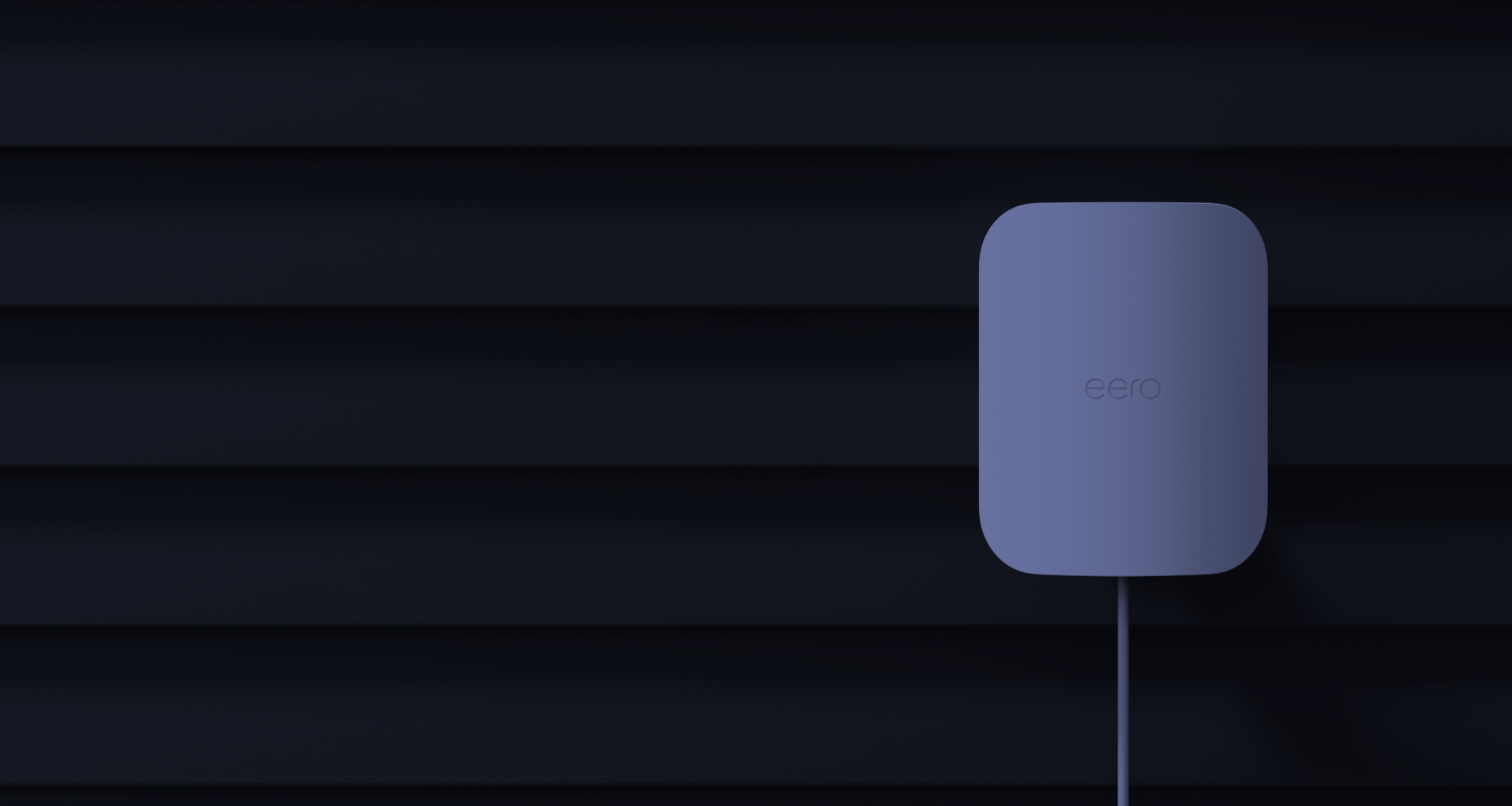
Wi-Fi 7 dual-band with 2.4 GHz and 5 GHz radios
Key details
- IP66 weather rating with support for outdoor mounting
- Up to 15,000 square feet of outdoor coverage and 100+ connected devices
- Works best for existing eero homes that want simple outdoor expansion

Wi-Fi 7 dual-band with 2.4 and 5 GHz radios
Opens search results. Match the model and bundle before ordering.
Find options on AmazonOfficial specificationsKey details
- Integrated long-range antenna system for flexible placement and stronger mesh-oriented use cases
- 2.5 GbE uplink with PoE power and an included PoE adapter
- Better fit for patio-edge, shelf, pole, or indoor-outdoor transition zones than for 6 GHz-first deployments
Wi-Fi 7 tri-band with 2.4, 5, and 6 GHz radios
Key details
- 6 spatial streams with 2.5 GbE PoE+ uplink
- IP67 weatherproofing with cable-gland kit and included wall or pole mounts
- Best fit for deliberate outdoor AP design, courtyards, and detached-building edges
Two 10 GbE ports and eight 2.5 GbE PoE ports
Key details
- 100W pooled PoE power from the included 140W power supply
- Can power up to six eero Outdoor 7 nodes
- Useful when outdoor eero installs need a cleaner wired backbone
Which outdoor Wi-Fi system should you buy?
Choose the eero Outdoor 7 for an existing eero home, the U7 Mesh for lower-cost UniFi edge coverage, and the U7 Pro Outdoor for deliberate higher-capacity outdoor design.
Buy the eero Outdoor 7 if you already run eero indoors and want the fastest path to reliable outdoor coverage with the least management overhead.
Buy the U7 Mesh if you are already in UniFi, want a more affordable outdoor-capable AP, and the actual job is extending coverage at the edge of the house rather than building a high-performance exterior cell.
Buy the U7 Pro Outdoor if you want the strongest outdoor UniFi answer here, especially for larger open spaces, pole or wall mounting, 6 GHz capability, and more intentional exterior design.
If you are still stuck, use this shortcut:
| Model | Typical street price | Best for |
|---|---|---|
| Existing eero homeowner | eero Outdoor 7 | Best when simplicity and ecosystem continuity matter more than deep network control |
| Existing UniFi homeowner with patio-edge coverage issues | U7 Mesh | Best value when the outdoor problem lives close to the structure |
| UniFi property with larger outdoor zones or more deliberate design goals | U7 Pro Outdoor | Best when the outside deserves a real managed AP |
| Detached-building project with office, TV, or camera needs | It depends on the backbone first | Do not choose only by AP spec; decide how the network reaches that structure |
The right answer is the one that matches the property layout and the rest of the network, not the one with the most exciting box.
The next step is not buying the most expensive unit. It is deciding whether your property needs a backyard extender, a deliberate outdoor AP cell, or a real network handoff to a detached structure.
FAQs
Is eero Outdoor 7 really Wi-Fi 7 if it does not use 6 GHz?
Yes. eero states that the Outdoor 7 is a dual-band Wi-Fi 7 product. Wi-Fi 7 features are not limited to 6 GHz, but the lack of 6 GHz still matters for buyers who specifically want the highest-end tri-band path.
Do I need an eero network to use eero Outdoor 7?
Yes. eero says the Outdoor 7 is designed to work exclusively with other eero Wi-Fi products. It is not the right pick for a mixed or non-eero network.
Can the U7 Mesh replace the U7 Pro Outdoor?
Sometimes, but only when the outdoor problem is modest and close to the building. The U7 Mesh is a strong flexible UniFi option, but it is dual-band and in a lower class than the U7 Pro Outdoor for larger or more deliberate exterior coverage.
Which is best for a detached garage or pool house?
If the structure only needs light client coverage and sits close enough to the house, an outdoor AP may be enough. If it needs dependable service for work, cameras, TVs, or its own switch, plan the backbone first and then choose the AP.
Do all three products need PoE+?
No. The eero Outdoor 7 requires PoE+ or better. The U7 Pro Outdoor also requires PoE+. The U7 Mesh uses PoE and includes a PoE adapter, which lowers the barrier for smaller UniFi edge deployments.
References
- eero Outdoor 7 official buy page — eero.com
- eero Outdoor 7 FAQ — support.eero.com
- FCC 6 GHz fact sheet and AFC guidance — fcc.gov PDF
- UniFi U7 Mesh official store page — store.ui.com
- UniFi U7 Pro Outdoor official store page — store.ui.com
Plan the wiring and Wi-Fi with a site visit
Walk the space with us to settle cable routes, rack location and access point placement before anything is installed.