

Quick answer
For most rooms in a home, run well-installed copper Ethernet to desks, TVs, cameras, and Wi-Fi access points. It is straightforward to terminate and can carry Power over Ethernet for many devices. Consider fiber for a long or electrically challenging link, a detached building, or a network backbone between equipment areas where you have a clear speed and expansion plan. A fiber cable by itself does not power an access point or replace the switch and transceivers needed at each end.
The most useful question is not “Is fiber faster?” It is “What job must this cable do for the life of the home?” A new cable pull is an opportunity to plan pathways and spare capacity, but installing fiber everywhere can add complexity without improving the connection to ordinary room devices.
First, clarify which fiber you mean
Homeowners often use “fiber” for three different links. The internet provider may deliver fiber to an optical network terminal, or ONT, near the house entry. That is the provider's connection. The home's router then connects to switches, access points, and room outlets through the local network. A third possible link is fiber inside the local network, such as a backbone from the main rack to an upstairs equipment closet.
These links are related but not interchangeable. Buying a multi-gig fiber internet plan does not mean every room needs a fiber outlet. Conversely, a fiber backbone can be useful even when the internet plan is modest, if it joins distant network areas or protects a particular pathway. Corning describes residential fiber pathways for getting service through a living unit; that is a different project from deciding how to cable all interior devices.
The 2.5GbE upgrade guide is a good starting point if the goal is simply faster connectivity over existing copper.
Where fiber earns a place
| Link | Likely starting choice | Why | Design check |
|---|---|---|---|
| Router to home-office desk | Cat6 copper | Simple Ethernet endpoint and no fiber adapter needed | Test the installed cable and terminations |
| Switch to Wi-Fi access point or PoE camera | Cat6 copper | The device often needs PoE power | Check total PoE budget and cable path |
| Main rack to distant second network closet | Fiber may be useful | Backbone can support long-term speed and electrical separation goals | Specify optics, strands, connector type and equipment at both ends |
| House to detached building | Fiber is often a strong option | Long outdoor run and separate-building electrical conditions favor careful isolation | Coordinate power, pathway, local switch and qualified installation |
| One short room run for a TV | Cat6 copper | Fiber adds converters or specialized endpoint gear | Do not buy complexity without a real need |
Distance is one reason to consider fiber. Conventional copper Ethernet links have a 100-meter design limit for many common applications; Fluke Networks discusses fiber among the options for longer links. Electrical noise is another: Fluke notes fiber's immunity to electromagnetic interference. Those advantages matter in the right pathway, but the typical bedroom run is far shorter and usually needs a plain Ethernet jack.
The strongest homeowner case may be a backbone to a separate equipment area. Imagine a large house with the ISP entry and main rack in the basement, but several access points and cameras served from an upstairs closet. A fiber link can join the closets while local copper runs feed PoE devices. This design should be compared with a tested copper uplink and the actual bandwidth need; fiber is not automatically necessary just because the house has Wi-Fi 7.
For an outbuilding, see our dedicated fiber, copper, or wireless bridge comparison. That decision includes excavation, power and building-to-building conditions beyond the interior cabling question.
Why copper remains the default in rooms
Most networked room devices have an RJ45 Ethernet port, not an optical port. Cameras, phones, and many access points also use PoE, which fiber cannot deliver by itself. Replacing a copper run with fiber can mean adding a powered switch or media converter near the endpoint. That adds a power outlet, another device to maintain, and another failure point. For a desk or TV, those costs rarely improve the experience.
Copper is also easier for most owners and support teams to understand. A labeled Cat6 jack can be patched into a switch without matching optical transceivers. If the goal is 2.5GbE to a laptop or access point, existing Cat5e or Cat6 may already be usable after testing. The Cat6 versus Cat6A guide explains where a more demanding copper specification is justified.
This does not make copper perfect. Long routes, damaged cable, poor terminations, heat, and electrical noise can limit a link. It means the default should match endpoint needs, and a special backbone should earn its complexity with a specific requirement.
Design a complete fiber link, not just a cable purchase
A working fiber backbone needs compatible network ports and optics at both ends, suitable fiber type and strand count, connectors or termination hardware, a protected pathway, labeling, and appropriate testing. The design should say where active equipment gets power and how the link is monitored. If a contractor quotes “run fiber” without naming the endpoints and test method, the scope is incomplete.
The connector choice and optic must match the selected switch and fiber. Do not choose an Amazon cable from a length dropdown before the pathway, equipment and environmental rating are known. This is one reason this article does not feature a generic fiber product card: the correct cable for a protected interior riser may be wrong for a conduit to a detached garage.
At handoff, ask for a route drawing, termination labels, fiber type, strand assignment, optic models, test results, spare strands, and a note about bend protection and cleaning. That makes later troubleshooting possible. Our network documentation checklist provides a broader package for the rest of the installation.
When comparing a copper and fiber quote for one backbone, require both bidders to name the same endpoints and intended network speed. Compare the complete link: pathway work, cable, terminations, compatible switch ports and optics or modules, local power, testing, labeling and future replacement access. An inexpensive fiber cable may still be the more expensive working link; a short copper link may meet the need with fewer parts. If the route crosses to another building or a difficult electrical environment, have a qualified designer assess the pathway before treating the indoor comparison as sufficient.
Example: an upstairs equipment closet
Suppose a renovation opens a path from the basement rack to an upstairs closet that will serve several wired rooms and PoE access points. First count the endpoints and check whether the closet has suitable power, ventilation and accessible space for a switch. Ask whether the expected traffic exceeds what a tested copper uplink can carry with the selected equipment. If it does not, a labeled copper run may be the simpler working design. If the backbone has a specific higher-speed, distance or electrical requirement, specify a fiber link with matching ports and optics. In either case, consider an accessible spare pathway while the walls are open. That pathway can preserve a future choice without assuming that today's fiber connector or switch will be the one you use later.
The acceptance test differs by media. For copper, request the agreed cable-category test results for the installed link and a functional check at the intended network speed. For fiber, request the agreed optical test results, connector and strand labels, optic models and a functional link test with the actual switches. A light visible at a connector or a “link up” indicator alone is not a complete handoff. Put the test method in the quote before installation, so both parties know what success means.
Plan pathways during construction or renovation
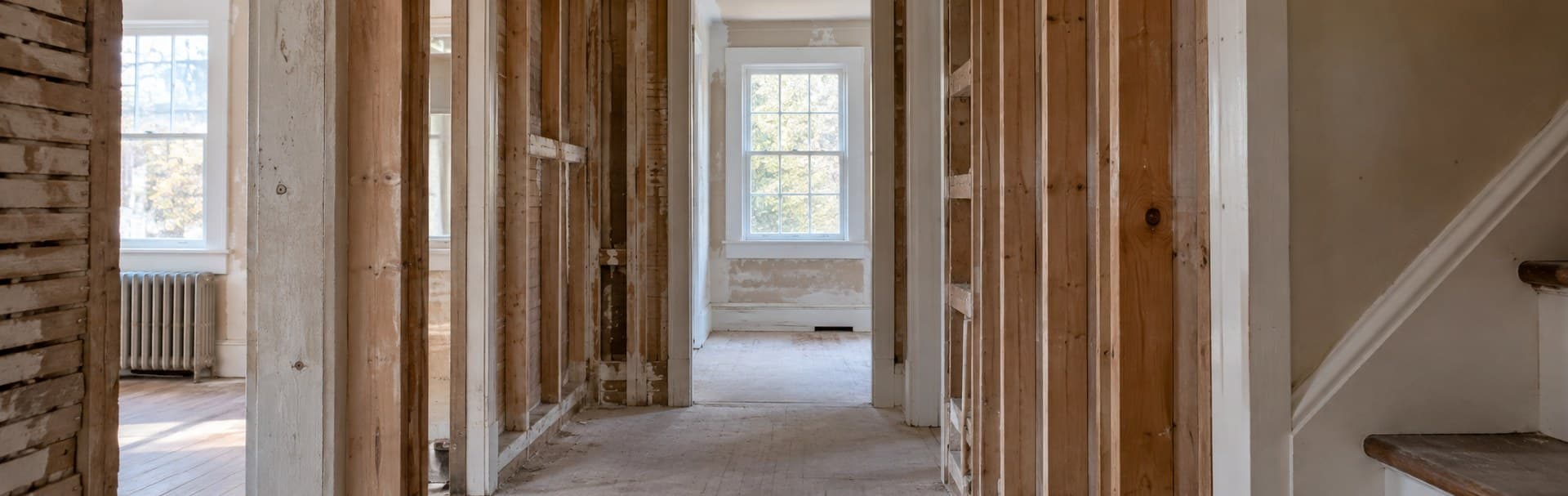
If walls are open, decide where the main rack, secondary closet, access points, cameras, desks, and TV positions will be. Then draw the cable routes. Conduit or an accessible pathway between major equipment areas can be more valuable than guessing the exact future cable type. Leave pull capacity and document both ends. For room outlets, wire the home room by room with practical device locations rather than a uniform count that ignores furniture.
For an existing finished home, compare the benefit of a new backbone with the disruption of the route. A short Cat6 pull through an accessible basement may solve the actual issue. A difficult two-story run might justify a more deliberate backbone and pathway plan. The project should be decided by route, endpoint, power, and maintenance, not a technology slogan.
Our networking and infrastructure services can help turn that comparison into a testable cable scope.
Data Wire Solutions can map the endpoints, power needs, and pathways, then specify where copper, fiber, or spare conduit belongs in your home.
Frequently asked questions
Will fiber improve Wi-Fi in a room?
Only if the existing uplink is the limiting factor and the rest of the Wi-Fi design supports the improvement. Placement, radio conditions, client devices, and access-point power often matter more. Test the bottleneck before changing cabling.
Does fiber carry PoE to a camera or access point?
No. The endpoint still needs local power or a local PoE switch supplied by power at that location.
Should I install fiber to every bedroom during a renovation?
Usually, room-level copper Ethernet and an accessible central pathway are more practical. Reserve fiber for a defined backbone or special link with compatible equipment at both ends.
References
- Fluke Networks: Fiber to the desk applications, reviewed September 29, 2026.
- Fluke Networks: Extending cable runs beyond 100 meters, reviewed September 29, 2026.
- Corning: Residential fiber pathways, reviewed September 29, 2026.
Plan the project with a site visit
Confirm wiring, equipment, placement, and installation scope before hardware is locked in.